Write better with ChatGPT without drama. Do you have a blank page, little time, or need a message that goes straight to the point? This short guide shows you how to use ChatGPT to plan, draft, review, and package work writing: emails, internal updates, announcements, or presentations.
How to use ChatGPT for writing at work
ChatGPT isn’t a magic pen, but it is a booster for repetitive and structural tasks. It helps you find a good start, organize ideas, and polish language for different audiences. Who are you writing for and what do you want them to do after reading it? That’s the question you should answer before asking for help.
The key is clarity in the instruction. Give it context (notes, a draft, key facts), constraints (tone, words to avoid, length) and the desired format (email, one-pager, FAQ, slide copy). Treat the output as a draft: fast, editable, and controllable.
Important point: always verify facts and numbers before sending.
ChatGPTspeeds up text, it doesn’t replace fact-checking.
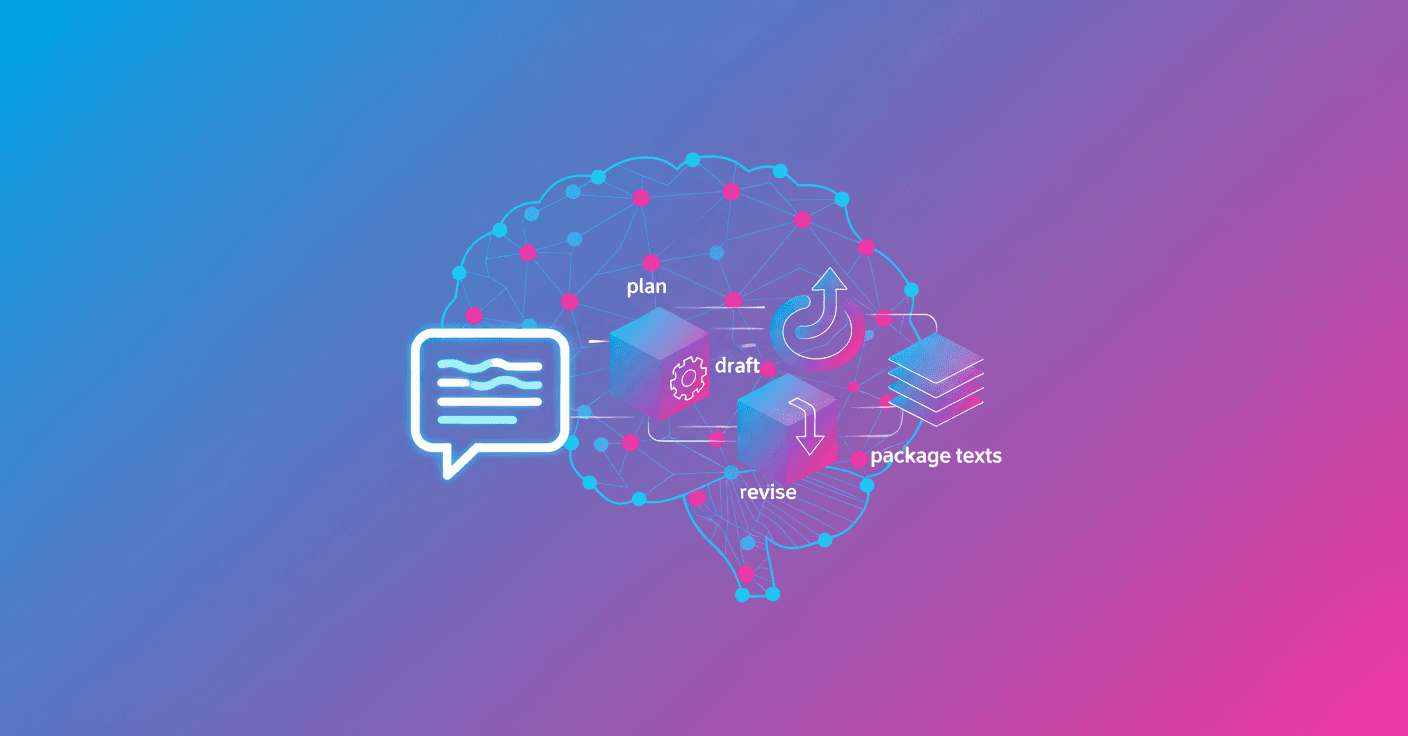
Simple workflow: Plan → Draft → Revise → Package
A clear flow reduces back-and-forth and produces more useful text. Here’s each step with practical examples.
Plan
- Define the objective in 1 or 2 sentences: Who is the audience and what action do you expect?
- Gather material: meeting notes, bullets with key facts, or the original draft.
- Set constraints: length, brand voice, reading level, terms to avoid.
Example: "Audience: marketing and operations. Objective: agree on launch date and owners." Simple, right?
Draft
- Ask for a first draft specifying format: subject + short opening + 3 next steps with owners, for example.
- If you’re short on time, request a 'raw' draft you can edit.
Tip: include the raw material in your prompt. Even a bullet outline helps produce a more accurate text.
Revise
- Give specific feedback: "shorten by 25%", "clarify the call to action", "use non-jargon language". Avoid vague requests like "make it better".
- Also ask for a brief explanation of the changes if you want to learn why they work.
Practical example: you turn meeting notes into a follow-up email with a clear subject, a summary, and next steps with owners.
Package
- Format for the channel: subject and first lines for email; headings and bullets for a one-pager; talking points for slides.
- Add finishing elements: alternative subject lines, a short CTA, versions for internal teams and clients.
Concrete use cases and how to ask ChatGPT for them
-
Draft a follow-up email after a cross-functional meeting.
- Context: meeting notes about launch timeline.
- Expected output: subject, short summary, steps with owners.
-
Convert notes into a one-page update for leadership.
- Context: leaders need progress, risks, and next steps.
- Expected output: one-pager with headings for progress, risks, and upcoming work.
-
Rewrite a long announcement full of internal jargon.
- Context: draft is too long and technical.
- Expected output: shorter, scannable version in plain language.
Practical tips that work now
- Provide a starting point even if it’s a very bad draft.
- Ask for an outline first if the text is long.
- Include constraints: word count, brand voice, scannability.
- Always request a revision and a short reason for the changes to learn.
- Verify facts when the text includes numbers, policies, or checkable claims.
- If you need consistency, consider building a "skill" or template with your style.
Reminder:
ChatGPTspeeds up writing, but editorial responsibility remains yours.
Writing with AI is like having an assistant that helps you order your thoughts and save time on the mechanical parts. If you use it with clear instructions and focused reviews, you can spend less time on details and more time on the decisions that matter.