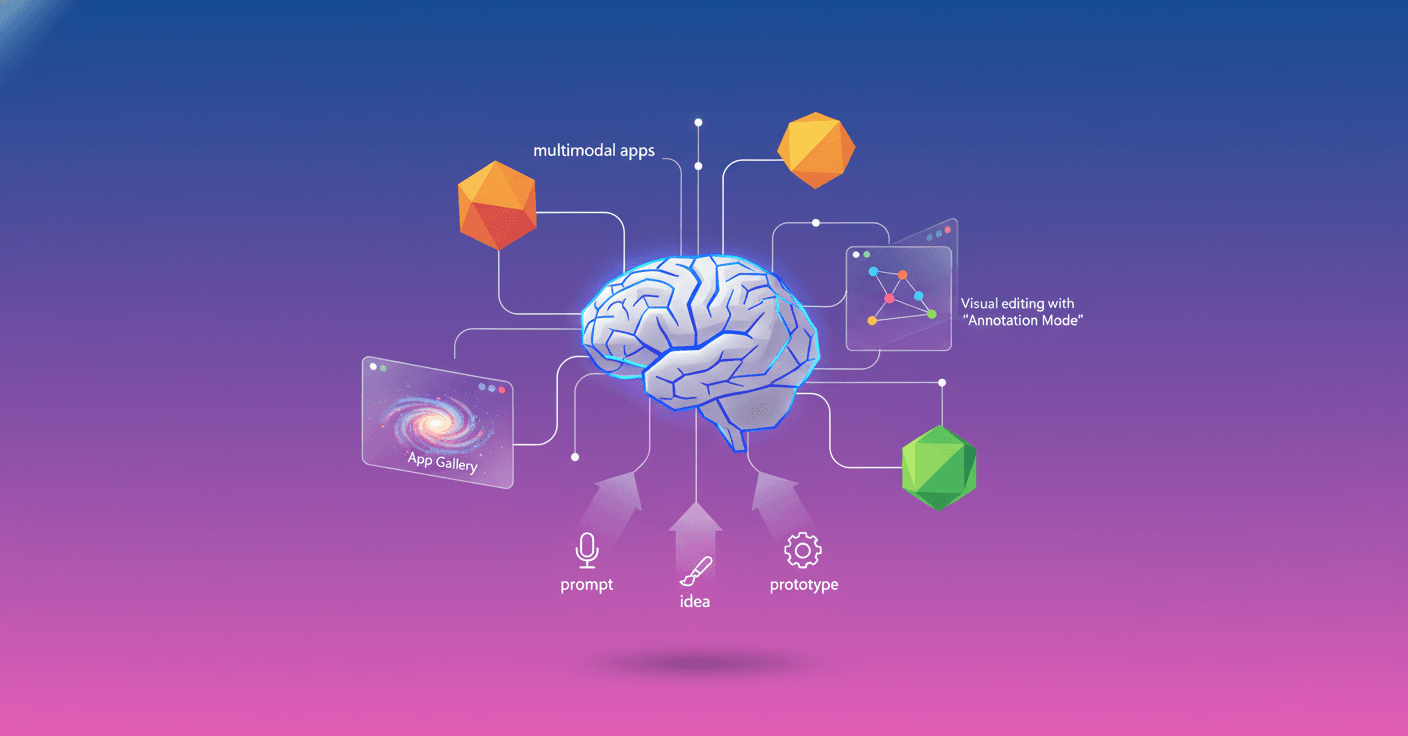
Google introduces vibe coding in AI Studio to take you from an idea to a working AI app in minutes. You don't have to wrestle with API keys or wire models together: you describe what you want and the platform assembles the architecture for you.
What is vibe coding and why it matters
vibe coding is a redesigned experience inside Google AI Studio that uses the latest Gemini models and automated orchestration to go from a prompt to a working multimodal app. What's the promise? Reduce technical friction: less manual setup, fewer manual integrations, more prototypes in less time.
This isn't just a code generator. It's a layer of planning and connection that understands capabilities (for example, video generation with Veo, image editing with Nano Banana, source checking with Google Search), decides which models and APIs fit, and links them for you.
How it works in practice
- Describe your app: for example, "build a magic mirror app that turns a photo into a fantastic illustration".
- AI Studio uses Gemini to plan the chain of operations: image processing, visual style, UI generation, and calls to relevant services.
- The platform generates the prototype, the code and the resources you need so you have a working app without writing the integration logic.
For developers this means less time on plumbing (authentication, calls between SDKs, format mapping). For no-code creators it means a real entry point to build multimodal experiences.
Quick example: Magic mirror
- You write: "Create an app that uploads a photo, applies a watercolor style, and allows downloading the image".
- AI Studio decides: use a vision model to normalize the image, a style model (
Nano Banana) for the transformation, and a UI component that exposes the download button. - You get a prototype with endpoints, a basic UI and documentation to extend it.
You can even press "I'm Feeling Lucky" to get an initial version if you're short on inspiration.
More natural interaction: Annotation Mode
If you don't like something, you don't need to write a long doc or edit complex code. With Annotation Mode you point at the element and tell Gemini what you want to change: "make this button blue", "animate this image from the left" or "change these cards to a minimal style".
It's a visual dialogue that speeds up iteration. Think of it as editing with natural language applied to layout and app behavior.
Gallery and Brainstorming Loading Screen
The App Gallery becomes a visual library to inspire you: projects, instant previews, and starter code you can reuse. While your app builds, the loading screen generates contextual ideas with Gemini, turning wait time into a creative moment.
Quota and keys management
Google lets you add your own API key if you exhaust the free quota, so the experience doesn't stop. The platform switches between your personal quota and the free quota automatically when appropriate. Useful to keep continuity in long prototyping sessions.
Technical implications and recommendations (practical level)
-
Model orchestration: behind the scenes there's a planner that maps intentions to chains of models and connectors. That makes prototyping easier but creates an abstraction layer you should audit when moving to production.
-
Multimodal and latency: apps that combine vision, text and audio can have higher latencies. Plan performance tests and UX checks for critical flows.
-
Security and privacy: review how sensitive data is handled. If you process images or user info, validate retention and routing policies.
-
Observability and debugging: even though AI Studio automates integration, it's still essential to review the generated code and endpoints. Don't fully outsource functional and security validation.
-
Vendor lock-in and portability: convenience brings dependency. Evaluate whether you need to export code, use alternative services or keep components decoupled for production.
-
Costs and quotas: the free model is ideal for prototypes, but to scale you need to understand pricing and estimate calls to powerful models (video generation and large transformations tend to be costlier).
Who is this really for?
- Innovators without backend experience who want to validate ideas fast.
- Product teams that want functional prototypes for user testing or demos.
- Developers who need to speed up integration and focus on differentiating logic.
A couple of tips to get the most out of it today
- Start with the App Gallery and remix an existing project to learn the generated structure.
- Use
Annotation Modefor quick UI iterations before touching code. - Add your API key if you're going to have long sessions and don't want quota interruptions.
- Test and validate all generated code and model responses before moving the app to production.
These features don't remove the need for responsible engineering, but they do lower the barrier between idea and prototype significantly.
Final reflection
Vibe coding is a clear step toward tools that understand intent and assemble AI building blocks for you. This speeds up experimentation and empowers both developers and no-code creators. The trick? Use that speed without losing control over security, costs and quality. If you like fast prototyping, here's a tool that makes building with Gemini much more accessible.