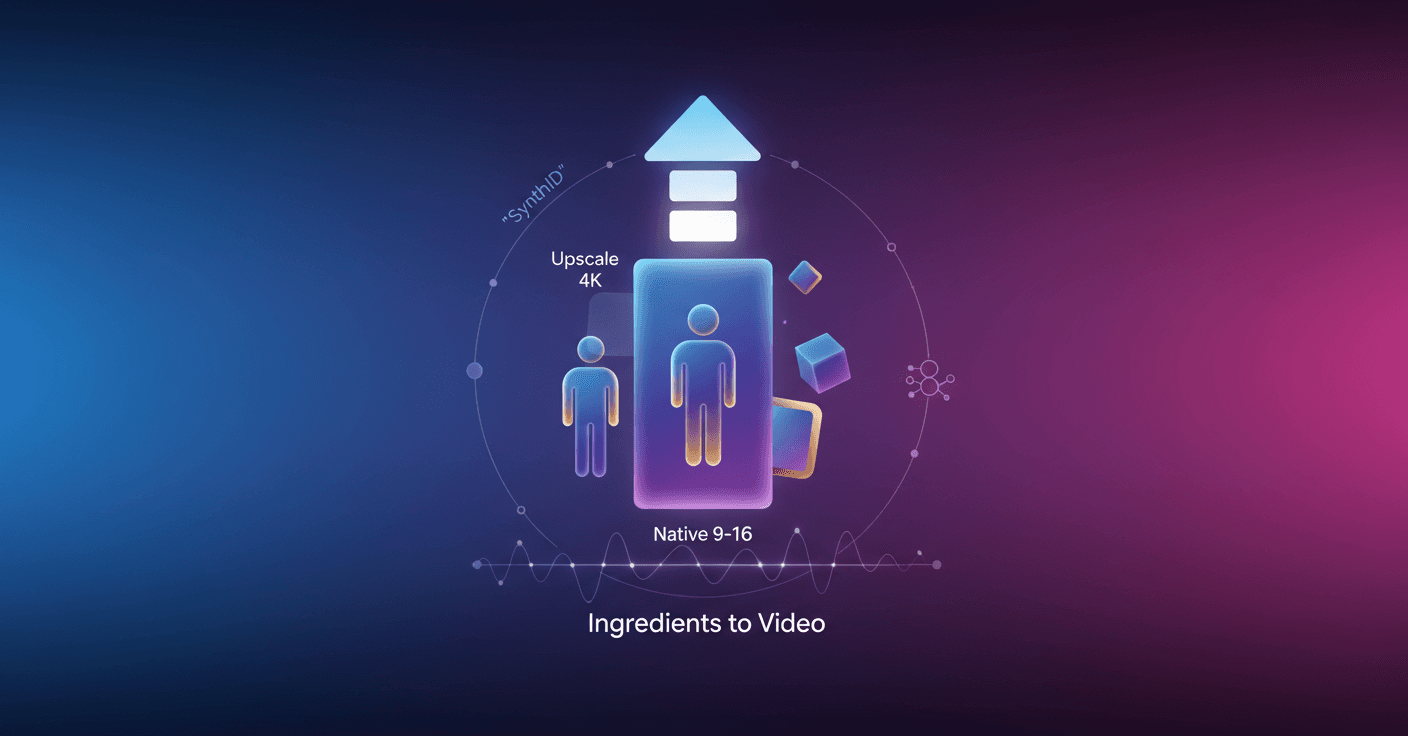
Veo 3.1 arrives to make creating videos from reference images easier, more expressive, and ready for vertical screens. Do you have a photo you like and want to turn it into a short clip for social media? Now it’s simpler to generate motion, keep character identity, and produce high-resolution output without the hassle.
What Veo 3.1 Ingredients to Video brings
The update focuses on three things that really matter: consistency, creativity, and control. That translates into concrete improvements:
-
More expressive, narrative videos even with short prompts: clips tell better stories and show richer dialogue and action.
-
Identity consistency: if you create a character, you’ll recognize them scene after scene, even if the background or setting changes.
-
Consistent backgrounds and objects: you can keep the integrity of the environment and reuse objects, backgrounds, or textures across scenes.
-
Smooth blending of elements: characters, textures, objects, and stylized backgrounds integrate into coherent, high-impact clips.
Practical tip: create your "ingredient" images with Nano Banana Pro (Gemini 3 Pro Image) in the Gemini app or in Flow, and use them as the basis to generate more impressive videos.
Native vertical output and professional quality
Veo 3.1 includes two key features for mobile creators and professional production:
-
Native 9:16 (vertical) outputs: you no longer need to crop or lose quality to make videos for YouTube Shorts or other vertical platforms. You produce full-screen content built for mobile.
-
Upscaling to 1080p and 4K: generate videos in 1080p ready for editing — cleaner and sharper — or choose 4K for high-end productions and large screens.
Why does this matter to you? If you make short content and want immediate publishing, native vertical speeds up your workflow. If you’re working on a polished project, 4K and upscaling give you footage that holds up in postproduction and broadcasting.
Where you can use it today
Google is rolling out Veo 3.1 across several products for different audiences:
-
Consumers and creators: it’s coming to YouTube Shorts and the YouTube Create app, and it’s also available in the Gemini app with portrait mode support.
-
Professionals and businesses: available in Flow, Google Vids, the Gemini API, and Vertex AI, with 1080p and 4K options in Flow, the API, and Vertex AI.
So whether you’re an occasional storyteller or part of a production chain, there are options designed for your workflow.
Verification and transparency
Videos generated by Google's tools include the imperceptible digital watermark
SynthID.
Also, the Gemini app allows you to verify videos: you can upload a video and ask if it was generated with Google AI. That adds a useful layer of transparency for journalists, creators, and audiences who want to know where content comes from.
Quick ideas to use it
-
Create a series of micro-stories: one image of the character + different backgrounds to tell a sequence in chapters.
-
Mobile advertising: generate a 9:16 vertical clip in 4K and crop versions for different platforms without losing quality.
-
Creative protoboard: use the same texture or object across several scenes to maintain visual coherence in a short trailer.
Ready to try it? Veo 3.1 makes the complex feel simple and gives you control so your ideas look better on screen.
Original source
https://blog.google/innovation-and-ai/technology/ai/veo-3-1-ingredients-to-video