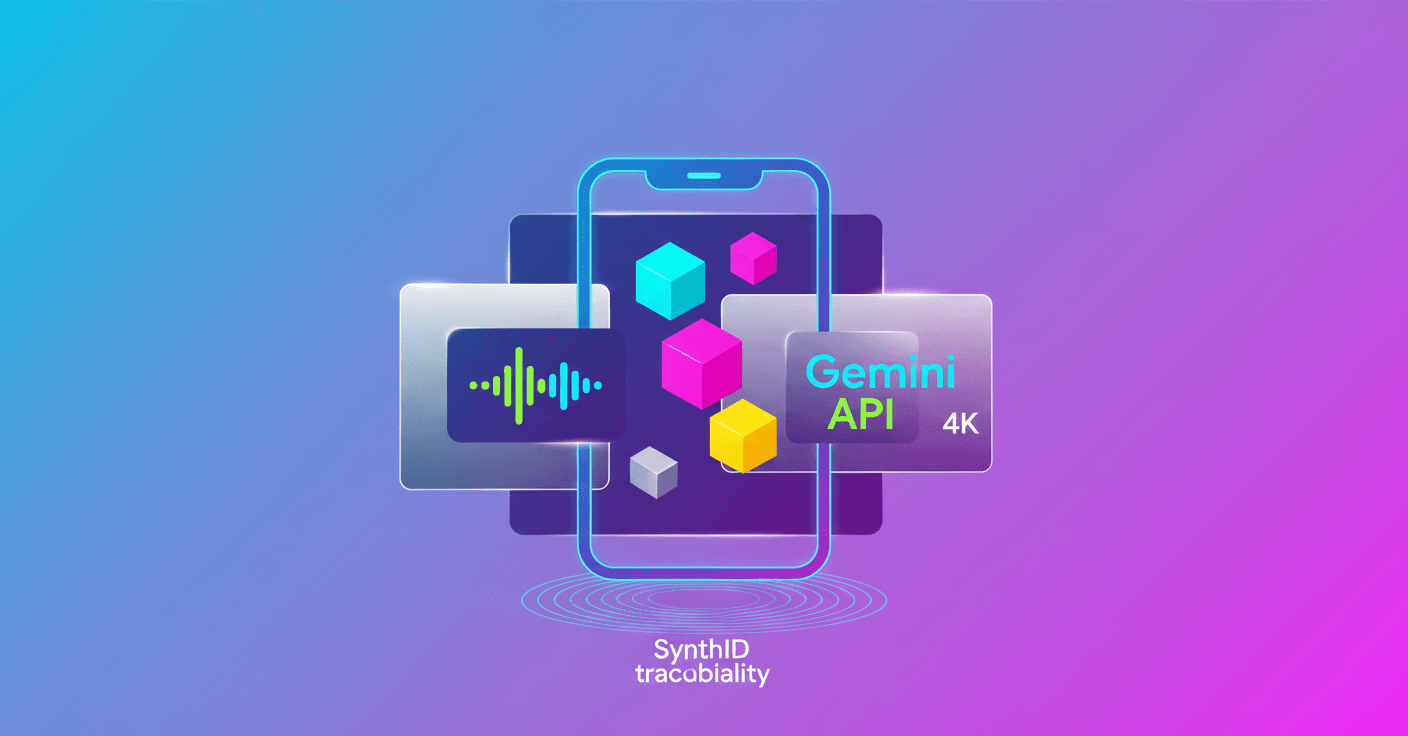
Today Google updates Veo 3.1 within the Gemini API and Google AI Studio. What does that mean for you as a developer or content creator? More creative control, production-ready quality, and native mobile format — all accessible from the API and Vertex AI.
What's new in Veo 3.1 on the Gemini API
-
Ingredients to Video improved: the model now synthesizes your inputs while preserving character identity and background details. That means if you define an appearance, outfit, or setting, the system keeps those consistent across scenes instead of reinventing elements every frame.
-
Native vertical format (9:16): you can generate videos ready for social networks without cropping from horizontal. It's designed for mobile-first apps and produces optimized composition and faster results because it generates the full vertical frame.
-
4K output and improved 1080p: Veo 3.1 includes resolution-enhancement techniques that deliver sharper 1080p and now 4K output suitable for large screens. That opens possibilities for production workflows without heavy post-processing.
Also, Google integrates
SynthIDas a digital watermark to track the provenance of generated content.
How does it do it? (technical explanation without the fluff)
Google doesn't publish every implementation detail, but the improvements we see usually rely on two families of techniques:
- Multimodal conditioning and appearance embeddings: to keep identity and consistency, models are conditioned on reference examples (images or descriptions) and generate outputs coherent with those embeddings.
- Super-resolution networks and neural post-processing: to deliver sharp 1080p and 4K, it's common to apply enhancement models or upscaling pipelines trained to preserve fine details and avoid artifacts.
In practice this means less manual work to keep continuity between scenes and outputs that are closer to publish-ready.
Practical implications for developers (technical)
-
Integration in pipelines:
Veo 3.1is available in theGemini APIand inVertex AI, making it easier to fit into existing training, fine-tuning, and deployment pipelines. -
Latency and cost: producing 4K or full vertical video requires more compute. Check inference latency and budget per minute of video. In production it helps to have batching or pre-render strategies for heavy scenes.
-
Quality metrics: measure consistency and fidelity with metrics like FVD (Fréchet Video Distance) and LPIPS to compare pipeline variants. Also validate visually on mobile devices to check 9:16 composition.
-
Safety and traceability: use
SynthIDto mark generated content. That helps with auditing, compliance, and reducing misuse.
Recommendations to get started quickly
- Try the demo in Google AI Studio to understand how it behaves with your inputs.
- Integrate the API in a test environment in Vertex AI and monitor latency and costs by resolution.
- Run A/B tests: optimized 1080p versus 4K on key scenes to measure perceptible difference and cost-benefit.
- Use
SynthIDfrom the start if your product delivers content to the public or enterprise clients.
Final considerations
This update makes Veo 3.1 a more serious option for projects that need character consistency, native delivery for mobile formats, and high-fidelity output. Do you have a social app prototype, marketing projects, or client video pipelines? Now you can produce publish-ready assets with fewer manual steps.
If you work in production, the key is balancing quality, latency, and traceability; Veo 3.1 adds tools for each of those fronts.
Original source
https://blog.google/innovation-and-ai/technology/developers-tools/veo-3-1-gemini-api