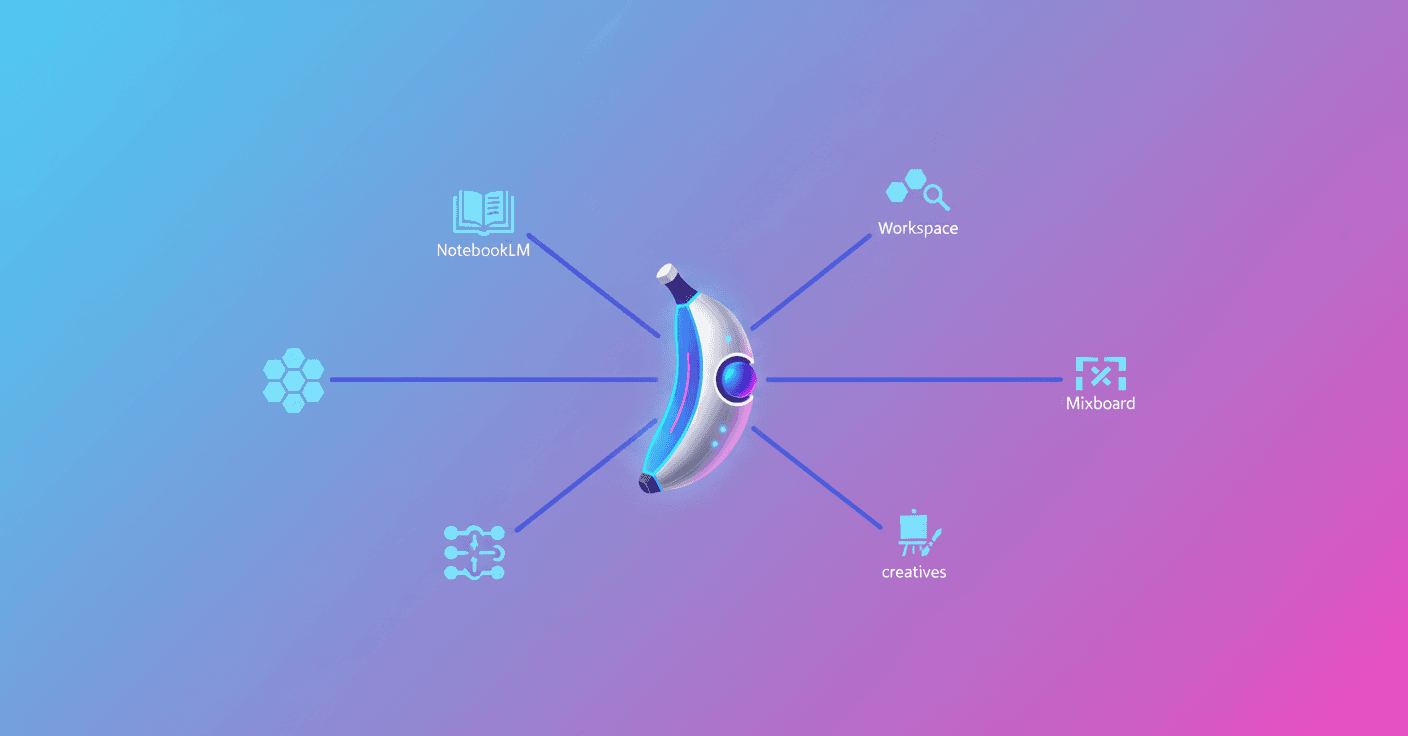
Google introduced Nano Banana Pro, its image generation and editing model that uses Gemini 3 Pro to better understand what you want to visualize and deliver results with more precision, detail and nuance.
In the Gemini app
Want quick images from your computer or phone? Nano Banana Pro is available globally in the Gemini app (desktop and mobile). Just select "Create images" and choose the "Thinking" model to use it.
There are limits for free-plan users: when you hit them the app falls back to the original Nano Banana. If you have Google AI Plus, Pro or Ultra, you get bigger quotas to generate images.
In AI Mode inside Search
Looking for inspiration while you browse? Nano Banana Pro also appears in Search's AI Mode. Sign in, go to AI Mode, pick "Thinking with 3 Pro", click the + sign and choose "Create Images Pro". Describe what you want and the model handles the rest.
Keep in mind that image generation in AI Mode is available in select countries and only in English.
In NotebookLM: turn research into visuals
If you work with documents or are doing deep research, Nano Banana Pro is ready in NotebookLM for everyone. You can transform notes or sources into slide decks and visual infographics.
For example, a deep research query can become a set of stylized slides that synthesize complex topics—perfect for presenting without spending hours building charts.
In Workspace tools (Slides and Vids)
Workspace customers can use Nano Banana Pro in Google Slides and Google Vids. In Slides, open the Gemini sidebar and choose "Help me visualize" to create better infographics, charts and layouts.
There’s also "Beautify this slide": the model takes the context of your slide and suggests an improved version. If you like it, you can "insert as new slide".
In Google Vids, choosing the image option (banana icon) in the sidebar lets Workspace use Nano Banana Pro to generate visuals. If you create a video from scratch, all internal images will come from the latest model.
In Flow: control for filmmakers and creatives
Flow, the AI tool for filmmaking, integrates Nano Banana Pro in its paid plans. Here you get more control over frames and scenes: adjust camera angles, depth of field or apply color grading with more precise results.
It’s ideal for directors, animators and creators who need every frame to convey the right atmosphere.
In Mixboard: from ideas to presentations
Mixboard, an experiment from Google Labs, lets you explore and refine ideas on a visual canvas. Nano Banana Pro is available in the new presentation capability: it transforms your boards into designed presentations.
Perfect for DIY projects, product design or planning a menu and decor for a party—everything with generated images that integrate into your proposal.
For developers and brands
If you’re a developer or product person, Nano Banana Pro is also accessible from Vertex AI, AI Studio, Stitch and Firebase. Google also introduced Antigravity, its new initiative for agentic development.
Brands can leverage Nano Banana Pro in Google Ads to create more precise creatives; Google provides a practical guide to get started.
What this means for you
Nano Banana Pro is no longer just an experiment: it’s integrated into apps and tools you probably already use. Need a cover for a presentation, images for a video or an infographic that summarizes research? You can now generate them directly inside your workflow.
If you’re on the free plan, you’ll know when you reach the limit; if you need more professional use, paid plans (Plus, Pro, Ultra or Workspace) expand the quotas.
Original source
https://blog.google/products-and-platforms/products/gemini/where-to-use-nano-banana-pro