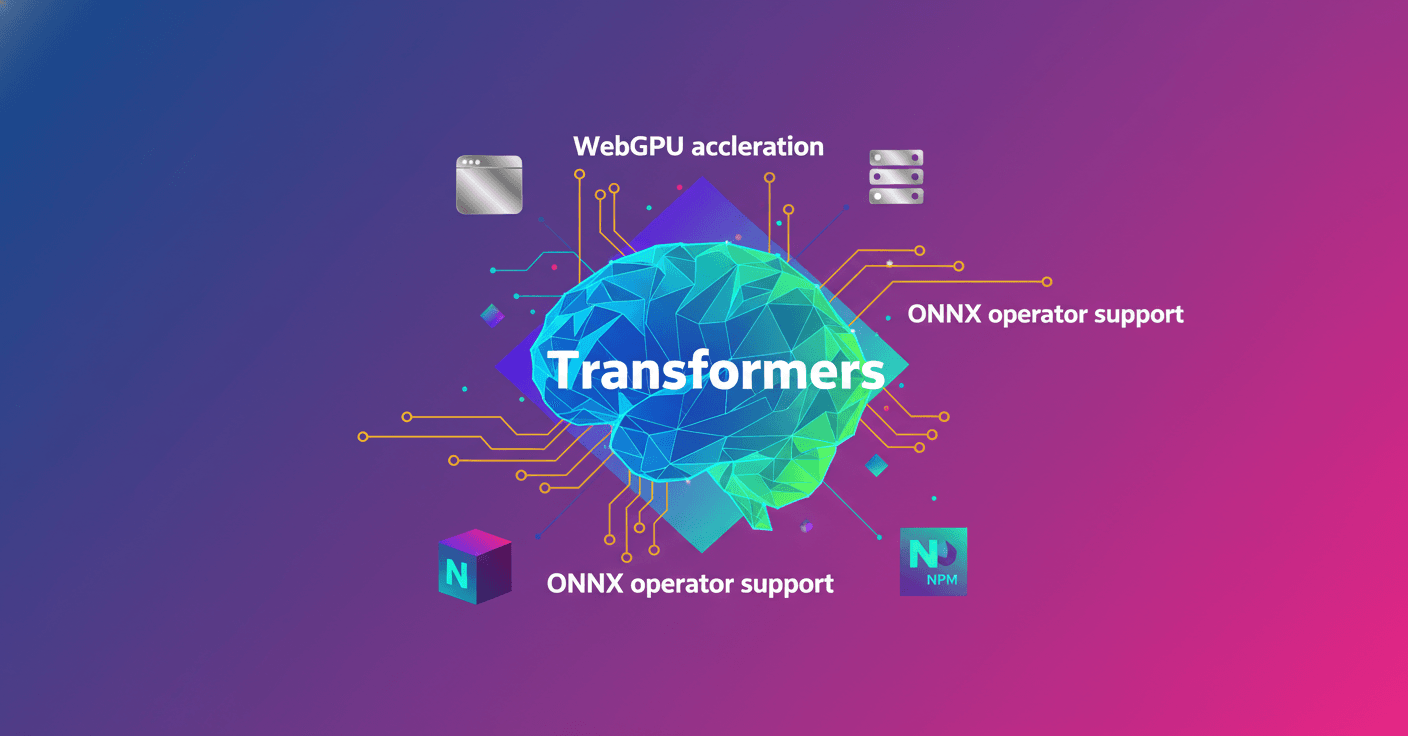
Transformers.js v4 (preview) is now on NPM and brings deep changes: a new WebGPU runtime rewritten in C++, optimized exports, a monorepo, separate tokenizers, and support for large models and exotic architectures.
If you're interested in running cutting‑edge models 100% in the browser or in JavaScript runtimes with GPU acceleration, this is for you. Curious how this changes your workflow or app performance? Keep reading — I'll walk you through the practical parts.
What's changing in v4
Version v4 is now published to NPM under the next tag, which makes testing much simpler. You don't need to clone and compile from GitHub anymore; just run:
npm i @huggingface/transformers@next
They'll keep publishing frequent updates to the next tag until the stable release. That means you can integrate continuous improvements without risking breaking your production projects.
New WebGPU runtime in C++
The biggest change is the WebGPU runtime, rewritten in C++ in collaboration with the ONNX Runtime team. Why does that matter? Because now the same Transformers.js stack can run accelerated by WebGPU across a wide range of JavaScript environments: browsers, Node, Bun, and Deno.
The C++ WebGPU runtime enables accelerated model execution outside the browser, bringing WebGPU to server-side and desktop environments.
Practically, that opens possibilities you can use today: local inference in the browser without cloud dependency, or accelerated execution on servers that support WebGPU — all while keeping your JavaScript code the same.
Performance and ONNX operators
To squeeze out performance, the team reimplemented operations model-by-model and leveraged ONNX Runtime contrib operators like com.microsoft.GroupQueryAttention, com.microsoft.MatMulNBits, and com.microsoft.QMoE. They also used com.microsoft.MultiHeadAttention for noticeable speedups.
A concrete example: with com.microsoft.MultiHeadAttention they achieved around 4x speed on BERT-based embedding models. That kind of gain changes the user experience: shorter response times and higher throughput on resource-constrained devices.
They also focused on exporting LLMs to optimize memory and compute, enabling advanced patterns like Mixture of Experts (MoE), Multi-head Latent Attention (MLA), and Mamba (state space models).
Monorepo, code cleanup and build tooling
The repo moved to a monorepo using pnpm workspaces. Why? So they can offer lightweight sub-packages that depend on @huggingface/transformers without maintaining separate repos. This makes it easier to distribute small utilities and focused libraries without bloating the base install.
They split the huge models.js from v3 (8,000+ lines) into well-defined modules: utilities, core logic, and per-model implementations. Examples were moved to a separate repo to keep the core clean.
They migrated from Webpack to esbuild. The result: build times dropping from about 2 seconds to 200 milliseconds — a 10x improvement. Bundles also shrank on average by 10%, and transformers.web.js ended up 53% smaller. Smaller size means faster downloads and quicker startup for web apps.
They also updated Prettier and reformatted the codebase to keep a consistent style.
Tokenizers as a standalone package
Tokenization logic was extracted to @huggingface/tokenizers, a refactor intended to work both in browsers and server-side runtimes. Key features:
- 8.8 kB gzipped
- Zero dependencies
- Type-safe for a better TypeScript experience
Example usage of the tokenizer:
import { Tokenizer } from "@huggingface/tokenizers";
// Load from Hugging Face Hub
const modelId = "HuggingFaceTB/SmolLM3-3B";
const tokenizerJson = await fetch(`https://huggingface.co/${modelId}/resolve/main/tokenizer.json`).then(res => res.json());
const tokenizerConfig = await fetch(`https://huggingface.co/${modelId}/resolve/main/tokenizer_config.json`).then(res => res.json());
// Create tokenizer
const tokenizer = new Tokenizer(tokenizerJson, tokenizerConfig);
// Tokenize text
const tokens = tokenizer.tokenize("Hello World");
// ['Hello', 'ĠWorld']
const encoded = tokenizer.encode("Hello World");
// { ids: [9906, 4435], tokens: ['Hello', 'ĠWorld'], ... }
Splitting tokenizers keeps the core light and provides a reusable tool for any WebML project. Think of it like using a small, fast dictionary separate from the heavy model — handy when you want quick startup times.
New models and compatibility
Thanks to the new export strategy and expanded ONNX operator support, v4 adds many new models and architectures: GPT-OSS, Chatterbox, GraniteMoeHybrid, LFM2-MoE, HunYuanDenseV1, Apertus, Olmo3, FalconH1 and Youtu-LLM, among others.
These models are WebGPU-compatible, so you can run them accelerated in the browser or in server-side runtimes that support WebGPU. The team is also preparing demos to showcase these models in action.
Developer experience and model limits
They improved the type system with dynamic pipelines that adapt based on input, and logging is now clearer and configurable. They added support for models larger than 8B parameters. In tests, they ran GPT-OSS 20B (q4f16) at about 60 tokens per second on an M4 Pro Max.
This isn't just numbers: it means offline projects and desktop apps can integrate larger models with practical latencies — especially when combined with quantization optimizations and specialized operators.
What does this mean for you as a developer or founder?
- If you're a web developer, you now have a faster, lighter path to integrate models in the browser.
- If you work on backend or desktop apps, you can leverage WebGPU in Node, Bun or Deno for accelerated inference without changing your stack.
- If your product needs privacy or offline-first behavior, WASM caching in the browser enables offline execution after the first download.
It's a meaningful step toward a more mature WebML ecosystem, where the same JavaScript base works from prototypes to performance-sensitive applications.
Final thought
Transformers.js v4 is more than a new version; it's a reimagining of how to bring large, efficient models to JavaScript environments. It combines runtime, infra, and DX improvements so running advanced models becomes more accessible and faster. Want to try it out? The next tag on NPM is ready for you to test.