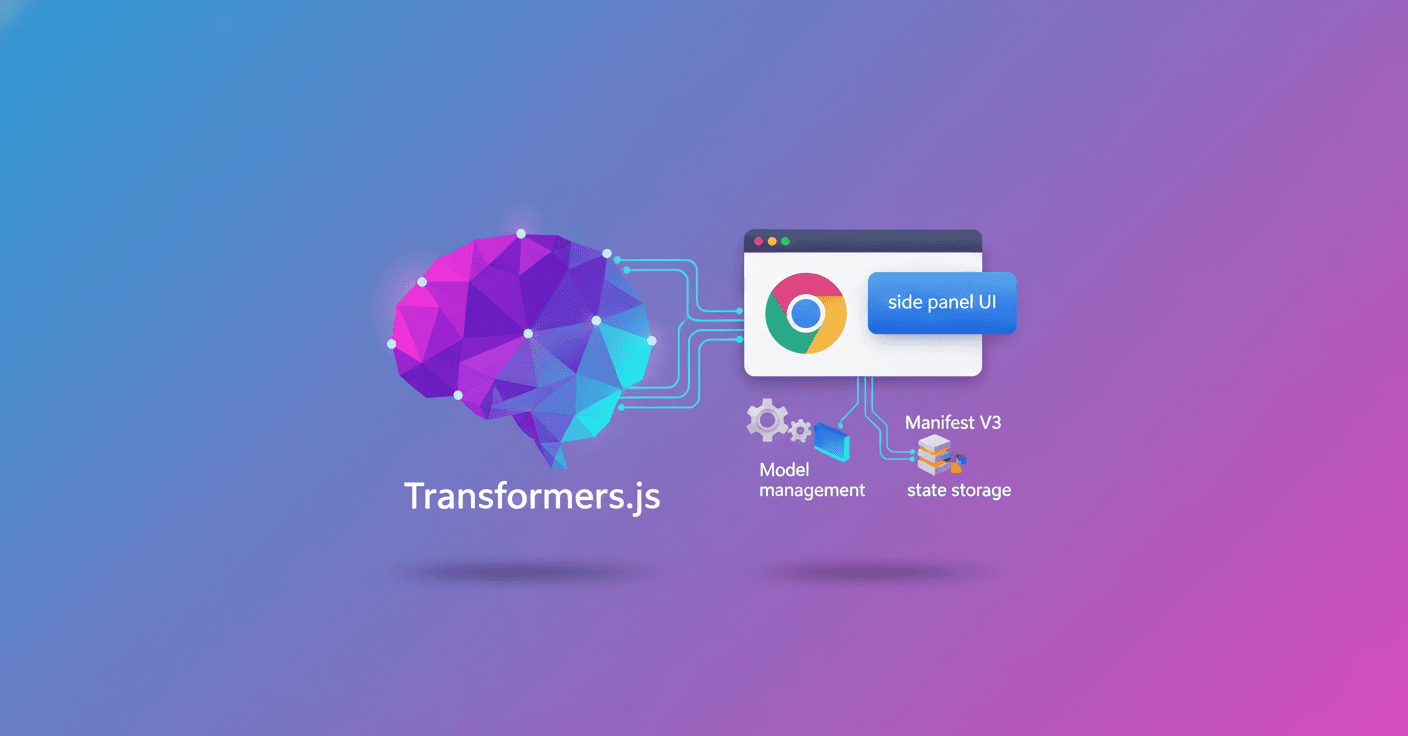
While you were rebuilding the architecture of the Gemma 4 browser assistant, you probably asked yourself: where do I run the model, how do I manage state, and what happens if the service worker is suspended? This technical guide explains the practical recipe to run local inference with Transformers.js inside a Chrome extension under Manifest V3, using the published extension as a deployment map.
Arquitectura general
The division of responsibilities is the project's backbone. In public/manifest.json three clear entry points are defined:
background.service_worker-> compiled filebackground.js(control and models)side_panel.default_path->sidebar.html(persistent chat UI)content_scripts[]->content.js(bridge with the webpage)
The design rule: keep heavy orchestration in the background and keep the UI and content scripts lightweight. What do you gain? A single model instance per extension, lower memory usage and security limits respected.
¿Quién hace qué?
- Background (
src/background/background.ts) is the control plane: agent lifecycle, model initialization, tool execution and shared storage. - Side panel (
src/sidebar/*) is the interaction layer: chat I/O, streaming and controls. - Content script (
src/content/content.ts) is the bridge to the page: DOM extraction and highlights.
Keeping the conversation history in the background prevents duplicate model loads and keeps the UI responsive.
Mensajería y contratos entre runtimes
With separated runtimes, messaging is the skeleton that ties them together. In the project everything is typed via shared enums.
- Side panel -> background (BackgroundTasks):
CHECK_MODELS,INITIALIZE_MODELS,AGENT_INITIALIZE,AGENT_GENERATE_TEXT,AGENT_GET_MESSAGES,AGENT_CLEAR,EXTRACT_FEATURES. - Background -> side panel (BackgroundMessages):
DOWNLOAD_PROGRESS,MESSAGES_UPDATE. - Background -> content (ContentTasks):
EXTRACT_PAGE_DATA,HIGHLIGHT_ELEMENTS,CLEAR_HIGHLIGHTS.
Typical flow:
- Side panel sends
AGENT_GENERATE_TEXT. - Background appends the turn to
Agent.chatMessagesand runs inference/calls tools. - Background emits
MESSAGES_UPDATE. - Side panel re-renders from the updated history.
That keeps the background as the single coordinator and the UIs as specialized clients.
Modelos, pipelines y ejecución en Transformers.js
The project intentionally uses two separate model roles:
- Text generation / LLM:
onnx-community/gemma-4-E2B-it-ONNXwith dtype q4f16 and running onwebgpu. - Vector embeddings:
onnx-community/all-MiniLM-L6-v2-ONNXfor semantic search.
Example initialization with transformers in the background:
import { pipeline } from '@huggingface/transformers'
const generator = await pipeline(
  'text-generation',
  'onnx-community/gemma-4-E2B-it-ONNX',
  {
    dtype: 'q4f16',
    device: 'webgpu'
  }
)
All inferences run in the background. Practical benefits:
- A single model host for all tabs avoids memory duplication.
- Artifacts and cache are stored under the extension origin
chrome-extension://<extension-id>, not per-site. - The UI only renders and listens to events, it doesn't load models.
Herramientas y llamadas de función desde el modelo
With templates like Gemma-4, the model can emit special blocks to signal tool calls. For example, model output can include a tool token like:
<|tool_call>call:getWeather{location:<|"|>Bern<|"|>}<tool_call|>
That's why there's a normalization layer (webMcp) and a parser (extractToolCalls) that turn the output into deterministic tool executions (for example get_open_tabs, open_url, ask_website, highlight_website_element).
Ciclo de vida de modelos y resiliencia MV3
Manifest V3 introduces a challenge: service workers can be suspended and restarted. Treat the model runtime as recoverable.
CHECK_MODELSinspects cache and estimates pending sizes.INITIALIZE_MODELSdownloads/initializes and emitsDOWNLOAD_PROGRESSto the UI.- After initialization, long-lived instances are reused: generation pipeline and embeddings pipeline.
Design pattern: recreate or re-initialize state if the worker comes back up. Keep initialization idempotent.
Estado y almacenamiento local
Deciding where each type of state lives is critical:
- Short conversation and orchestration: memory in background (
Agent.chatMessages). - Preferences and settings:
chrome.storage.localfor persistence. - Semantic history and vectors: IndexedDB (
VectorHistoryDB) for large data. - Content extracted from pages: cache in background (
WebsiteContentManager) by URL.
This separation leaves volatile state in memory, durable preferences in storage and large data in a local DB.
Permisos y privacidad
Manifest requests only what's necessary: sidePanel, storage, scripting, tabs and host_permissions for http(s)://*/* in this case. Explain to the user that inference runs locally inside the extension to reduce concerns about outgoing data.
Tip: request the narrowest permissions possible and clearly document what is processed locally.
Build y despliegue
MV3 requires predictable outputs per runtime:
- Use a multi-entry build in
vite.config.tsand make sure to generate exactly the artifacts thatmanifest.jsonexpects (sidebar.html,background.js,content.js). - Keep the content script as a self-contained output to avoid issues with loading chunks at runtime.
Goal: one artifact per entry point, at the exact path declared in the manifest.
Patrones y variaciones prácticas
The main pattern works for several scenarios:
- Popup-first assistant: fast UI in a popup, background still orchestrates.
- Side-panel copilot: long conversations in a persistent panel with background handling tools.
- Per-tab agents: store an
agentpertabIdin the background if you need per-tab context. - Hybrid UI: popup + side panel + options page share the same background.
Decide where state lives (global, per tabId or per site), put inference in the background and treat UI/content as thin clients.
Recomendaciones finales para desarrolladores
- Keep the background as the source of truth for the conversation and the model host.
- Implement robust parsers for model tool calls; outputs aren't always perfectly formatted.
- Plan for model re-initialization given the ephemeral nature of MV3 workers.
- Minimize permissions and explain local processing to users to build trust and ease Chrome Web Store review.
This approach leaves you with a coherent architecture: a centralized model host, reactive UIs and content scripts focused on the DOM. Want to reproduce it? The reference implementation is published and ready to clone and study.