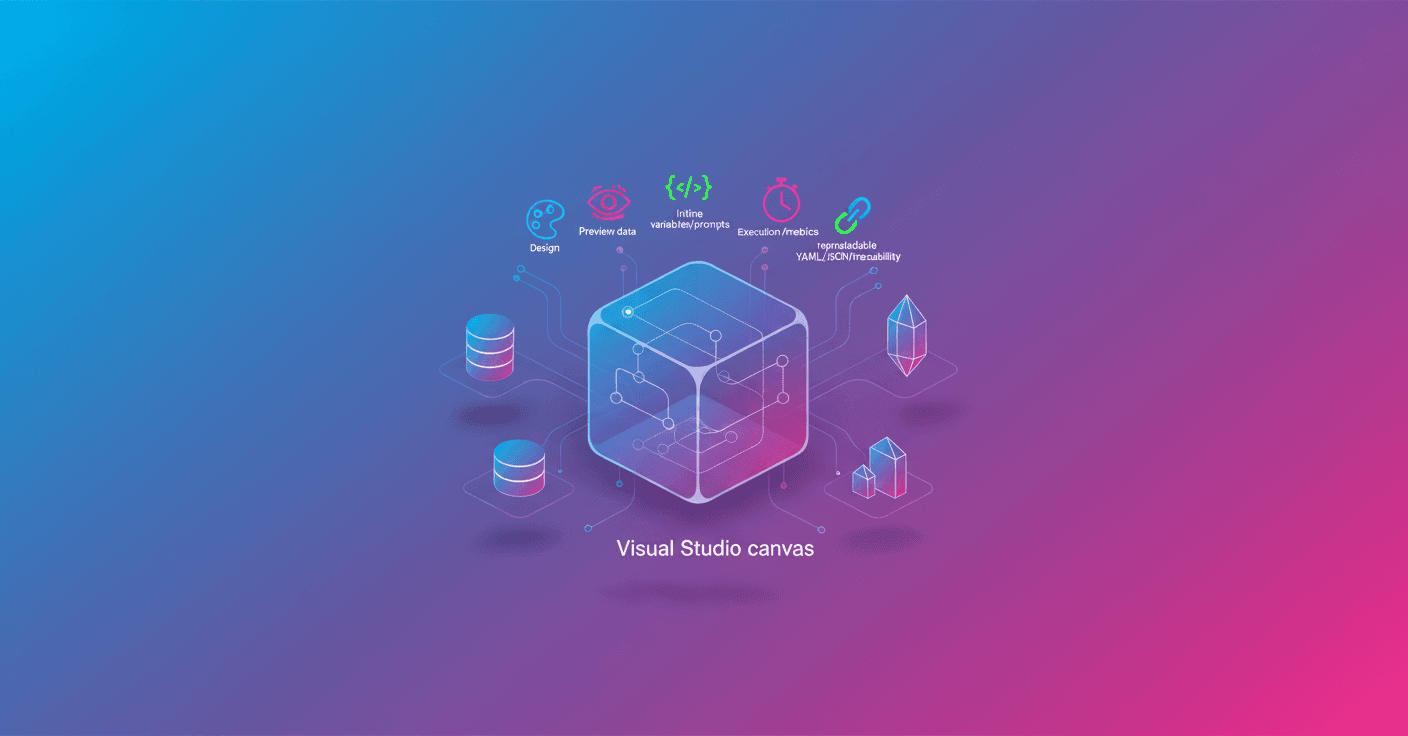
SyGra 2.0 introduces Studio, an interactive environment that turns synthetic data generation into a visual, transparent task. Tired of editing YAML and hopping between terminals? Now you can compose flows on a canvas, preview datasets before running them, tweak prompts with inline variable hints, and watch execution live from a single window.
What is SyGra Studio
SyGra Studio is the visual layer on top of the same SyGra platform you already know: everything you do in the interface automatically generates the compatible configuration (graph config) and the execution scripts. That means you don't lose control or reproducibility: what you draw on the canvas becomes concrete artifacts you can version and run from the command line.
- Configure and validate models with guided forms (OpenAI, Azure OpenAI, Ollama, Vertex, Bedrock, vLLM and custom endpoints).
- Connect data sources like Hugging Face, the filesystem or ServiceNow and preview rows before running.
- Define nodes by selecting models, writing prompts (with variable autocomplete) and declaring outputs or structured schemas with Pydantic.
- Design downstream outputs using shared state variables and Pydantic mappings for clean, consistent structures.
Connectors, variables and data flow
When you pick a connector (for example Hugging Face or a local file), you enter parameters like repo_id, split or file path and click Preview to get sample rows. Columns immediately become state variables (for example {prompt}, {genre}), available inside any prompt or processor.
What's the benefit? No manual wiring: Studio syncs the configuration and propagates those variables across the flow, reducing mistakes and speeding up iterations.
Visual design and reproducible artifacts
You drag blocks from the palette and connect them. For a story generation pipeline:
- Add an LLM node called
Story Generator, choose a configured model (for examplegpt-4o-mini), write the prompt and save the result tostory_body. - Add another LLM node
Story Summarizer, reference{story_body}in the prompt and output tostory_summary. - Turn on structured outputs, attach tools or add Lambda/Subgraph nodes for reusable logic or branching.
The detail panel keeps context: model parameters, prompt editor, tool configuration, pre/post-process code and multi-LLM options. If you type { inside the prompt editor, Studio instantly shows available variables.
Open the Code Panel and you'll see exactly the YAML/JSON Studio generates. That same artifact is saved under tasks/examples/, so what you visualize is what will run.
Execution, observability and debugging
When you're ready, you Run Workflow. The run modal lets you tweak record counts, batch sizes, retry behavior and more. Once started, the Execution panel streams each node's state, token usage, latency and cost in real time.
For debugging you get:
- Logs inline and breakpoints.
- Monaco-based editors with draft autosave.
- Run history written to
.executions/runs/*.jsonfor traceability.
You can also monitor per-run metrics: tokens consumed, per-node latency and guardrail results. When finished, you download outputs, compare past runs and extract metadata for analysis.
Practical case: iterative review flow
A concrete example is the workflow tasks/examples/glaive_code_assistant/. There SyGra ingests the glaiveai/glaive-code-assistant-v2 dataset, generates responses, critiques them and repeats until the critique returns 'NO MORE FEEDBACK'. In Studio you'll see two main nodes (generate_answer and critique_answer) connected by a conditional edge that decides whether to iterate or exit to END.
In the execution panel you'll watch both nodes fire in sequence, inspect the intermediate critique and adjust parameters (split, batch size, temperature) without touching the YAML.
How to get started
Clone the repo and run Studio locally:
git clone https://github.com/ServiceNow/SyGra.git
cd SyGra && make studio
Documentation: https://servicenow.github.io/SyGra/
Studio docs: https://servicenow.github.io/SyGra/getting_started/create_task_ui/
An example config: tasks/examples/glaive_code_assistant/graph_config.yaml
Why it matters (and who it's for)
If you work on creating synthetic datasets, evaluation or annotation pipelines, Studio reduces the friction between idea and outcome. Are you a researcher, data engineer or ML producer? You'll appreciate the observability and traceability. Curious or a product manager? You can prototype flows without losing technical control.
Studio doesn't promise to eliminate YAML, it aims to turn it into a product: design once, run with confidence and see exactly what was produced in each run.