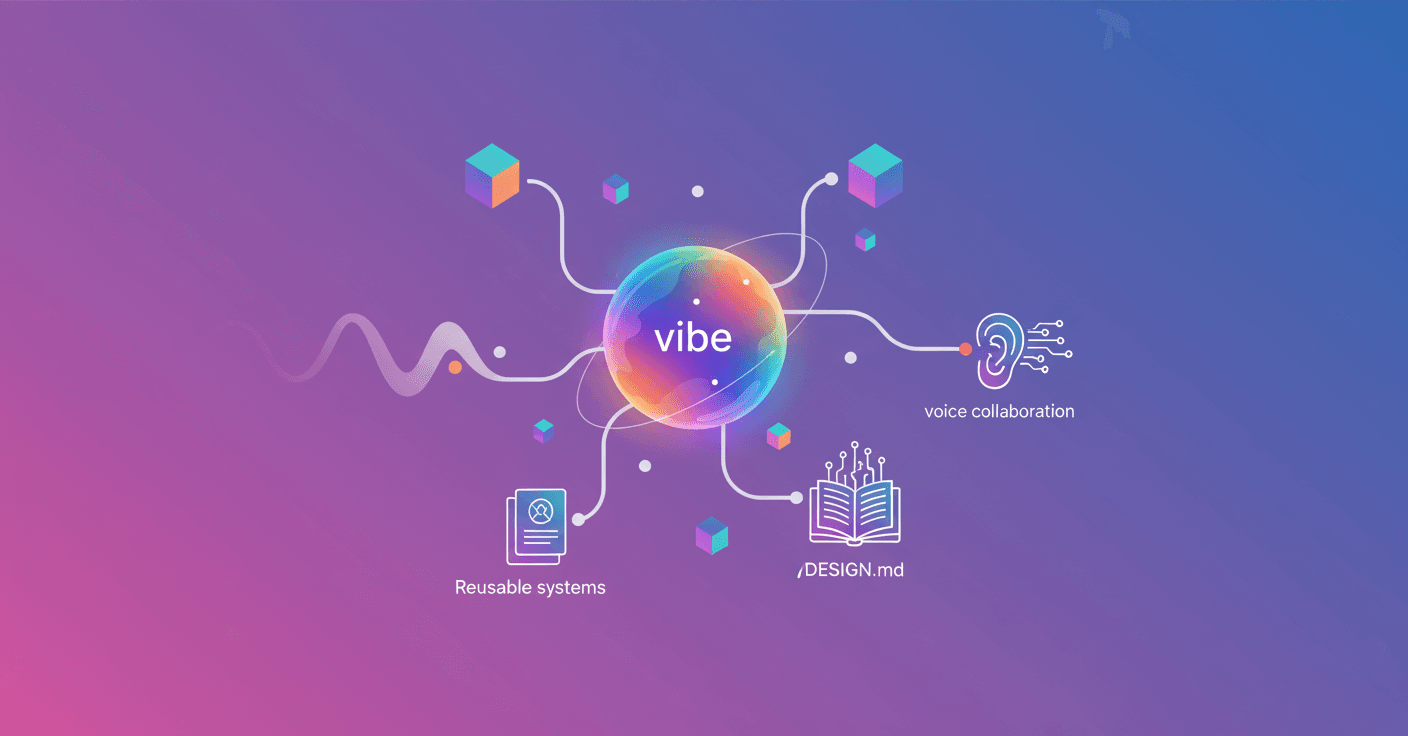
Google takes the idea of designing with AI one step further: Stitch now embraces the concept of "vibe design", a flow where you start with intention — objectives, emotions, references — and the artificial intelligence translates that into high-fidelity interfaces. Can you imagine building prototypes from a single sentence or a quick chat with the tool? That’s exactly what Stitch proposes.
What is "vibe design" in Stitch
It’s not just about generating pretty screens. Vibe design is an approach to create with intention. Instead of starting with a wireframe, you tell Stitch what outcome you want: the business goal, the feeling you want to evoke, or visual examples that inspire you. The AI explores many directions quickly, which often leads to higher-quality solutions.
Are you a founder testing an idea fast or a designer exploring multiple versions? With vibe design you can go from concept to visual proposal in minutes.
An AI-native canvas to think without limits
Stitch debuts an infinite canvas built for creativity: you can bring images, text, or even snippets of code as direct context. It’s a space where the divergent and convergent phases of design happen naturally, letting you map early ideas into functional prototypes without switching tools.
The interface was redesigned so AI isn’t an add-on, but the foundation of the creative flow.
A design agent that remembers the project
The update includes a new design agent that reasons about the full evolution of your project. That agent understands broad context and proposes directions coherent with what you’ve already built.
There’s also an Agent manager to work on multiple ideas in parallel without losing track. How many times have you lost a good idea because you couldn’t organize variants? This management aims to fix that.
Design systems with DESIGN.md
Stitch makes it easy to create and reuse design systems. You can extract rules from any URL or use DESIGN.md, a markdown file meant for agents to import and export your design rules between projects and tools.
That avoids reinventing components every time you start something new: you apply an existing system to another interface and save real design time.
Iterate fast: from static screens to interactive flows
One of the most practical features is converting designs into interactive prototypes instantly. You can link screens in seconds and click "Play" to see the flow in action. Stitch can also generate the next logical screens based on clicks, mapping the user journey automatically.
The result: immediate feedback, quick validation, and the ability to polish details or redo whole flows with a couple of actions.
Voice collaboration and flow to code
Stitch includes voice capabilities: you talk to your canvas and the agent replies with critiques, questions, or changes in real time. Ask, for example, "give me three menu options" or "show this screen with other palettes" and you’ll see alternatives instantly. It’s like having a creative colleague available 24/7.
And it doesn’t stop there: Stitch connects with the rest of your workflow. Thanks to the MCP server and the SDK, you can use Skills and tools to integrate Stitch into broader pipelines. You can also export designs to development tools like AI Studio and Antigravity, keeping design and code in sync.
What does this mean for you?
If you design professionally, this speeds up exploring variants without losing control. If you’re starting a startup, it helps you materialize ideas quickly and show something tangible to clients or investors. And if you collaborate with developers, it reduces friction between design and delivery.
It’s not magic: it’s an interface that puts AI inside the creative process so design becomes faster, more collaborative, and outcome-oriented.
In the end, the promise is simple: less time wasted on repetitive details and more room to try, iterate, and find the best solution.
Source
https://blog.google/innovation-and-ai/models-and-research/google-labs/stitch-ai-ui-design