For the first time, people say they use artificial intelligence mainly to learn and not just for entertainment. Surprised? Teenagers are excited about AI as a creative and educational tool, but they don't want to be alone: they ask for guidance, clear limits, and support to navigate this new ground.
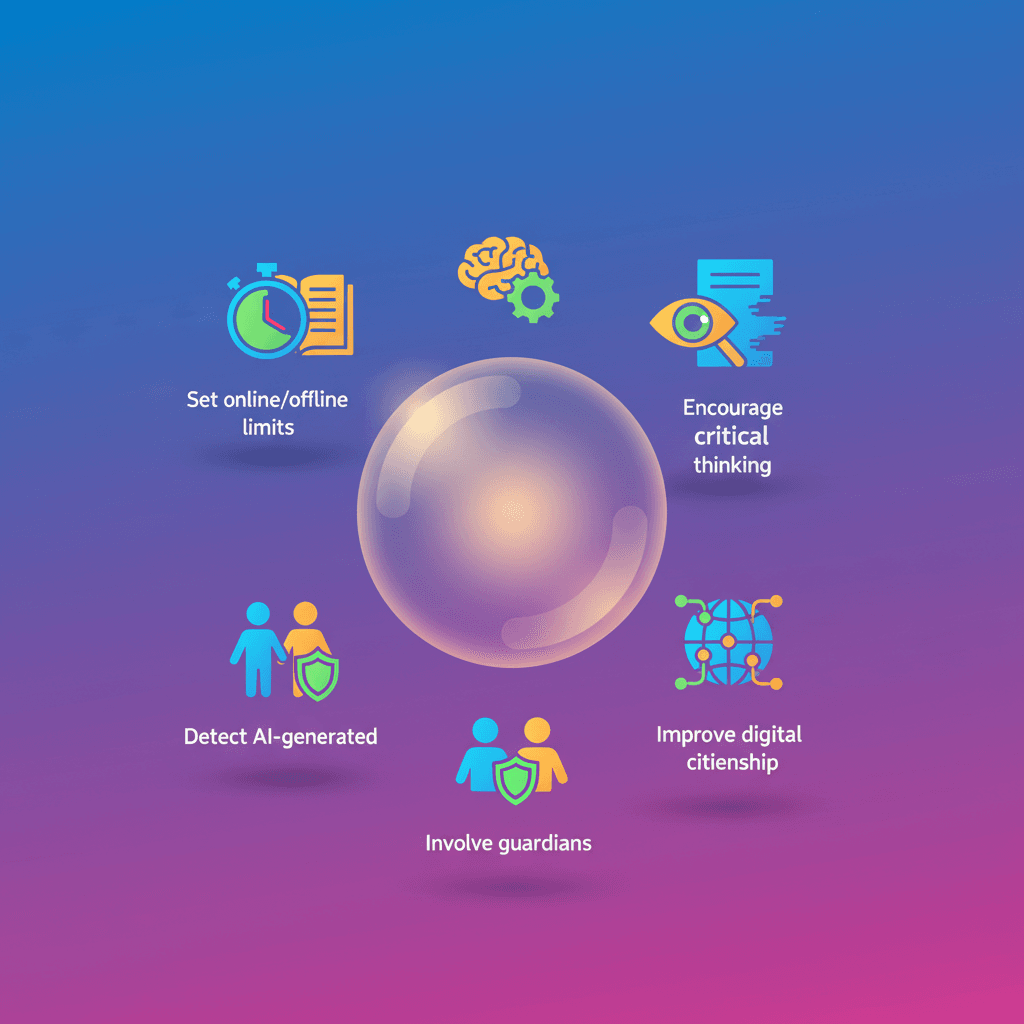
5 ways to learn safely and effectively
Here are five concrete tips for students, parents, and teachers. They aren't magic promises — they're simple practices you can start applying today.
1. Support learning with online/offline boundaries
Knowing when to disconnect is as important as knowing when to connect. Tools like SafeSearch are on by default for minors and Family Link helps set smart limits.
- Use
Family Linkto manage screen time, approve apps, and apply content filters. - Turn on "School time" or study modes to cut distractions during homework.
- Build regular breaks: studying 45 minutes and resting 10 is better than hours straight in front of a screen.
2. Encourage critical thinking in the AI era
AI can give fast answers, but do you understand the why? Teaching how to reason is key so technology boosts learning instead of replacing it.
- Practice step-by-step thinking: ask students to explain how they reached an answer.
- Use tools that guide learning, like
Guided Learningin Gemini, which encourages process over shortcuts. - Ask open questions: what sources did you check? what assumptions did you make?
3. Teach how to spot AI-generated content
Tools are getting more sophisticated. Knowing the origin and context of an image, audio, or video matters more than ever.
- Apply the SIFT method: Stop, Investigate, Find better coverage, Trace claims. It's practical and easy to remember.
- Check context: use "About this image" in search results to see more info about a picture.
- Look for provenance marks: technologies like
SynthIDindicate when a file was created by AI.
4. Involve parents and guardians
Communication is the best protection. It's not about controlling everything, but about accompanying and guiding according to age.
- Talk about platforms and agree on family rules: schedules, what to share, and when to ask for help.
- Use supervised accounts for teens on services like YouTube; they allow more autonomy while parents see basic activity.
- Define quality criteria: which channels, formats, or creators are appropriate for each age.
5. Improve digital citizenship
The web is a global community. Teaching respect and responsibility is as important as teaching tool use.
- Teach kindness and how to report abusive behavior or bullying.
- Bring in programs like Be Internet Awesome to work on digital values: be smart, alert, strong, kind, and brave.
- Talk about privacy and digital footprint: what you post can last.
A final point for parents and teachers
Access to AI with proper guardrails opens huge opportunities for young people: creativity, personalized learning, and new career paths. But those doors open better with clear rules, critical thinking, and guidance. Will you try one of these actions this week?
Original source
https://blog.google/innovation-and-ai/technology/safety-security/safer-internet-day-26