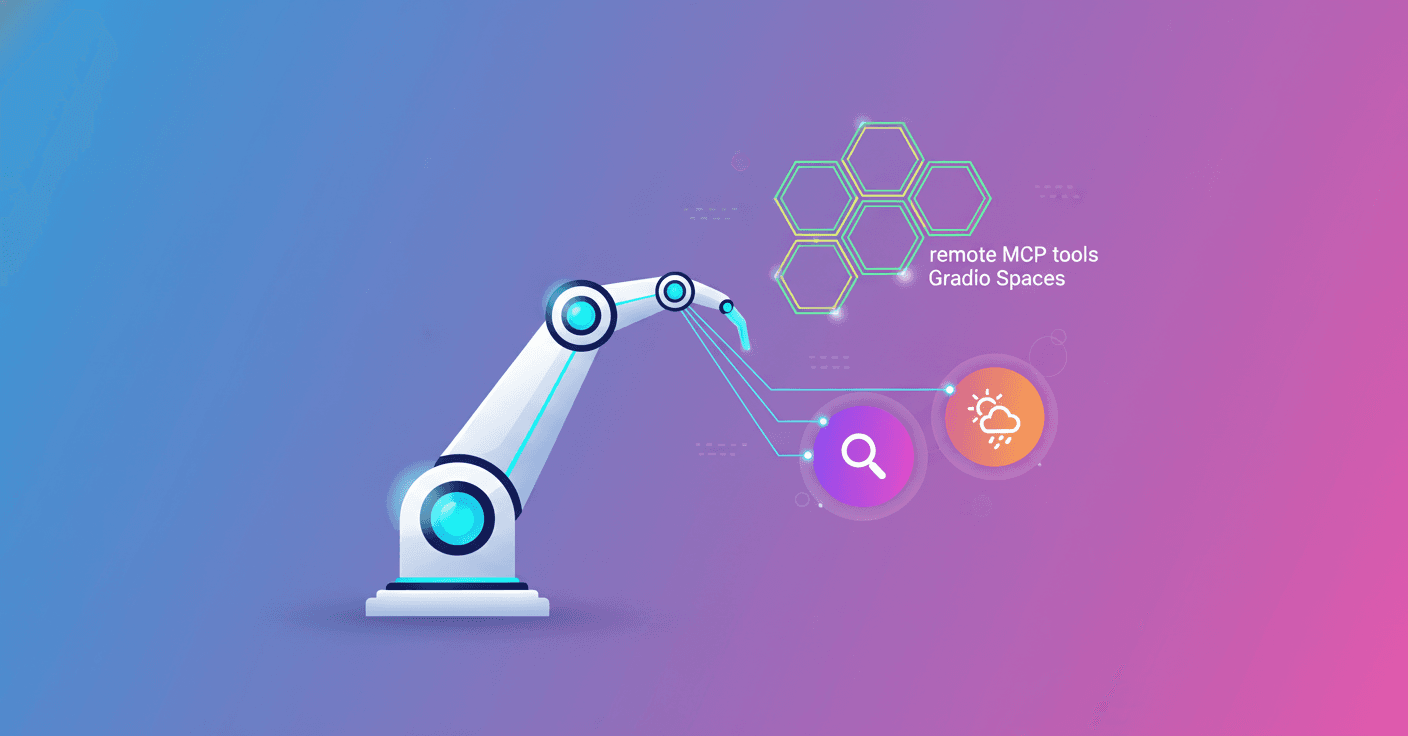
Reachy Mini can now use remote tools published as MCP Spaces on Hugging Face to search the web or check the weather. Sounds technical? It is a bit, but the core idea is simple: add capabilities that don’t need to live on your computer or touch the robot’s code.
Qué es una "herramienta" para Reachy Mini
When you talk to Reachy Mini you don’t just get a voice: you get a system that can use actions and queries to enrich the conversation. A tool is any capability the model can invoke during dialogue: move the head, play an emotion, look through the camera, or run a web search.
Each tool has a name and a description. The model decides when it’s useful and calls it; then it uses the result to reply. So far all tools were local Python code tied to the robot’s physical side. That works for moving hardware, but it’s clumsy for things like web search or weather checks.
Nuevas herramientas remotas (MCP)
Reachy Mini adds a third type of tools: remote MCP tools. They’re ideal for stateless capabilities you want to publish, update, or share independently from the app.
Key advantages:
- You can publish a tool as a public Space with the standard
/gradio_api/mcp/endpoint and anyone can install it. - No arbitrary code is downloaded into the app: the app calls the Space endpoint.
- Remote tools coexist with built-in and custom local tools, and they’re enabled per profile.
Practical example: install and enable the search and weather canary
reachy-mini-conversation-app tool-spaces add pollen-robotics/reachy-mini-search-tool
reachy-mini-conversation-app tool-spaces add pollen-robotics/reachy-mini-weather-tool
reachy-mini-conversation-app
Then you can ask things like: "What's the weather in Paris today?" and Reachy Mini will use the remote weather tool to answer.
Cómo controlas qué puede usar el robot: perfiles y tools.txt
Tools are only callable if they appear in the active profile’s tools.txt file. A profile is a folder with at least instructions.txt and tools.txt. By default the active profile is default, unless you set REACHY_MINI_CUSTOM_PROFILE.
Example profiles/default/tools.txt that enables the full built-in set:
dance
stop_dance
play_emotion
stop_emotion
camera
idle_do_nothing
head_tracking
move_head
To enable a remote tool, the tool-spaces add command validates the Space on the Hub, queries its MCP endpoint, discovers available tools and, by default, appends their IDs to the active profile’s tools.txt. Use --install-only if you want it installed but not enabled.
Installed spaces are recorded in installed_tool_spaces.json (path differs in managed vs terminal mode). Each Space receives a local alias with dashes and dots replaced by underscores, for example:
pollen-robotics/reachy-mini-search-tool -> pollen_robotics_reachy_mini_search_tool
And remote tools are namespaced with a double underscore:
pollen_robotics_reachy_mini_search_tool__search_web
This avoids collisions with built-in tools and lets you have multiple sources.
Also, the registry requires Tool.name to be unique across the whole set. If there’s a conflict, the app fails early to avoid ambiguity.
Canary, orquestación y prompts (sí, los prompts importan)
Two canary profiles were created to test the feature:
canary_web_searchadds web search alongside expressive tools.canary_web_search_weatheradds web search and weather.
How the model calls remote tools depends on both the plumbing and the prompt. For example, given the question:
"Should I bring a jacket in Bordeaux today, and is there anything major happening downtown tonight?"
there are at least three strategies: call the weather first, call search first, or call both in parallel. The canary prompts include rules that favor parallel calls and define how to merge results into a single brief spoken reply.
Important technical points:
- Prompts can encourage parallel calls, but they don’t guarantee deterministic orchestration. If you need strict ordering or guaranteed concurrent execution, move that logic into code, not the prompt.
- Only Spaces that behave like MCP servers (endpoint
/gradio_api/mcp/) are supported. If detection fails, installation fails.
Límites y compatibilidad
Quick support table:
| Capacidad | Soportado |
|---|---|
| Instalar por slug (Spaces MCP público) | ✅ |
| Múltiples Spaces en un perfil | ✅ |
Habilitar por perfil vía tools.txt | ✅ |
| IDs namespaciados remotos | ✅ |
| Registro agnóstico al backend (OpenAI, Gemini, Hugging Face) | ✅ |
| Sin descarga de código arbitrario en la app | ✅ |
| Spaces privados o autenticados | ❌ |
| Spaces no basados en Gradio | ❌ |
| URLs MCP arbitrarias o servidores MCP no-Hugging Face | ❌ |
| Orquestación paralela garantizada | ❌ |
If you plan to publish a tool, make it stateless so it works well over the network and implement the standard MCP endpoint. Recommended tags so others can find it: reachy-mini-tool and mcp.
Qué cambia para desarrolladores y proyectos
- You can iterate search, weather or lookup tools without touching the local app. That speeds testing and deployments.
- You keep a small trusted core (physical tools stay local) and expand capabilities with remote sources.
- Think about idempotence and latency: remote calls add time, and prompts must be designed to merge results naturally.
Want finer control? Move sensitive orchestration to your code: implement an orchestrator that calls MCP endpoints in the order or concurrency you need.
The team left two public canary Spaces to get you started: a web searcher and a weather tool. They’re small examples but enough to validate the full flow: installation, discovery, enabling by profile and realtime calls from the backend.
Reachy Mini adds flexibility without opening the robot to external code, while inviting the community to publish useful tools. What tool would you like to build and share?