Project Genie is Google’s experimental prototype that lets you create, explore and reinvent AI-generated interactive worlds. Can you imagine designing a landscape, stepping in and watching the scene generate in real time before your eyes? That’s exactly the pitch: immersive experiences that aren’t predesigned like a static 3D scene, but unfold as you interact.
What is Project Genie
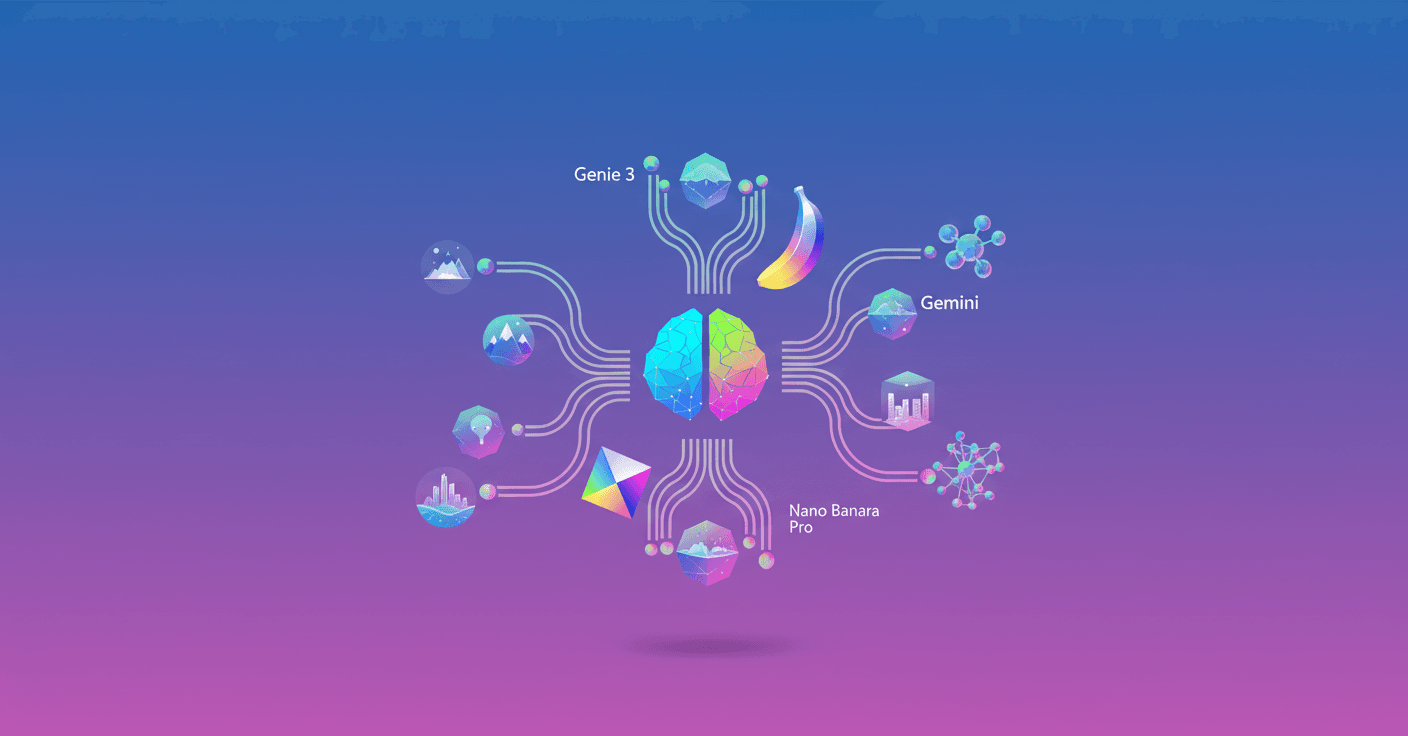
Project Genie is a web app experiment powered by Genie 3, Nano Banana Pro and Gemini. Think of it as a hands-on lab for testing “world models”: systems that don’t just generate images, but simulate the dynamics of an environment—how it changes over time and how it responds to actions—so you can actually navigate and interact.
Google has opened it as a prototype in Google Labs for Google AI Ultra subscribers in the United States (18+), with gradual access to more regions. It’s live research: the idea is to learn from how people use these worlds and improve the models.
How it works at a technical level
A “world model” learns to predict environment states and transitions between them. In practical terms, Project Genie combines several components:
- A multimodal generative model (text, image and control signals) that produces visual content and the world’s rules.
- A state-simulation module that estimates how objects, simple physics and events evolve when you interact.
- A real-time control-and-generation system that “generates the path ahead” as you move.
It likely relies on transformer-style architectures for the multimodal component (text + image) and on latent representations to keep temporal coherence. The technical novelty is the ability to generate the scene in real time while maintaining consistency: that an object persists, that lighting and position make approximate physical sense, and that your actions cause predictable effects.
Gemini is probably used for language understanding and instructions, while Nano Banana Pro acts like an integrated visual editor: you upload or generate an image, tweak it, and that image guides the world’s creation.
Main capabilities
-
World sketching: you create the world with text and images; define characters, perspective (first or third person) and movement mode (walk, fly, drive).
-
World exploration: the system generates the path ahead in real time based on your actions, and the camera can adjust as you move.
-
World remixing: you take existing worlds, modify or combine them to create new versions. You can also download videos of your explorations.
Technical and safety limitations
Google is clear: Genie 3 is research-stage and has known technical limits.
- Generated scenes may not be fully faithful or adhere exactly to real-world physics.
- Character control can be imprecise and there may be latency in responding to your actions.
- Generations are limited to 60 seconds in this prototype.
From a safety and responsibility perspective, Project Genie has to handle content moderation, copyright (if you upload images) and potential biases in representations. Google notes these capabilities are early and that some previously announced features aren’t yet in the prototype.
Practical use cases (where this changes the game)
-
Previsualization for film and animation: imagine sketching a set, stepping in first-person and adjusting the camera before you shoot.
-
Robotics and simulation: on-the-fly generated environments can help test behaviors and control policies across varied scenarios without building 3D worlds by hand.
-
Education and heritage: teachers and museums could recreate historical scenes and let students explore them at their own pace.
-
Creatives and indie games: rapid level prototyping, mechanic testing and generation of custom assets.
Sounds like science fiction? The difference is that Project Genie is already in users’ hands for real interaction tests, so we’ll quickly see what works and what needs improvement.
What you can expect if you try it
If you have access as a Google AI Ultra subscriber in the U.S., you can:
- Sketch a world with text or upload a guide image and retouch it with Nano Banana Pro.
- Choose your character’s perspective and experiment with movement modes.
- Explore worlds that generate ahead of you in real time and download videos of your runs.
Keep in mind the limits: clips up to 60 seconds and possible consistency or latency issues. But the workflow—write an idea, tweak an image, jump in to explore and remix—promises to speed up immersive creation.
Technical and ethical reflection
World models add a new layer to the AI stack: not just creating static content, but simulating processes and effects over time. That raises attention points like temporal coherence, real-time inference efficiency and robust safety controls.
Also, as these tools democratize, practical questions arise: how do we validate a simulation’s fidelity for robotics? What copyrights apply if you remix worlds using someone else’s images? How do we mitigate biased or harmful representations inside generated scenes?
Project Genie is a powerful technical step and an invitation to the community to explore responsible possibilities. We’ll see how the research evolves as more users contribute usage data and feedback.
Access and next steps
Deployment starts now for Google AI Ultra subscribers in the U.S. (18+). Google plans to expand access and improve the model’s capabilities as it gathers feedback.
If you work in animation, robotics or content creation, it’s worth following this experiment closely: it offers a new way to think about AI-generated worlds that respond to human interaction in real time.
Original source
https://blog.google/innovation-and-ai/models-and-research/google-deepmind/project-genie