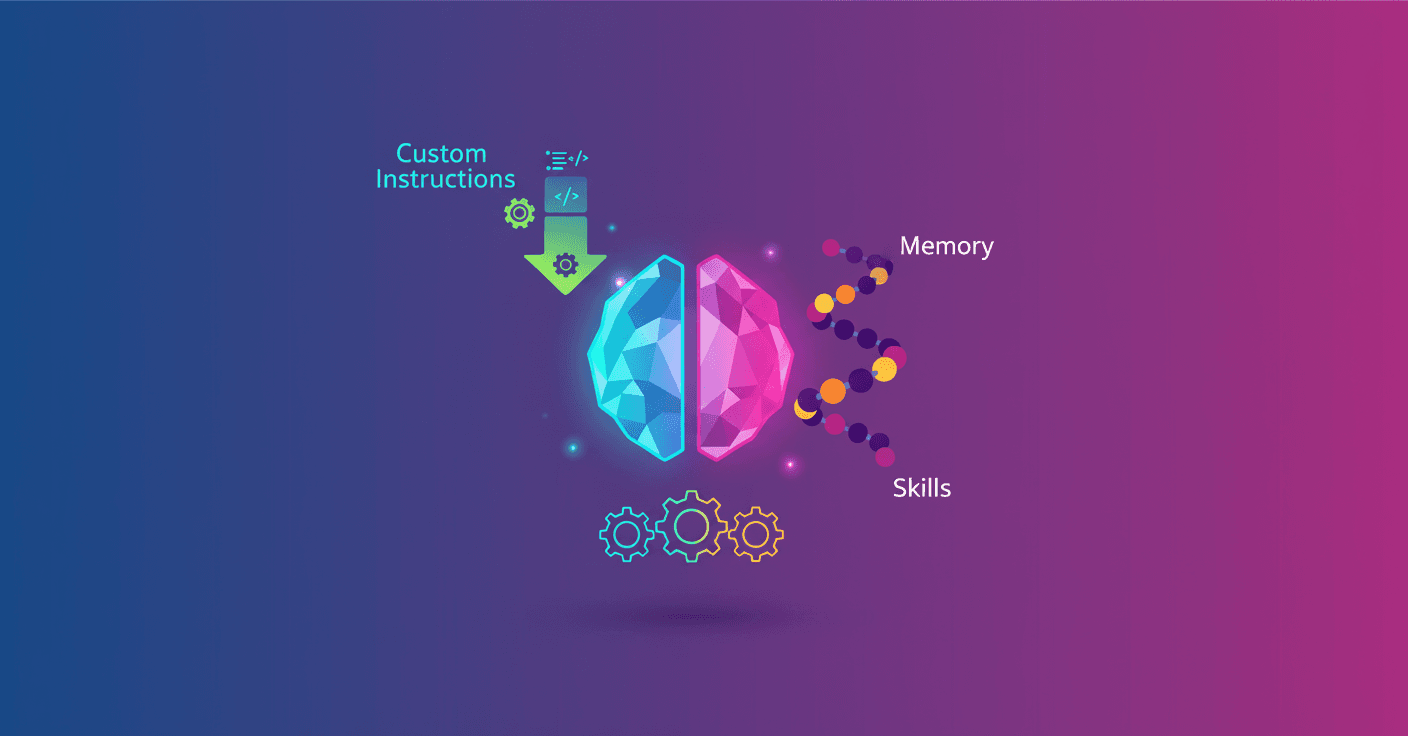
ChatGPT stops being a search box and becomes a workmate when you give it context. Can you imagine not repeating your role, tone, or formats every time you start a conversation? With two simple tools —Custom instructions and Memory— you can make ChatGPT respond more consistently and helpfully for your daily tasks.
Why personalize ChatGPT?
Why waste time repeating details when you can teach your assistant to remember them? Personalizing isn't just convenience, it's productivity. When you tell ChatGPT how you want it to work, you get more consistent answers, fewer clarifying questions, and results that fit your style.
Small details make a difference: your role, the tone, the preferred format. All of that adds up to saving minutes that become hours each week.
How to use Custom instructions
Custom instructions are your default settings: you tell ChatGPT what it should know about you and how you prefer it to reply. It's ideal for stable preferences, not for every single task.
- What you can put: your role and responsibilities (for example, 'I lead customer onboarding' or 'I'm a finance manager').
- Tone: concise, formal, friendly, technical. Want bullets or tables? Say so here.
- Guardrails: ask it to request clarifying questions if the task isn't clear.
Practical tip: think of Custom instructions as your default work style. Use them for things that almost never change. For specific tasks, leave the details in the chat message.
Examples of useful instructions
- 'My role: product manager. I prefer brief answers with practical examples.'
- 'Format: bullets with subheadings, and a final section with actionable steps.'
- 'Always ask if information is missing before proposing a solution.'
These small defaults make ChatGPT deliver outputs ready to copy-paste into an email or a work note.
Memory: make ChatGPT remember what's important
Memory stores information you choose so you don't have to repeat it. It works well for recurring context: projects, preferences, teams you work with.
- How to check it in the conversation: ask
What do you remember about me?to review what it stored. - To save something: say
Remember that...followed by the detail. - To delete a detail: say
Forget thatorDelete....
Tip: save only what you'll use several times. Avoid memorizing one-off details you won't need again.
Skills and repeatable flows
When you repeat tasks, turn that process into a skill: a structured flow that ChatGPT can follow again and again. Instead of starting from scratch, give steps, format, and rules. Result? Consistency and less time wasted formatting responses.
Examples of skills:
- Prepare a weekly summary: extract key points, risks, and action items in bullets.
- Drafting emails: greeting, brief context, proposal, closing and CTA in a ready-to-send format.
- Proposal review: checklist and suggestions for improvement.
How to combine everything into your day-to-day
Start small: set Custom instructions with your role and tone. Let Memory store your most important project. When you notice repeated tasks, turn one into a skill.
And security? You control what memory stores and you can delete it. It's a tool designed to make ChatGPT useful without turning it into a black box.
In the end, personalizing is giving a human shape to an AI tool: less friction, more results you can use right away.