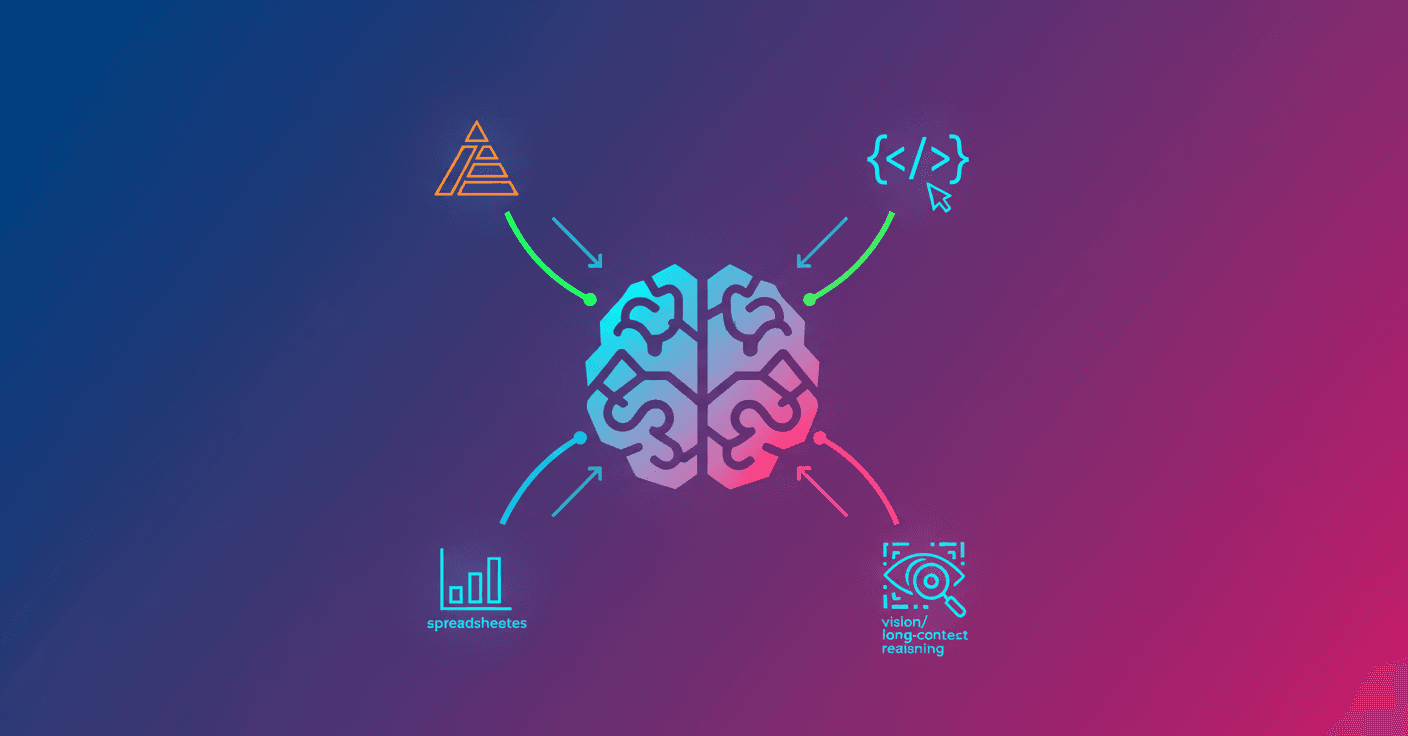
OpenAI introduces GPT-5.2, an update that promises to speed up professional work on real tasks like spreadsheets, presentations, programming, and analyzing long documents. Does that sound ideal for your day-to-day? The idea is for it to act as a more reliable, productive assistant — not a magical replacement for your judgment.
What GPT-5.2 brings and why it matters
GPT-5.2 improves in several key areas: generating and formatting spreadsheets and slides, writing and reviewing code, image perception, reasoning across very long contexts, and using external tools. According to OpenAI, business users already report saving 40 to 60 minutes a day; heavy users say they save more than 10 hours a week. Now imagine adding a model version that clearly performs better on professional tasks.
It’s not just marketing: on evaluations like GDPval (which compares well-specified work across 44 occupations), GPT-5.2 beats or ties professionals in 70.9% of cases. In plain language: in many tests the model works at the level of a human expert when producing artifacts like presentations or spreadsheet models, and it does so much faster and cheaper per task.
“It’s an exciting leap in quality... it seems like it was made by a professional company with staff,” commented one evaluator when reviewing an outstanding GDPval output.
What changes for ChatGPT and API users
In ChatGPT, GPT-5.2 arrives in three flavors: Instant (fast), Thinking (for deep work) and Pro (highest quality). Rollout begins today and prioritizes paid plans. On the API the models gpt-5.2, gpt-5.2-chat-latest and gpt-5.2-pro are already available.
If you work with long documents, there are notable improvements: GPT-5.2 keeps coherence and accuracy across hundreds of thousands of tokens, letting you analyze contracts, reports or multi-file projects without losing the thread. There’s also an endpoint to extend the effective context window when workflows require it.
For developers, OpenAI offers new reasoning options (xhigh) in the Pro and Thinking models, designed for tasks where quality is critical.
Concrete examples and early feedback
-
Engineering and code: evaluators and companies report better performance in debugging, review and complex front-end tasks, even with 3D elements. Some teams say they could replace fragile multi-agent systems with a single “mega-agent.”
-
Spreadsheets and finance: in internal financial modeling tests (three-statement, LBO), GPT-5.2 improved by almost 9 points on average over the previous version.
-
Science and math: on high-level academic benchmarks (GPQA Diamond, FrontierMath, AIME) GPT-5.2 reaches scores that bring it closer to being a useful research assistant — always with human supervision.
Results and metrics that stand out
OpenAI publishes many figures. Some notable ones for GPT-5.2 Thinking versus the previous version:
- GDPval (wins or ties): 70.9% vs 38.8%.
- SWE-Bench Pro (real software): 55.6% vs 50.8%.
- GPQA Diamond (no tools): 92.4% vs 88.1%.
- MRCRv2 (long context): dramatic improvement, reaching almost 100% in specific variants.
These metrics suggest real gains in multi-step reasoning, quantitative accuracy and tool use. But remember: benchmarks are controlled environments, not every real-world situation.
Limitations and safety
GPT-5.2 reduces hallucinations compared to GPT-5.1 in internal tests, but it’s not perfect. OpenAI recommends verifying results in critical matters. Work continues on safe responses for sensitive conversations (mental health, self-harm) and measures to protect minors.
In practice: use it to save time on analysis, prototypes and drafts; keep human verification for important decisions, final deliverables and regulated tasks.
Pricing and access
ChatGPT subscriptions remain in place; API prices rise per token because the model is more capable. Examples of prices from OpenAI:
gpt-5.2: $1.75 per 1M input tokens, $14 per 1M output tokens (inputs cached 90% discount).gpt-5.2-pro: $21 per 1M input, $168 per 1M output.
OpenAI says that despite the higher cost per token, the model’s efficiency can lower the total expense to reach a given quality.
What does this mean for you? Should you try it?
If you work with long documents, financial analysis, code or complex customer support, GPT-5.2 can be a tool that makes you more productive. Are you a product creator or developer? The API is already available and could change how you structure agents and pipelines.
If you’re an occasional user, you’ll notice clearer answers and better handling of images and long steps. In all cases, human oversight remains key.
GPT-5.2 isn’t a hero that fixes everything, but it’s a version that pushes AI’s practical usefulness toward real professional tasks. What will you try first: an automated spreadsheet, a code review, or a deep contract analysis?