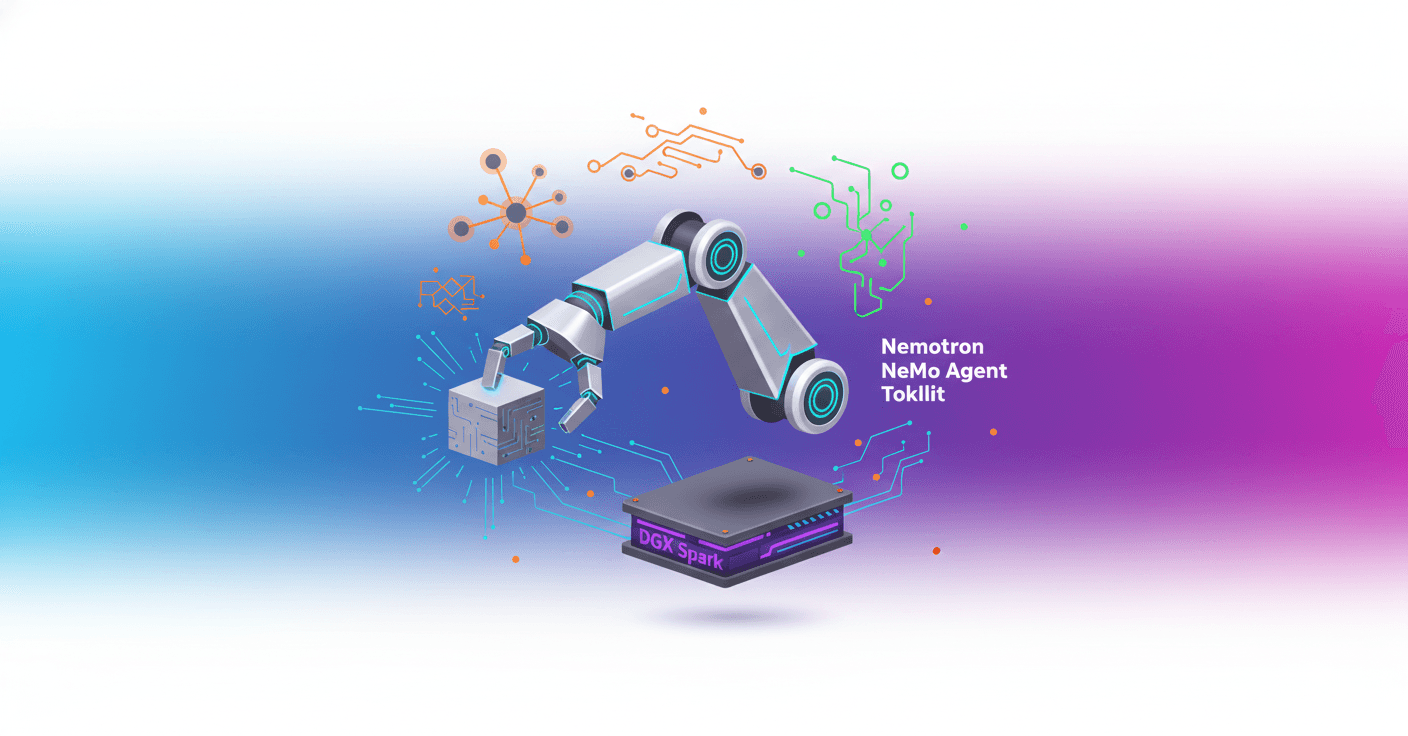
Today at CES 2026 NVIDIA showed how to turn AI agents into physical, desktop companions using DGX Spark and Reachy Mini. Can you imagine an assistant that sees you, talks to you, and can move an arm to help — all controlled by open models and running on your own hardware? Here I walk you through the architecture, the components, and how to replicate the demo step by step.
Qué presentó NVIDIA en CES 2026
NVIDIA combined several open building blocks to create agents that think, see, and act in the real world. Key pieces include:
- Reasoning models: NVIDIA Nemotron (example: Nemotron 3 Nano).
- Vision models: Nemotron Nano 2 VL (VLM).
- Text-to-speech: the demo uses ElevenLabs as an example.
- Orchestration: NeMo Agent Toolkit (NeMo Agent Toolkit + nat).
- Compute hardware: DGX Spark for local, accelerated inference.
- Physical or simulated endpoint: Reachy Mini (or its simulator).
The idea is simple and powerful: don’t rely on a single "do-it-all" model. Instead, combine specialized models (text, vision, voice), a router that decides where each request goes, and a tools layer that performs physical actions or external queries.
Por qué Reachy Mini importa
Why a small robot on your desk? Because it turns a chat interface into a multisensory experience. When the agent can see through a camera, speak in natural voice, and move actuators, interaction feels more natural and useful.
Reachy Mini is designed to be hackable: sensors, actuators, and APIs accessible from Python. You can run it in simulation to develop, or on real hardware to deploy, while keeping full control over models, prompts, and actions.
Arquitectura del demo y componentes clave
Components and general responsibilities:
- Nemotron reasoning LLM: decisions and complex reasoning.
- Nemotron VLM: interpret images and answer visual questions.
- Router (routing_llm): decides the route (chit_chat, image_understanding, other).
- ReAct agent + tools: handles tool calls (e.g., search, robot control).
- NeMo Agent Toolkit: connects and orchestrates models, routes, and tools.
- Pipecat bot: manages real-time audio, video, and motion flow.
- Reachy Mini daemon: exposes the local (or simulated) interface to control the robot.
Practical resource requirements:
- Reasoning model: ~65 GB on disk.
- Vision model: ~28 GB on disk.
- Python 3.10+ and an
uvenvironment to run the services.
Deployment options:
- Local: run models on DGX Spark or a GPU with enough VRAM.
- Cloud: endpoints on NVIDIA Brev, Hugging Face Inference Endpoints.
- Serverless: call managed endpoints (NVIDIA/Hugging Face).
Orquestación, routing y llamadas a herramientas (tool calling)
The design emphasizes intent-based routing:
- Chit chat -> fast, cheap model.
- Visual questions -> VLM with the robot's camera image.
- Physical actions or real-time searches -> ReAct agent with tools.
Technical best practices:
- Keep tool schemas clear (name, description, arguments).
- Limit the number of steps with
max_tool_callsto avoid loops. - For real hardware, use a "confirm before actuation" pattern for safety.
Example simplified routing configuration (concept):
functions:
  wikipedia_search:
    _type: wiki_search
    max_results: 2

react_agent:
  _type: react_agent
  llm_name: agent_llm
  tool_names: [wikipedia_search]

router:
  _type: router
  route_config:
    - name: other
      description: preguntas que requieren razonamiento o herramientas
    - name: chit_chat
      description: charla simple
    - name: image_understanding
      description: preguntas que requieren ver la imagen
The demo suggests using NVIDIA’s LLM Router as a production reference for evaluation, cost-latency balance, and monitoring.
Pasos prácticos para replicar la demo
- Clone the example repo:
git clone git@github.com:brevdev/reachy-personal-assistant
cd reachy-personal-assistant
- Configure keys if you access remote endpoints (not needed if self-hosting):
Create a .env file with:
NVIDIA_API_KEY=your_nvidia_api_key_here
ELEVENLABS_API_KEY=your_elevenlabs_api_key_here
- Start the NeMo Agent Toolkit (nat) to serve the chat workflow:
cd nat
uv venv
uv sync
uv run --env-file ../.env nat serve --config_file src/ces_tutorial/config.yml --port 8001
- Verify with a test request (curl example):
curl -s http://localhost:8001/v1/chat/completions -H "Content-Type: application/json" -d '{"model":"test","messages":[{"role":"user","content":"What is the capital of France?"}]}'
- Start the Reachy daemon (simulated by default):
cd bot
uv run mjpython -m reachy_mini.daemon.app.main --sim --no-localhost-only (macOS)
or
uv run -m reachy_mini.daemon.app.main --sim --no-localhost-only (Linux)
- Start the bot service (Pipecat client):
cd bot
uv venv
uv sync
uv run --env-file ../.env python main.py
- Open the Pipecat Playground at
http://localhost:7860/, click CONNECT, and grant microphone/camera access.
You’ll have two key windows: the Reachy simulation and the Pipecat Playground. When the system shows STATUS READY, the bot will greet you and you can start testing text or vision prompts.
Test examples:
- Text: "Explain what you can do in one sentence."
- Vision: "What am I holding in front of the camera?"
Consideraciones de seguridad y rendimiento
- Privacy: running locally on your DGX Spark and controlling endpoints gives you full visibility of the data flow.
- Latency: route queries to small models for chit-chat, and only call VLMs when needed to reduce cost and latency.
- Profiling: NeMo Agent Toolkit provides metrics for tokens, latency, and bottlenecks. Use them to tune models and routes.
Dónde seguir si quieres profundizar
- Self-host models with NIM or vLLM to reduce endpoint dependency.
- Review NVIDIA’s LLM Router example for advanced routing policies.
- Explore the Reachy Mini SDK and docs to create more complex physical behaviors.
- Contribute to or adapt the repo for community apps and specific use cases.
Turning a text agent into a physical presence controlled by open models changes how we think about personal assistants: it stops being a black box and becomes a system you can control, extend, and explore.