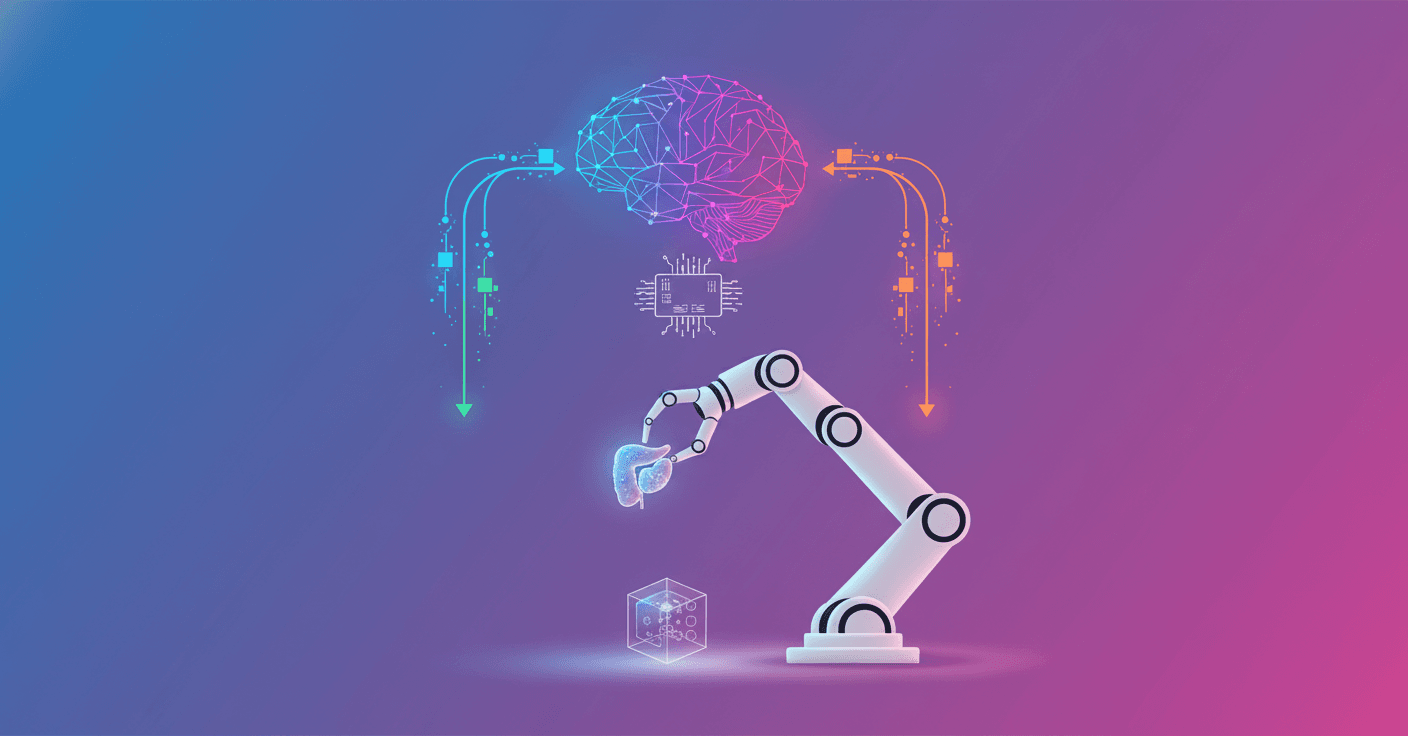
Simulation isn't just a distant lab anymore: with NVIDIA Isaac for Healthcare v0.4 you can walk the whole path from collecting synthetic data to deploying policies on a real surgical arm. Can you imagine training most of the behavior in simulation and then fine-tuning it with a few real demonstrations so it works in the OR? That's exactly what the SO-ARM workflow proposes.
What Isaac for Healthcare v0.4 offers
Isaac for Healthcare is a framework designed so medical robotics developers can integrate simulation, data collection, training, and deployment to real hardware. Version v0.4 brings a starter workflow called SO-ARM that lowers friction to test the full cycle: simulate, train, and run on a physical robot.
- Collect real and synthetic data with LeRobot and SO-ARM.
- Fine-tune the GR00T N1.5 model and evaluate in IsaacLab.
- Deploy the policy to hardware with real-time communication (RTI DDS).
What's the advantage? A repeatable, safe environment to polish assistive skills before taking them into the operating room.
Architecture of the workflow (technical)
The pipeline has three clear stages:
- Data Collection
- Mix teleoperation in simulation and the real world using SO-ARM101 and LeRobot.
- Approximately 70 episodes in simulation to cover diversity and 10 to 20 real episodes to anchor the policy in authentic scenarios.
- In the reported case, more than 93% of training data was synthetic, which confirms the power of simulation when it's well designed.
- Model Training
- Fine-tuning of
GR00T N1.5on combined datasets (dual-camera: wrist and room view). - IsaacLab supports PPO and other RL flows, trajectory analysis, and success metrics.
- Policy Deployment
- Real-time inference on hardware with RTI DDS for inter-process communication.
- Demanding GPU requirements: architecture with RT Cores (Ampere or newer) and at least 30 GB of VRAM for
GR00T N1.5.
Hardware requirements and practical options
- SO-ARM101 Follower: 6 DOF manipulator with dual vision.
- SO-ARM101 Leader: teleoperation interface to collect demonstrations.
- It's possible to run simulation, training, and deployment on a single DGX Spark, although the usual setup uses 3 computers to separate loads.
This makes the process replicable for MedTech teams with access to powerful GPUs.
Practical examples: commands and teleoperation
To collect real data with lerobot-record (example):
python lerobot-record \
--robot.type=so101_follower \
--robot.port=<follower_port_id> \
--robot.cameras="{wrist: {type: opencv, index_or_path: 0, width: 640, height: 480, fps: 30}, room: {type: opencv, index_or_path: 2, width: 640, height: 480, fps: 30}}" \
--robot.id=so101_follower_arm \
--teleop.type=so101_leader \
--teleop.port=<leader_port_id> \
--teleop.id=so101_leader_arm \
--dataset.repo_id=<user>/surgical_assistance/surgical_assistance \
--dataset.num_episodes=15 \
--dataset.single_task="Prepare and hand surgical instruments to surgeon"
And for simulation (teleoperation by keyboard or with a leader):
# With keyboard teleoperation
python -m simulation.environments.teleoperation_record \
--enable_cameras \
--record \
--dataset_path=/path/to/save/dataset.hdf5 \
--teleop_device=keyboard

# With SO-ARM101 leader arm
python -m simulation.environments.teleoperation_record \
--port=<your_leader_arm_port_id> \
--enable_cameras \
--record \
--dataset_path=/path/to/save/dataset.hdf5
If you don't have physical hardware, the keys to control the 6 joints are intuitive (Q/W/E/A/S/D for positive movements and U/I/O/J/K/L for negatives), plus R to reset and N to mark a successful episode.
Prepare data and train
After gathering real and synthetic episodes it's a good idea to convert and unify formats:
# Convert simulation HDF5 to LeRobot format
python -m training.hdf5_to_lerobot \
--repo_id=surgical_assistance_dataset \
--hdf5_path=/path/to/your/sim_dataset.hdf5 \
--task_description="Autonomous surgical instrument handling and preparation"

# Fine-tune GR00T N1.5
python -m training.gr00t_n1_5.train \
--dataset_path /path/to/your/surgical_assistance_dataset \
--output_dir /path/to/surgical_checkpoints \
--data_config so100_dualcam
The model processes natural language instructions like "Prepare the scalpel for the surgeon" and executes the corresponding action. With LeRobot 0.4.0, native fine-tuning of Gr00t N1.5 is easier.
Good practices and current limits
- Sim2real works very well as long as the simulation captures variations and sensor errors. That's why combining 70 synthetic episodes with 10 to 20 real ones usually yields robust policies.
- You need GPUs with enough VRAM for large models; the hardware entry barrier can be high for small teams.
- Test in safe environments and with human supervision: the statistical validation and success metrics in IsaacLab help avoid surprises.
How to get started today
- Clone the main repository:
git clone https://github.com/isaac-for-healthcare/i4h-workflows.git
- Choose the SO-ARM Starter Workflow and run the included setup script, for example
tools/env_setup_so_arm_starter.sh.
The attached documentation, hardware guides, and pre-trained GR00T models make it easier to move from proof of concept to working prototypes.
Working with this stack lets you iterate fast: you collect, train, evaluate, and deploy in short cycles. Do you want a robot that hands instruments and understands human instructions? With this architecture, it's an achievable goal in less time than you might think.