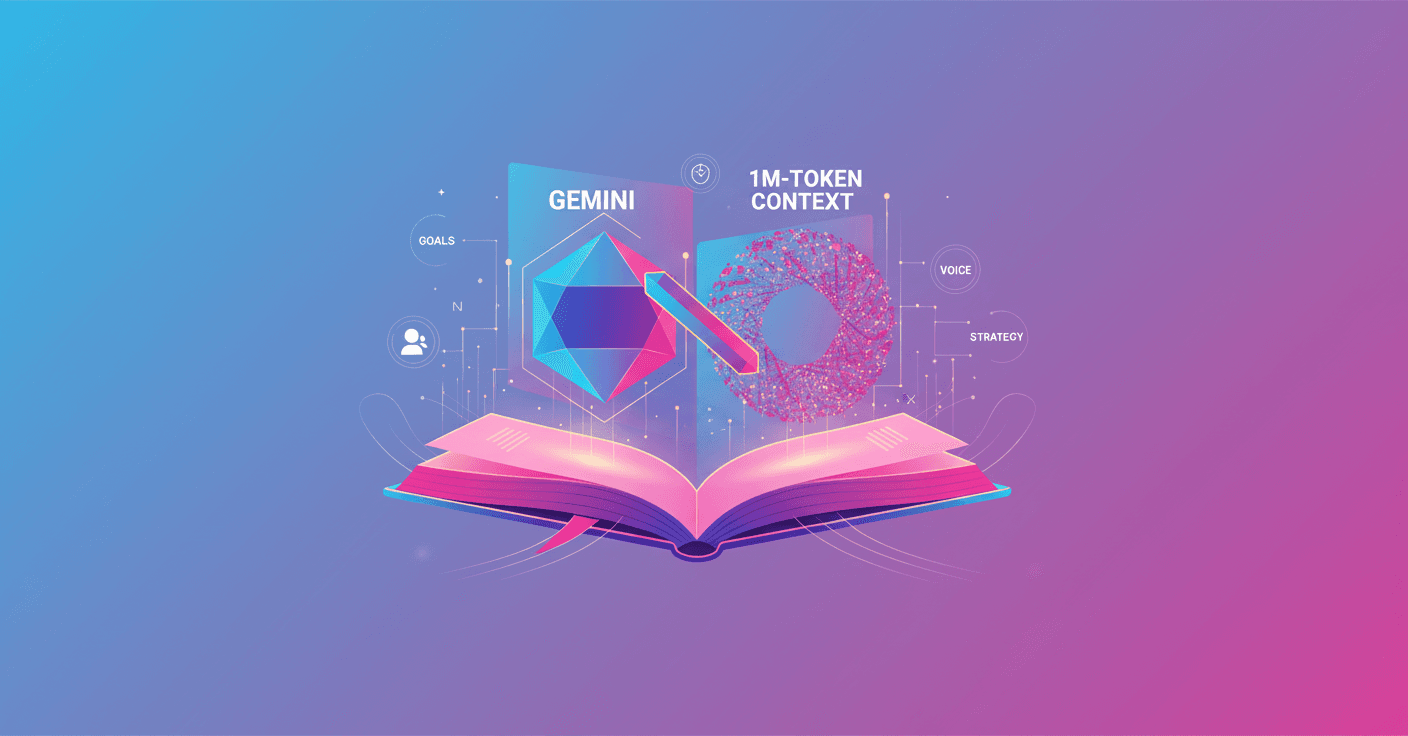
Google updates NotebookLM with background improvements that make it faster, more accurate, and more useful for complex research projects. Want to work with a notebook that understands millions of tokens and keeps long, coherent conversations? This is heading that way.
What changed in NotebookLM
They made two types of upgrades: back-end optimizations and new tools so each notebook adapts to your goal.
-
Better performance and understanding. NotebookLM now takes advantage of the latest versions of the
Geminimodels, which translates into more relevant answers and improved context handling. Google reports a 50% increase in user satisfaction when responses draw from large numbers of sources. -
1,000,000-token context. Yes, you read that right: NotebookLM activates the full 1,000,000-token context window of
Geminiin chat. How does that matter? It changes how you can analyze large document collections, from 300-page theses to big legal corpora or technical reports. -
Much wider multi-turn conversation. The ability to keep conversation threads has increased more than six times, allowing long, coherent interactions without losing the thread of your research.
-
Deeper search and synthesis. The chat now explores your sources from multiple angles and synthesizes findings into more nuanced answers. That’s key when you need the AI to connect scattered evidence and deliver grounded conclusions.
-
Saved and secure history. Conversations are saved automatically so you can close a session and resume later. You can delete your history at any time. In shared notebooks, your chat is visible only to you. This feature will roll out to users over the next week.
Customize the chat with goals (goals)
Now you can configure the assistant’s behavior so it adopts a specific voice, role, or objective. Want it to be a rigorous academic advisor or a no-nonsense marketing strategist? Open the chat settings icon and write the goal.
Practical examples you can try:
- Treat me like a PhD candidate: act as my advisor, question assumptions, and ask me to defend every conclusion.
- Act as a marketing strategist: deliver an immediate action plan with concrete steps and critical priorities.
- Analyze the material from three perspectives: academic, creative, and skeptical, and compile the differences.
- Act as a Game Master for a text simulation: set scenarios, impose a step limit, and let me make the decisions.
Integrating these goals with the model upgrades means answers that are more specific, consistent with your purpose, and better aligned to your project workflow.
Technical implications and best practices
These upgrades aren’t just marketing; they change how you should work with NotebookLM. A few recommendations to get the most out of it:
-
Structure your sources. Upload well-organized documents with clear titles and sections. The AI makes better use of information when the material is clean.
-
Use the goal to steer the analysis style. A thoughtful configuration prompt (context engineering) focuses the response and reduces ambiguity.
-
Ask it to cite sources. Even though NotebookLM synthesizes much better, it’s still good practice to request explicit references and check critical claims outside the tool.
-
Leverage the long context for longitudinal analysis. With 1M tokens you can keep an entire body of work inside the same notebook, but watch out for compute and latency: very large contexts demand more inference resources.
-
Manage privacy and collaboration. Saved history makes long-term projects easier, but review visibility settings in shared notebooks. Delete sensitive chats if needed.
Use cases that change your routine
- Academic research: review hundreds of papers and request comparative summaries from multiple perspectives.
- Due diligence and compliance: explore large volumes of contracts and extract risks and contradictions.
- Strategy and product: generate workstreams with actionable steps and immediate timelines.
- Creativity and narrative: use Game Master mode to prototype interactive stories or business simulations.
Final reflection
If you work with long documents or projects that require continuity, these NotebookLM upgrades reduce friction and increase accuracy. But don’t forget: human verification is still essential for critical decisions. Does the AI do the work for you? Not exactly, but it now becomes a much more capable and focused research partner.
Original source
https://blog.google/technology/google-labs/notebooklm-custom-personas-engine-upgrade