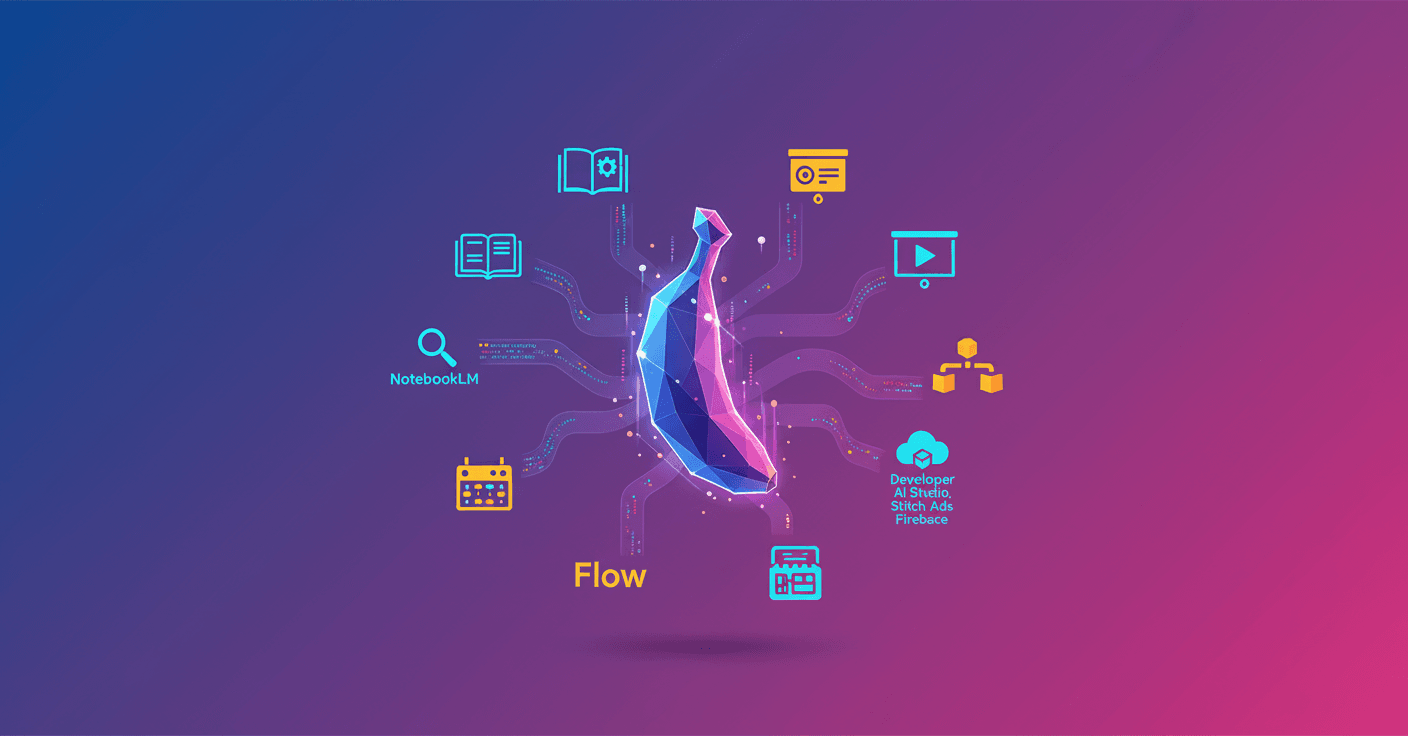
They launched Nano Banana Pro, the new image generation and editing model powered by Gemini 3 Pro. What does that mean for you? More accuracy, greater detail, and a better understanding of what you want to visualize—whether it’s an illustration for a presentation, images for a video, or graphics for research.
Gemini app
The most direct way to try Nano Banana Pro is in the Gemini app, available on desktop and mobile. Just select "Create images" and choose the model Thinking to use it.
- Free users have limits: once reached, the app falls back to the original Nano Banana.
- Google AI Plus, Pro, and Ultra subscribers get higher quotas.
Want a quick example? Ask for an image with a specific palette and you’ll see how the model captures color nuances and composition with more detail than before.
AI Mode in Search
If you sign in to your Google account, you can access Nano Banana Pro from AI Mode in Search. Select "Thinking with 3 Pro" in the dropdown, click the plus icon and choose "Create Images Pro".
- Available in select countries and, for now, in English.
- Perfect for generating quick images without leaving your search flow.
Need an image to illustrate an article you found in Search? Try it right there and save steps.
NotebookLM
Nano Banana Pro is available to all NotebookLM users globally. This turns documents and notes into visual narratives: slide decks, infographics, and visualizations.
- Turns deep research into stylized slides automatically.
- If you already have a draft, ask NotebookLM to make it more visually appealing with coherent palettes and layouts.
Think of it as transforming a dense report into a presentation ready to share in meetings.
Workspace tools (Slides and Vids)
Workspace customers can use Nano Banana Pro in Google Slides and Google Vids.
- In Slides: open the Gemini sidebar and select "Help me visualize". Nano Banana Pro can create infographics, charts, and improve a slide’s design.
- New "Beautify this slide" feature: it takes the context of your slide and proposes a visually improved version you can insert as a new slide.
- In Google Vids: when generating from scratch, the video images use the latest model. You can also add professional visual elements from the sidebar.
If you work with business presentations, this reduces the need for external designers for quick changes.
Flow (AI filmmaking)
Flow, the AI-assisted video creation tool, now supports Nano Banana Pro for image generation.
- More control per frame and per scene, better text rendering, and more accurate colors.
- Lets you adjust camera angles, depth of field, and color grading with greater fidelity.
For indie creatives and filmmakers, this makes prototyping scenes easier without expensive equipment.
Mixboard
Mixboard (an experiment in Google Labs) integrates Nano Banana Pro into its new presentation capability.
- Transforms visual boards into well-designed presentations.
- Useful for projects from product design to planning a themed dinner.
Can you imagine sketching a party and getting the full visual proposal in minutes? That’s Mixboard with Nano Banana Pro.
For developers and other integrations
Beyond user-facing apps, Nano Banana Pro is available to developers on platforms like Vertex AI, AI Studio, Stitch, Ads, and Firebase. It’s also tied to Antigravity, the new agent development layer.
- This opens doors to integrate higher-detail generated images into products, campaigns, and creative pipelines.
Nano Banana Pro is not just a visual add-on: it’s a tool to accelerate creative and business workflows, from the idea to the final piece.
In the end, the interesting part isn’t only the image quality, but where you can use them: in searches, presentations, videos, prototypes, and products. If you work with visual content, it’s worth trying it in the context you use most—the same image can improve a lot when the model understands the goal behind your request.
Original source
https://blog.google/products/gemini/where-to-use-nano-banana-pro