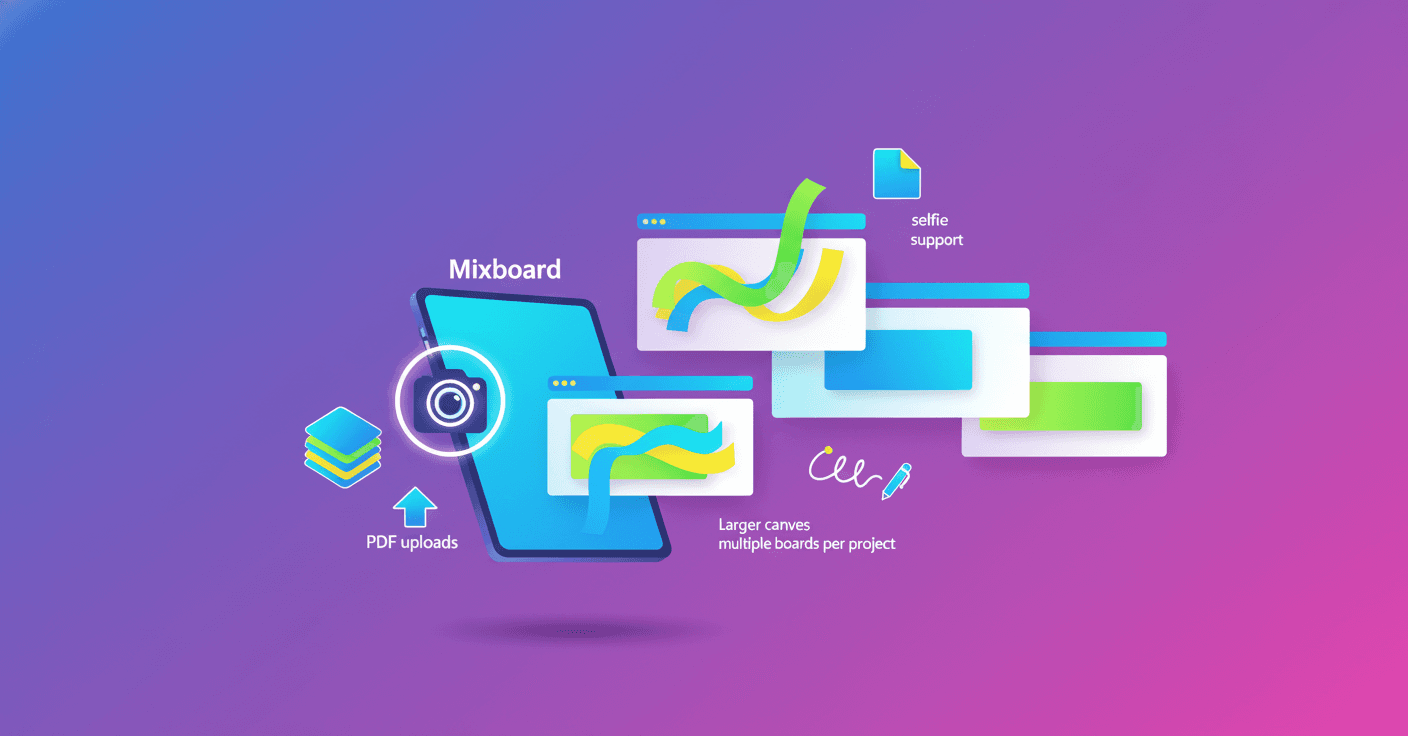
Mixboard, the Google Labs experiment, keeps getting more useful for creative projects. Do you have loose ideas in images and text and don’t know how to order them? Now you can turn that material into a presentation ready to communicate your vision, with high‑fidelity visual improvements thanks to Nano Banana Pro.
What the update brings
The most visible change is that Mixboard can transform the content of your main board into a presentation. It’s not just slapping slides on top of images: Mixboard combines the context of your board with your directions (format, presentation focus, and preferred visual style) to design coherent, aesthetic slides.
With Nano Banana Pro, image and text generation steps up a level. It’s a model designed to produce visuals and copy with higher fidelity, which makes it easier to communicate complex ideas without losing graphic quality.
Important note: generation limits can vary depending on server load and network traffic.
Practical examples
-
If you’re building a DIY or product project, Mixboard can organize references, suggest sequences, and turn everything into a presentation for investors or to share on social media.
-
Planning a party menu and decor? You can get a coherent visual proposal that shows styles, palettes, and steps to execute the idea.
-
For fashion or personal style: the new
selfiefeature makes it easy to upload your photos and generate outfit options based on your real features.
New ways to explore and edit
Mixboard expands the types of content you can upload. Besides images, you can now bring PDFs and use a selfie camera inside the app. That gives consistency to projects because you can start from clear references.
Editing now includes the ability to doodle on images: mark the area, describe what you want changed, and the system makes the modification. It also works inside presentations, so you can iterate visually without leaving your creative flow.
Organization: more space and multiple boards
They’ve increased the canvas size and now you can have multiple boards per project. What’s the benefit? Separate phases or themes without mixing information: one board for brainstorming, another for loose findings, and another for the final version. Order and scalability for projects that grow.
Technical considerations (for those who like the technical side)
-
Multimodal model: Nano Banana Pro is used to elevate both images and text, which suggests a multimodal architecture optimized for visual-text coherence.
-
Fidelity and performance: high-fidelity models usually require more inference resources. That explains why Google warns about fluctuations in generation limits based on server load.
-
Workflow: combining structured inputs (for example, format and presentation focus) with uploaded references lets the generator maintain consistency — something like applying a
promptwith extended context instead of isolated instructions. -
Best practices: keep your references clean and concise, indicate the visual style and target audience when generating the presentation, and use the doodle areas for targeted corrections instead of rewriting everything.
What this means for you
If you’re a creator, designer, or entrepreneur, Mixboard reduces the friction between the idea and the presentation. The ability to convert boards rich in references into quick, visually coherent slides speeds up validation and pitches. Don’t know where to start? Upload a few images or a PDF, use the selfie if it applies, mark what you want to change, and let Mixboard give you a base you can polish.
AI is no longer just a futuristic black box: here it’s helping you structure, visualize, and present ideas in minutes.