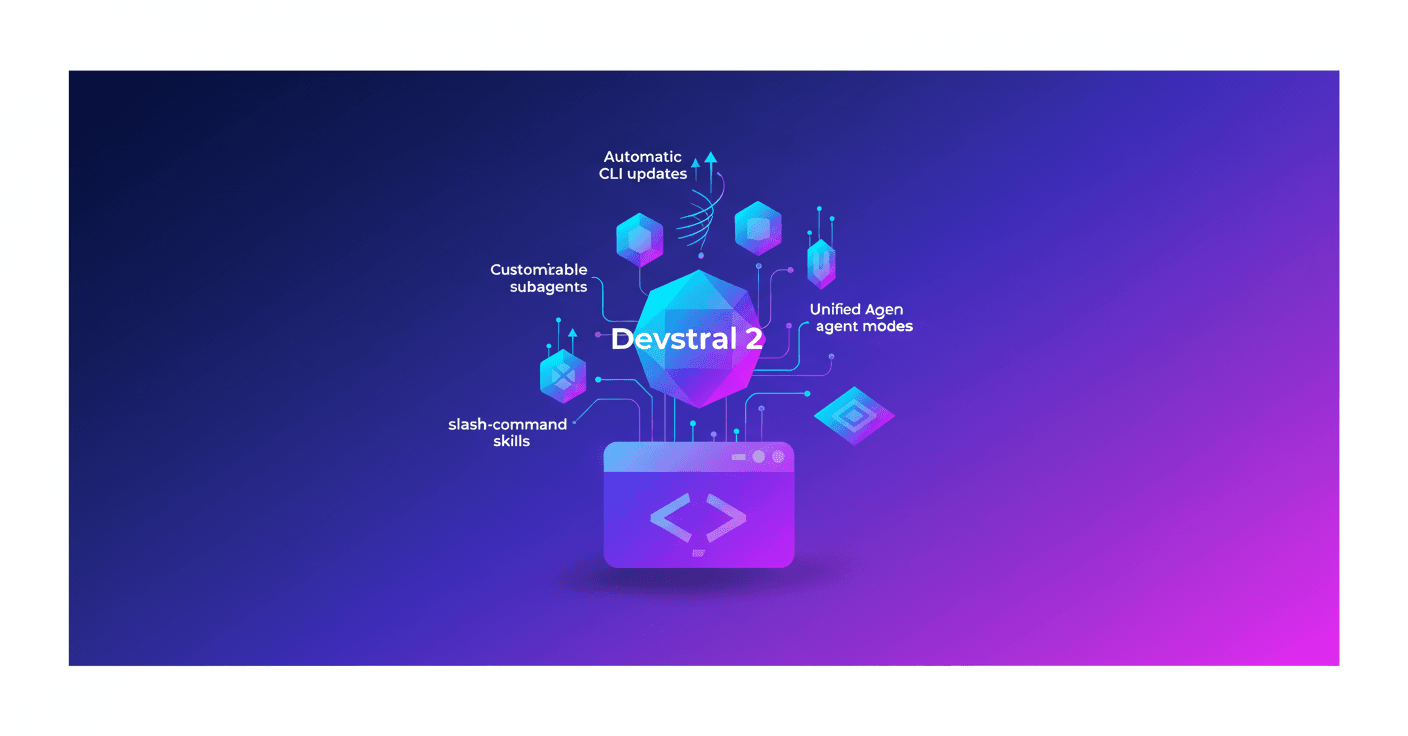
Mistral presents Vibe 2.0, a major update to its agent built for the terminal, powered by the Devstral 2 model family. If you work in the terminal and want to automate development tasks using natural language, Vibe lets you create subagents, ask for confirmations when intent isn’t clear, load skills with slash commands, and configure flows that match how you like to work.
What is Mistral Vibe 2.0
Vibe is an agent designed for developers that lives in your terminal. You run commands in natural language, and the agent orchestrates changes across multiple files, understands the full context of the repository, and helps with common development tasks.
With version 2.0, Mistral adds controls so the system adapts to your style: customizable subagents, options to clarify before executing, preconfigured skills with slash commands, and unified agent modes to switch context without changing tools.
Want a practical example? Imagine saying: "review this PR and suggest unit tests" and Vibe spins up a subagent specialized in PR reviews, then shows you concrete options before applying any changes. Handy, right?
Key updates
-
Custom subagents: create agents specialized for specific tasks like deploys, PR reviews, or test generation, and call them when you need them.
-
Multi-choice clarifications: when intent is unclear, Vibe presents options instead of guessing. Fewer surprises, more control.
-
Slash-command skills: load skills with
/for common actions like deploy, linting, or docs generation. Think of shortcuts you already use—now inside the agent. -
Unified agent modes: define modes that combine tools, permissions, and behaviors (for example, exploration mode vs production mode) and change context without breaking your flow.
-
Automatic updates: the Vibe CLI updates continuously, so you don’t have to manage patches manually.
Plans and pricing
Vibe 2.0 is available today on the Le Chat Pro and Team plans. Subscriptions include generous usage designed for daily development work, and if you exceed that you can continue with pay-as-you-go at API rates until your quota resets.
Devstral 2 moves to paid API access, although Mistral keeps free usage on the Experiment plan inside Mistral Studio—great for testing and prototypes. Students get a 50 percent discount.
The Team plan adds unified billing, centralized management, and priority support for teams that need more control.
For teams and enterprises
Mistral offers additional enterprise services: fine-tuning for internal languages and DSLs, reinforcement learning with your own environment, and large-scale code modernization. Got a legacy monolith you want to migrate to a modern stack without breaking business logic? They promise end-to-end solutions for critical use cases in finance, defense, and infrastructure.
If your organization needs these capabilities, Mistral invites you to contact them to explore options.
How to get started
- Install the Vibe CLI in your terminal:
curl -LsSf https://mistral.ai/vibe/install.sh | bash - Run
uv tool install mistral-vibeto add the tool. - Subscribe to Le Chat Pro to unlock full access.
- Start building: run
vibein your terminal and follow the docs.
You can also use the Experiment plan to try the Devstral 2 API at no cost while prototyping.
Why this matters
This isn’t just a new release: it’s a step toward automating repetitive parts of the development flow without leaving the terminal. Less context switching, confirmations before potentially risky changes, and the ability to package common practices into subagents or skills.
Sound like empty promises? Try it on a routine task—say, automating test creation or cleaning imports in a large repo. If it works for you, you’ll recover hours every week.
It’s also noteworthy that Devstral 2 moves to paid access: for teams this means predictable costs, and for the prototyping community the Experiment plan remains an entry point.
Whether you’re a developer, a team lead, or just curious about how AI is starting to fit into day-to-day programming, Vibe 2.0 is worth trying.
They tell us they’re hiring; if you want to work on AI infrastructure-level products, that’s a good sign for folks looking for ambitious projects.