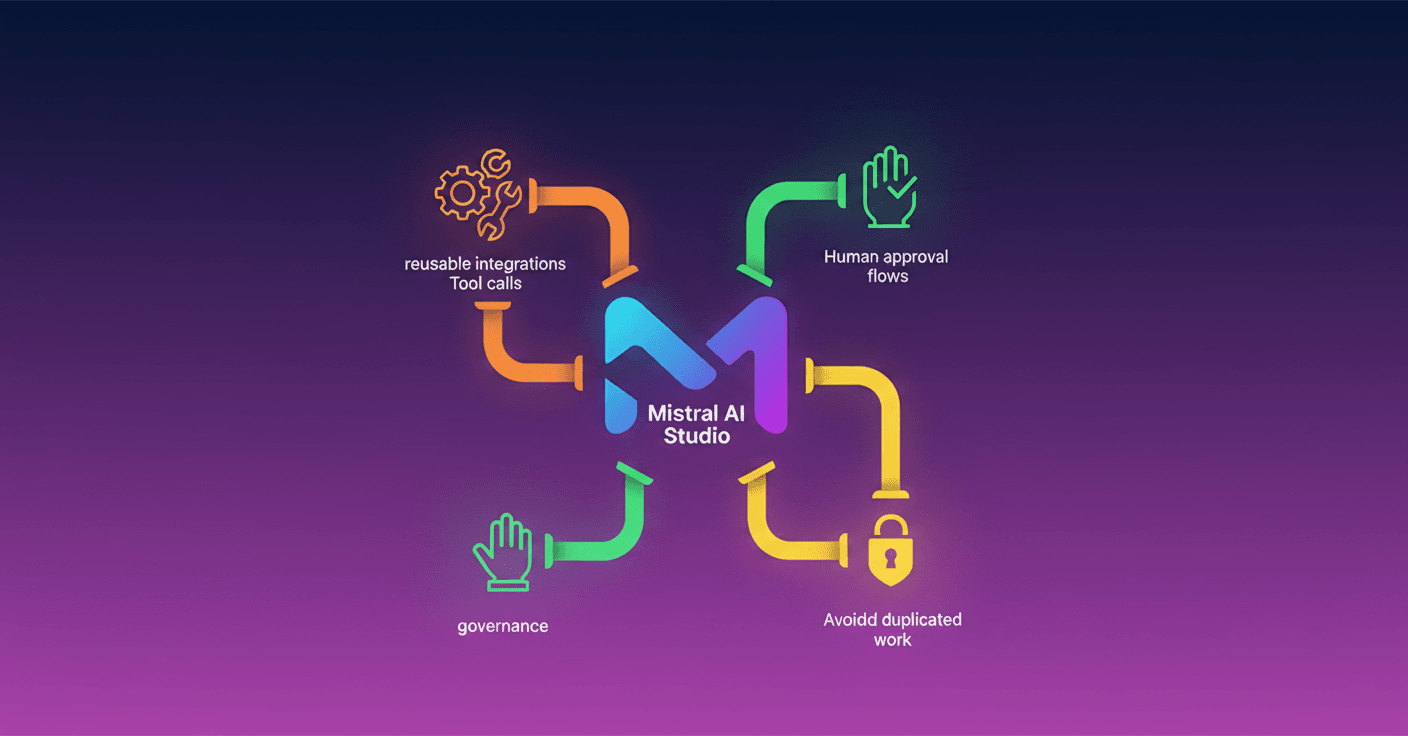
Mistral AI launches Connectors in Studio, a more direct and reusable way to connect enterprise data with your AI applications. Have you ever had each team re-implement the same integration over and over? This aims to bring order and security without slowing you down while you build.
What this brings
Now you can register built-in connectors and custom MCPs in Studio and use them from the API/SDK with models, conversations, and agents. That means integrations like CRM, knowledge bases, or productivity tools live on the platform, not scattered across code.
The platform offers: reusable connectors, direct tool calls, and human-in-the-loop approval flows for sensitive actions. Everything is designed so you can test, iterate, and govern without breaking authentications every time.
Why this matters for your team
If you've done enterprise integrations, you know how tedious it gets: hunting docs, handling OAuth, refreshing tokens, and debugging edge cases. The result is duplicated code, security risks, and poor visibility into traffic.
A connector packages that integration into a reusable entity using the MCP protocol. You register it once in Studio and it becomes available to conversations, agents, and pipelines without rewriting auth logic or repeating work across teams.
A practical look (quick mode)
Registering a custom connector is simple and then accessible from any conversation or agent. For example, in pseudocode you can create a connector like this:
client.beta.connectors.create(name='salesforce-crm', description='Salesforce CRM', server='https://your-mcp/salesforce', visibility='shared_workspace')
And attach it to a conversation in one line:
tools=[{'type': 'connector', 'connector_id': 'salesforce-crm'}]
This makes cases like asking "Which accounts renewed last quarter?" much easier, without rebuilding the whole integration layer.
Direct tool calls and debugging
You don't always want the model to decide when to invoke a tool. With direct calls you can execute a connector's tools deterministically, ideal for debugging or pipeline-style automations.
Short example of a direct call:
result = client.beta.connectors.call_tool_async(connector_id='my_deepwiki', tool_name='read_wiki_structure', arguments={'repoName': 'sqlite/sqlite'})
This reduces ambiguity and speeds up tests when you're building flows that depend on concrete outputs.
Human in the loop: control and governance
For actions that shouldn't run without review, you can require user confirmation before the tool executes. In the connector settings you mark which tools need approval and execution is paused until your application confirms.
This keeps a balance between automation and human control, which is critical in regulated environments or for sensitive operations.
How to get started today
The feature is in Public Preview in Studio. You can use it from the Studio console and take advantage of the cookbooks with common patterns: connector management, tool calls, and approval flows.
If you work with agents that need to combine GitHub, public repos, documentation, and live data, this gives you an orderly way to connect all of that without redoing integrations.
Building agents is getting easier; what Mistral is trying to solve is the work around them: integrations, auth, and governance.
Start experimenting and ask yourself: which integrations does your team repeat today that could live once in Studio and serve everyone?