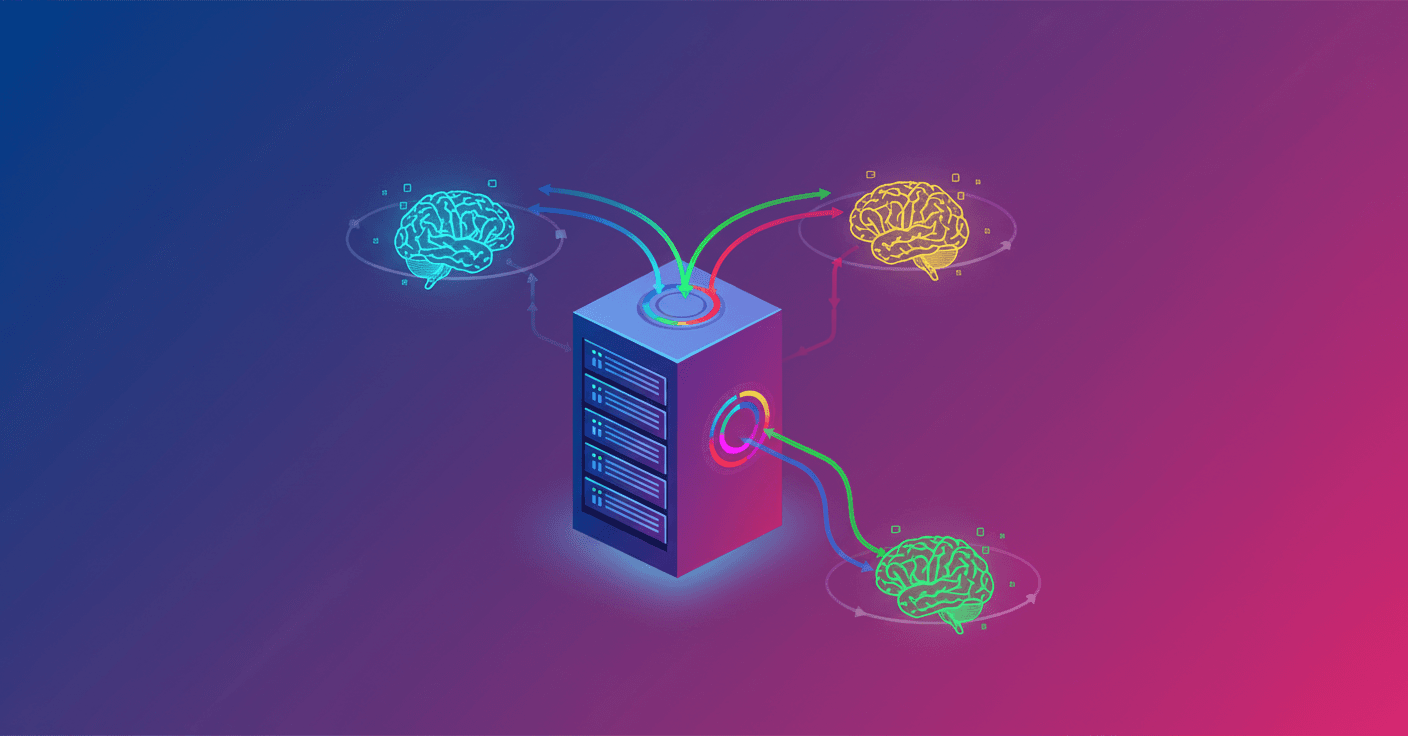
llama.cpp now includes a router mode that lets you load, unload and switch between models without restarting the server. Sound familiar to Ollama? Exactly: they bring a similar model management, but in the lightweight, OpenAI-compatible llama.cpp ecosystem.
What the new feature brings
The llama-server can be started in router mode simply by not specifying a model:
llama-server
In that mode the server performs auto-discovery of models in your llama.cpp cache (the LLAMA_CACHE variable or ~/.cache/llama.cpp) or in a folder you point to with --models-dir. Models previously downloaded with llama-server -hf user/model will appear automatically.
The architecture is multiprocess: each model runs in its own process. Why does that matter? Because if one model crashes, the others keep running. It also supports on-demand loading: the first request that targets a model loads it into memory; subsequent calls are instantaneous because the model is already loaded.
How to use it (commands and examples)
- Auto-discovery: scans the default cache or the folder indicated with
--models-dir. - On-demand loading: models load on the first request.
- LRU eviction: when you hit
--models-max(default 4), the least-used model is unloaded. - Routing by request: the
modelfield in the request decides which model handles the query.
Example API call for chat completions:
curl http://localhost:8080/v1/chat/completions \
  -H "Content-Type: application/json" \
  -d '{
    "model": "ggml-org/gemma-3-4b-it-GGUF:Q4_K_M",
    "messages": [{"role": "user", "content": "Hello!"}]
  }'
Useful endpoints for model management:
- List models and their state:
curl http://localhost:8080/models
- Force-load a model:
curl -X POST http://localhost:8080/models/load \
  -H "Content-Type: application/json" \
  -d '{"model": "my-model.gguf"}'
- Unload a model:
curl -X POST http://localhost:8080/models/unload \
  -H "Content-Type: application/json" \
  -d '{"model": "my-model.gguf"}'
Important flags when starting the router:
--models-dir PATH: folder with GGUF files.--models-max N: maximum number of models loaded simultaneously (default 4).--no-models-autoload: disables automatic loading; you require explicit calls to/models/load.
You can also point to a local folder at startup:
llama-server --models-dir ./my-models
Architecture and technical settings
The server applies global configurations that all model instances inherit. For example:
llama-server --models-dir ./models -c 8192 -ngl 99
That means all loaded models will use ctx-size 8192 and full offload to GPU (according to ngl), unless you define per-model presets.
You can set per-model settings using a presets file:
llama-server --models-preset config.ini
Example config.ini:
[my-model]
model = /path/to/model.gguf
ctx-size = 65536
temp = 0.7
Technical points to consider:
- Process isolation reduces the risk of one model taking the whole service down.
- The initial load depends on model size and hardware; plan for latency if loading on demand.
- LRU prevents memory from growing uncontrolled, but can introduce extra loads if you frequently switch between many models.
Use cases and practical recommendations
What is this useful for in practice?
- A/B testing between versions of a model without restarts.
- Multi-tenant deployments where each client uses a different model.
- Agile development: switch models from the UI without interrupting sessions.
Quick tips:
- If you need predictable latency, pre-load critical models with
/models/loador increase--models-maxif your memory allows. - Use
--no-models-autoloadto control exactly when resources are consumed. - Use presets to adjust
ctx-size, temperature and offload per model according to their needs. - If you expose the server on the network, make sure to put a proxy/reverse proxy and appropriate authentication.
Final thoughts
This update brings the flexibility many asked for: manage models without restarting and with isolation between instances. It's an improvement focused on operability and developer experience, without turning llama.cpp into something heavy. Want to try A/B with two versions of a 4B? You can do it in minutes and without restarts.
Original source
https://huggingface.co/blog/ggml-org/model-management-in-llamacpp