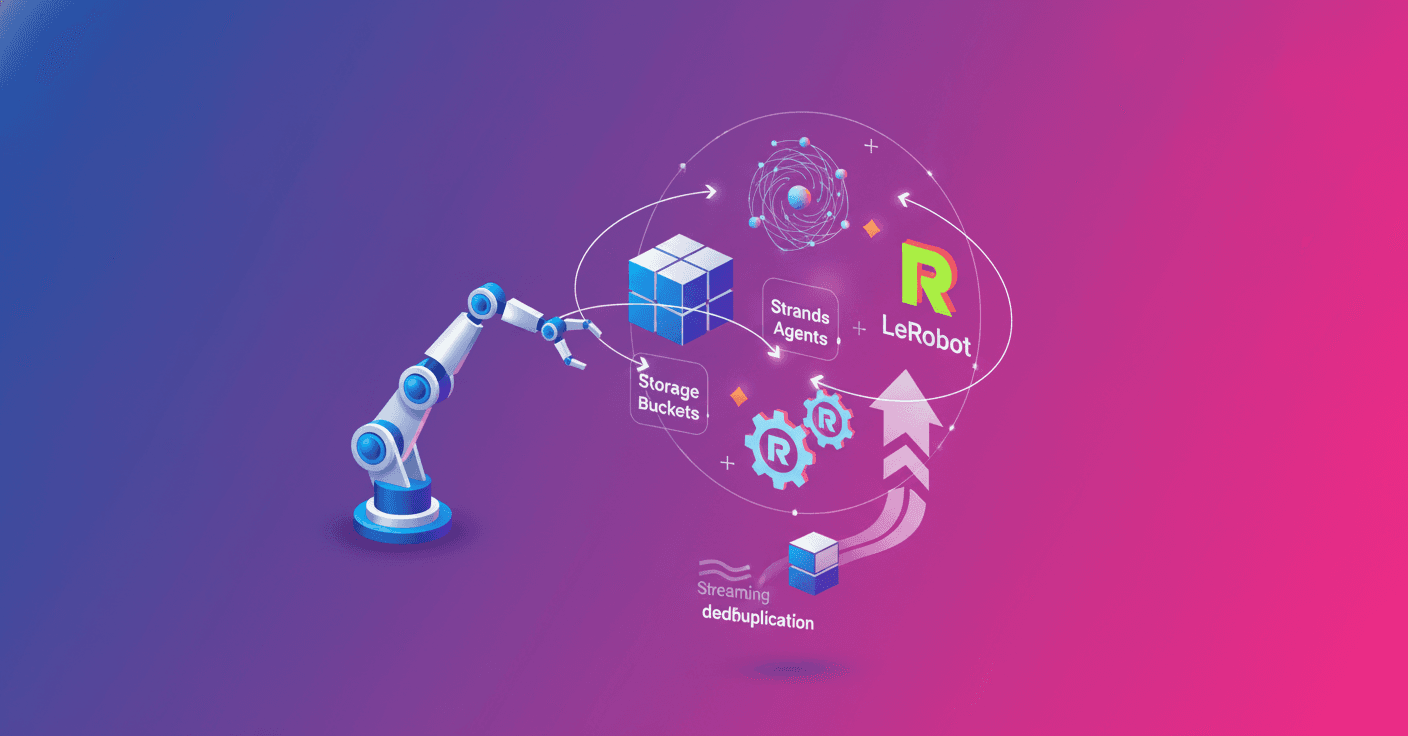
Training a robot usually involves a chain of scattered tasks: recording demonstrations, uploading files, downloading datasets, training a policy, and sending the checkpoint back to the hardware. What if that entire journey could run through a single agent without repeatedly copying the same gigabytes?
Hugging Face showcases an integration between Strands Agents, Strands Robots, LeRobot, and the new Storage Buckets to build that cycle continuously. The approach makes it possible to record episodes, synchronize them, read them directly from the cloud, train a policy, and deploy it on a physical robot.
A complete cycle for AI-powered robots
The workflow starts with Robot(), a Strands Robots factory that unifies simulation, hardware, and LeRobot tools. The example uses an SO-100, although the catalog also includes arms, humanoids, mobile bases, and hands.
The same robot instance can record a demonstration and then read that dataset for training. Instead of connecting separate tools, an agent receives natural-language instructions and decides when to prepare the scene, start recording, run a policy, and stop the episode.
The basic cycle looks like this:
from strands import Agent
from strands_robots import Robot

sim = Robot("so100")
agent = Agent(tools=[sim])

agent("Record a demonstration of picking up the cube and sync it with my bucket")

for batch in sim.stream_dataset(
    "my-org/robot-fave/cube_pick",
    repo_type="bucket"
).dataloader(batch_size=64):
    ...
By default, Robot("so100") runs in simulation, a safe option for testing the workflow without connecting hardware. The example can use a simulated policy, which produces a valid dataset, although not necessarily one that is useful for learning a real task.
Storage Buckets avoid unnecessary transfers
LeRobot datasets contain Parquet files with states and actions, along with MP4 files containing camera images. When a collection grows over hours or days, uploading and downloading the entire dataset again can be expensive and slow.
Hugging Face Storage Buckets work as a mutable workspace layer within the same hf:// space. Unlike a versioned dataset repository, a bucket lets you modify files in place and does not preserve historical revisions.
The advantage comes from Xet, the storage system that splits files into chunks based on their content. If only part of the dataset changes, the next synchronization can send only the new or modified chunks.
According to measurements cited by Hugging Face, changing 1% of a 500 MB file moved 5.5 MB; modifying 5% moved 27.5 MB, and changing 10% transferred 55 MB. The exact savings depend on how the data is organized, but the principle is simple: you do not need to pay to transfer bytes that already exist.
from strands_robots import sync_dataset_to_bucket

sync_dataset_to_bucket(
    "/tmp/cube_pick",
    "my-org/robot-fave",
    run_id="run-021"
)
Synchronization saves the dataset to a path such as hf://buckets/my-org/robot-fave/run-021. Using a different run_id for each campaign makes it possible to track every collection and prevents accidentally overwriting an earlier one.
A bucket is a workspace layer, not a replacement for a reviewed and versioned dataset.
When a version is approved, it can still be published with push_to_hub(), where revisions are preserved.
Streaming training without downloading everything
The next bottleneck usually appears during training. If the dataset takes up hundreds of gigabytes, GPUs can sit idle while waiting for the full download to finish.
The integration uses StreamingLeRobotDataset to read data directly from the bucket. States and actions arrive from the Parquet files, while video frames are decoded on demand from the MP4s. Only a small local meta/ folder containing the schema, statistics, and episode index is stored locally.
reader = sim.stream_dataset(
    "my-org/robot-fave/cube_pick",
    repo_type="bucket",
    shuffle=False,
    max_num_shards=1,
    buffer_size=1
)

print(reader.num_episodes, reader.num_frames, reader.fps)

for frame in reader:
    image = frame["observation.images.front"]
    state = frame["observation.state"]
    action = frame["action"]
    break
For training with PyTorch, the reader provides a conventional DataLoader. The system can shuffle data through a bounded buffer and distribute video decoding across multiple processes.
for batch in reader.dataloader(batch_size=64, num_workers=4):
    loss, _ = policy(batch)
    loss.backward()
You can also use the LeRobot trainer directly:
lerobot-train --policy.type=act \
  --dataset.repo_id=my-org/robot-fave/cube_pick \
  --dataset.repo_type=bucket \
  --dataset.streaming=true \
  --num_workers=4
The streaming=true parameter is required when the dataset uses repo_type=bucket. For edge devices with limited resources, drop_videos=True lets you skip video decoding and work only with proprioceptive data, such as joint positions and velocities.
From a trained policy to a physical robot
Strands Robots maintains the same cycle across different training providers. A Trainer receives a specification containing the dataset, output directory, base model, and number of steps.
from strands_robots import create_policy
from strands_robots.training import TrainSpec, create_trainer

trainer = create_trainer("lerobot_local", device="cuda")

spec = TrainSpec(
    dataset_root="/tmp/cube_pick",
    output_dir="/tmp/cube_pick_ft",
    base_model="",
    steps=500,
    extra={"policy_type": "act"}
)

result = trainer.train(spec)
policy = create_policy(result.checkpoint_dir)
The same cycle also supports providers such as groot and cosmos3, although each one requires its own fields, base models, and fine-tuning recipes. The recommendation is to run trainer.validate(spec) before training so you know exactly which configuration is missing.
Once the checkpoint is loaded, deploying it on a physical SO-101 requires changing the robot mode and configuring the port and cameras:
robot = Robot(
    "so100",
    mode="real",
    port="/dev/ttyACM0",
    cameras={
        "front": {
            "type": "opencv",
            "index_or_path": "/dev/video0",
            "fps": 30
        }
    }
)
That arm can run the policy and record new demonstrations in the same LeRobot format. The episodes can then return to the bucket to feed the next training round.
What you need to try it
The basic setup requires Python 3.12 or later, Linux or macOS, a provider compatible with Strands Agents, and Strands Robots installed with the simulation and LeRobot extras:
uv pip install -U "strands-robots[sim-mujoco,lerobot]>=0.5.1"
To create and synchronize buckets, you need a Hugging Face account, a token with write permissions, and the corresponding CLI:
pip install -U "huggingface-hub>=1.6.0,<2.0.0"
hf auth login
Training also requires lerobot[training] and, for visual inference or large-scale training, an NVIDIA GPU. Recording and streaming reads can be tested without a GPU by using simulation and a dummy policy.
The Strands Robots repository includes a notebook that walks through the entire workflow: recording, rendering, synchronizing, streaming, training, and loading the checkpoint. There is also an example focused on having the agent manage data collection and streaming.
Security and production operations
An agent that can control robots and write to shared storage needs clear boundaries. Untrusted data could include malicious instructions intended to alter the agent's behavior, a known risk called prompt injection.
There is also a trust boundary between collection and training. If a process can write episodes that a policy later consumes, a manipulated demonstration could eventually influence a physical arm. It is a good idea to separate write and read credentials, use private buckets, and keep each campaign under its own run_id.
The overwrite option is useful for everyday work, but it removes history. To preserve an auditable artifact, you need to publish the result to a versioned repository. Also, trust_remote_code=True should only be enabled for trusted organizations and checkpoints, preferably in formats such as safetensors when available.
The practical future of data-trained robotics
The importance of this integration is not limited to saving transfers. It lies in turning collection, training, and deployment into an operational cycle that a team can repeat every day.
The data retains the LeRobot format, so ecosystem tools can use it without conversions. And because the Robot() factory works for both simulation and hardware, the code can grow from a local test into a fleet of robots collecting episodes in parallel.
Robotic AI stops looking like an isolated demonstration and starts behaving like a continuous improvement system: observe, record, train, test, and observe again. The key will be matching that speed with security controls, traceability, and human review before a new policy reaches the physical arm.
Original source
https://huggingface.co/blog/amazon/strands-lerobot-streaming-data-loop