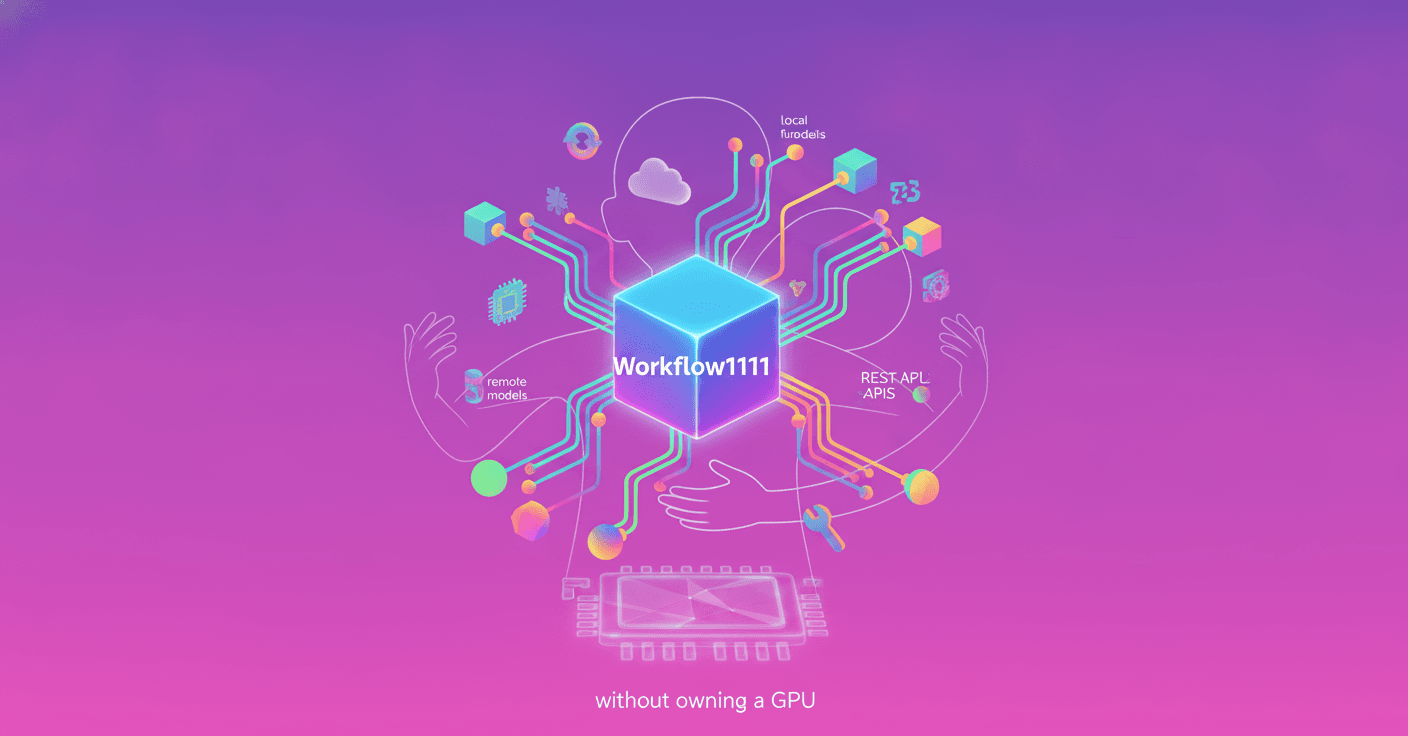
What if you could have a good part of AUTOMATIC1111, but converted into a visual canvas where you connect models, functions, and services as if you were building a map? Hugging Face presents Workflow1111, a technical reconstruction based on gr.Workflow that brings together 11 multimedia generation and editing pipelines in a single workspace.
The project uses 73 nodes and lets you run text-to-image, image-to-image, upscaling, object detection, inpainting, background removal, visual analysis, image animation, and more. The interesting part? You don't need to install a local interface or own a GPU to try it.
A canvas to replace several tools
Workflow1111 takes the set of functions in AUTOMATIC1111 as a reference, but organizes them as a graph. Each node represents an operation, and its inputs and outputs are connected by lines.
Instead of navigating through separate tabs, you can watch an image move through different processes. For example, an image uploaded to the canvas can simultaneously feed a metadata reader, an object detector, and an image-to-video model.
The architecture relies on four types of operators:
fn: a Python function.model: a model invoked throughInferenceClient.space: another Gradio Space that works as an external node.dataset: a row from a dataset hosted on Hugging Face Hub.
This combination makes it possible to mix diffusion models, language models, vision models, detectors, and traditional image-processing tools within the same workflow.
Generating images with text
The main pipeline recreates the controls many users know from AUTOMATIC1111's txt2img tab: negative prompt, generation steps, CFG, seed, dimensions, and model selection.
Before reaching the diffusion model, the prompt passes through a function that cleans the text and adds a predefined style. Then, a model node performs the generation through inference providers. Finally, another function saves the parameters in the PNG metadata.
This last part matters because it lets you later recover the prompt, seed, model, and values used. The image is no longer an isolated file; it retains part of the story of how it was created.
Hires fix and image-to-image with FLUX.1-Kontext
In AUTOMATIC1111, high-resolution mode usually increases the image size first and then applies a second denoising pass. Workflow1111 handles this process with a two-node detour.
The generated image goes through a FLUX.1-Kontext model with an instruction such as “enhance fine detail and microtexture, keep the composition identical.” The result comes back larger and sharper.
That same node also handles image-to-image. You upload an image, describe the change, and the model returns an edited version. A single piece of the graph can serve different purposes depending on the data it receives.
From a brief idea to a list of prompts
Workflow1111 also includes a pipeline for turning a short description into useful tags for visual generation.
If you write “a lighthouse in a storm,” a node based on Qwen3-4B can return a list like:
- rough sea
- wet rocks
- dramatic composition
- low-angle shot
- volumetric lighting
- ominous atmosphere
A function limits the response to a maximum of 40 tags and prepares it to connect with any diffusion model available on the canvas.
This is where it differs from ComfyUI: you don't need to create a custom node specifically to integrate the language model. Both the LLM and the image model are regular operators within the same Gradio workflow.
Questioning images with vision models
Another function recreates the idea behind AUTOMATIC1111's Interrogate button, but uses more modern visual models.
Qwen2.5-VL analyzes a photograph and generates a prompt that could describe how to produce a similar image. At the same time, a ViT-based classifier identifies visual categories and assigns probabilities. In the example shown, it recognizes elements such as a restaurant, a tobacco shop, and a toy store.
Both operations receive the same image and can run in parallel. This way, the user gets the description generated by the vision model and the classifier's labels in roughly the time of a single sequential operation.
Object detection to create inpainting masks
In AUTOMATIC1111, users normally paint by hand the area they want to modify. Workflow1111 can generate that mask automatically from a detector.
A DETR model identifies objects in an urban photograph, such as people, a dog, a bicycle, and a car. Then, the workflow splits into two branches:
- One draws the detection boxes over the original image.
- The other converts those boxes into a mask for use in an inpainting pipeline.
Detection happens through a model call, but drawing and mask creation are performed locally with Pillow and NumPy. This reduces unnecessary calls to external services.
Prompt matrix and parallel processing
The project also recreates prompt matrices. A base description, such as “a lone oak tree,” is combined with four variations: at dawn, during a storm, under the Milky Way, and in an autumn mist.
Each variation connects to its own text-to-image node. A final node brings the results together in a contact sheet.
gr.Workflow does not include a traditional loop operator. In this case, the four generations appear as independent nodes on the canvas. Since they are at the same dependency level, they can run in parallel and start generating at the same time.
The absence of a loop does not prevent you from creating variations. The workflow can express parallelism by placing equivalent operations side by side.
Upscaling, background removal, and annotators
The upscaling pipeline uses two different paths. The first applies local Lanczos resizing through a Python function. It requires no network call and finishes as quickly as Pillow allows.
The second uses AuraSR x4, a model that runs inside another Hugging Face Space. From the canvas, the result is treated like any other output.
Background removal follows a similar approach with BRIA RMBG-2.0, hosted in an independent Space. ControlNet-style annotators are also included for Canny, line art, sketch, luma-depth, and posterize.
These preprocessors are implemented as NumPy functions, with no additional model behind them. In the example image, each annotator takes around half a second on a CPU.
How much of the workflow can run locally
The project includes 36 operator nodes. Of those, 32 are fn functions, and 22 run entirely within the process without network calls.
This means that roughly two-thirds of the canvas can keep working if the connection is lost. Also, because the functions are conventional Python, you can test them directly without opening a canvas, starting a server, or having a GPU.
The other part of the workflow can use remote models through Inference Providers or Spaces. This separation lets you decide which tasks to run locally and which to delegate to external infrastructure.
From a static image to a video
The image used by the PNG Info pipeline can also feed an image-to-video model. In the demonstration, a photograph of a sleeping fox becomes a scene where the animal wakes up and starts moving.
The model used is Wan 2.2 I2V A14B. You don't need to create a second upload box because a single reference node can send its output to multiple pipelines.
A single image can retain its metadata, go through detection, be used in editing, and become a video within the same canvas. Do you notice the difference? The workflow stops being a collection of separate tools and becomes a reusable chain.
It can also use your own GPU
Although Workflow1111 uses models hosted on external infrastructure, gr.Workflow is not limited to that scenario.
An fn function can load a local checkpoint and run inference on your own machine. The canvas handles connecting the operation, while the function decides where and how the model runs.
Hugging Face shows another example with FastVideo/fastvideo-fasth3-preview. The application runs FastH3, a four-step distillation of MiniMax-H3, to generate videos with sound on ZeroGPU.
The essential pattern looks like this:
@spaces.GPU(duration=get_duration, size=GPU_SIZE)
def _generate(prompt_embeds, text_token_tags, height, width, num_frames, seed):
    ...

gr.Workflow(bind={"generate": generate, "status": status}).launch()
ZeroGPU assigns a GPU to the function when it needs one and releases it when the function finishes. gr.Workflow does not need to know the details of that management; it simply runs the node.
Every output becomes an API
One of the most useful features for developers is that each output node can automatically become a REST endpoint. Workflow1111 exposes nine routes, including:
/image/edited_image/generated_prompt/recovered_prompt/detected_objects/x_y_grid/upscaled_local/annotator_map/png_info
A client can call the pipeline from Python without manually building all the routes:
from gradio_client import Client

client = Client("ysharma/Workflow1111", oauth_token="hf_...")
image, params, hires = client.predict(
    "a red fox in a snowy pine forest",
    "",
    "Cinematic",
    "enhance fine detail",
    api_name="/image",
)
The same workflow can be exposed as MCP tools. When you start Gradio with mcp_server=True, output nodes become available to assistants compatible with the protocol, such as Claude Code, Cursor, or other MCP clients.
An agent could generate an image, retrieve its prompt, detect objects, or prepare a mask as part of a broader task. You no longer need to write integration code for every step.
Workflow1111 versus ComfyUI
AUTOMATIC1111 provides the list of functions that the project aims to bring together. However, the most direct technical comparison is with ComfyUI, since both use node graphs.
According to Hugging Face, gr.Workflow covers many common scenarios and adds some relevant capabilities:
- A node can run on external hardware through Inference Providers, another Space, an API, or a dataset.
- Outputs become typed endpoints generated from the graph.
- Visitors can use the workflow with their own identity by signing in through OAuth.
- You can combine diffusion models, LLMs, VLMs, detectors, and video models on the same canvas.
- Custom nodes are Python functions, so they can use any compatible library.
The practical result is clear: you can publish an application that other users open in their browser, try with their own quota, and also access from code.
How to get started with your own workflow
Workflow1111 began with a simple function connected to gr.Workflow:
import gradio as gr

def your_function(text: str) -> str:
    pass

gr.Workflow(bind=[your_function]).launch()
The bind= parameter turns functions into nodes. edges= defines the connections between them, and .launch() opens the canvas in the browser. When the workflow is ready, gradio deploy lets you move it to a Space.
You can also duplicate Workflow1111, choose one of its 11 pipelines, and modify it. The process involves removing nodes, replacing models, and changing connections until it fits your use case.
For someone just getting started, this approach reduces the distance between a prototype and a functional application. For an experienced developer, it offers a way to turn a multimodal architecture into a visual interface, an API, and a shareable service without building every layer from scratch.
The most important idea is not that Gradio imitates AUTOMATIC1111. It is that Gradio shows how AI interfaces are evolving from closed, separate tools toward composable workflows, where a local function, a remote model, and an agent can be part of the same experience.