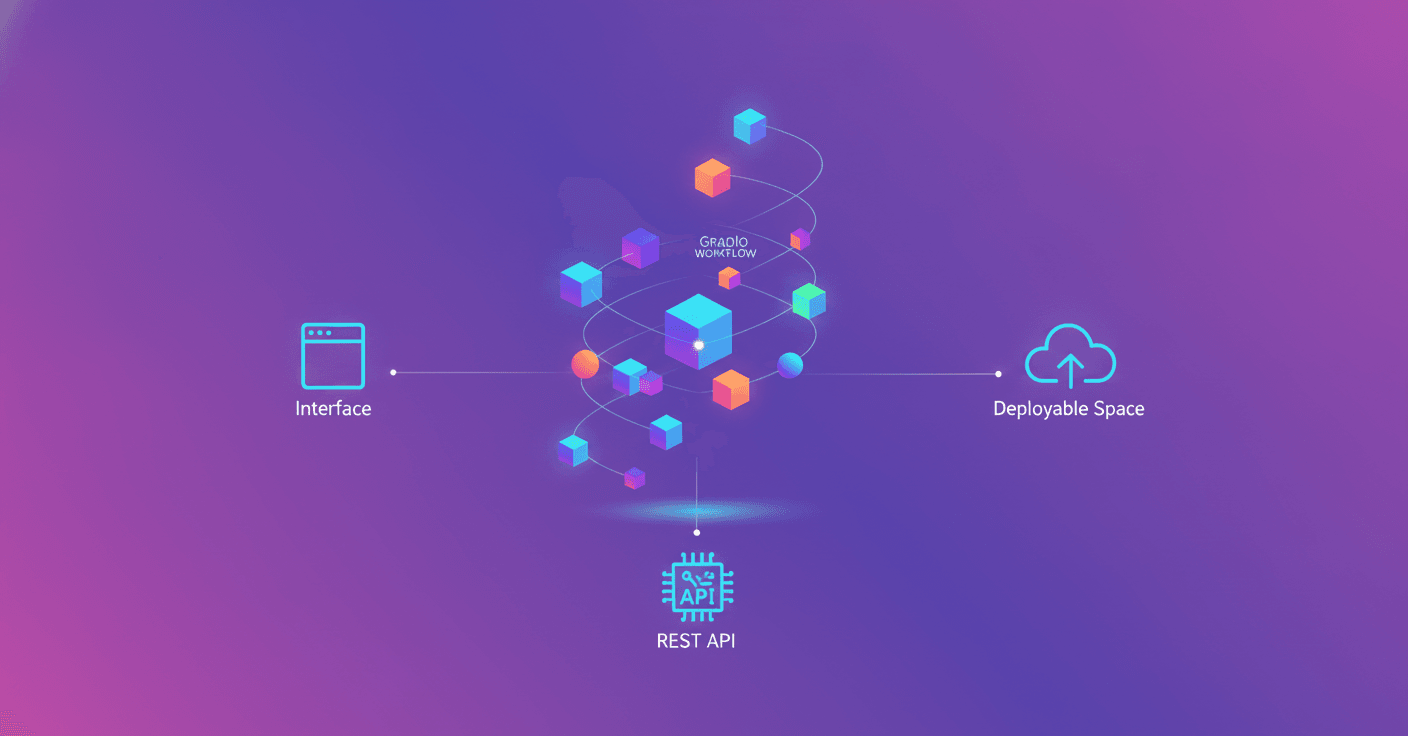
What if you could connect AI models, Python functions, and Gradio applications from the same visual canvas? That is what gr.Workflow proposes: a tool built into Gradio that turns an entire workflow into an interface, a REST API, and an application ready to deploy.
The idea may sound technical, but the concept is quite straightforward: you describe the steps in your process as a graph of nodes, connect inputs to operations, and observe each intermediate result as the workflow runs.
A canvas for building AI applications
With gr.Workflow, each step in the process appears as an executable node. You can drag connections between typed ports, enter data, and press Run to see what happens at each stage.
The nodes are divided into three main groups:
- References: represent inputs, such as text, an image, or a dataset identifier.
- Operators: perform the work. They can be Python functions, models available through Hugging Face Inference Providers, other Gradio applications, or data from the Hub.
- Subjects: represent the outputs that a user or an external application will receive.
This approach means you no longer have to think of an application as a single black box. If a result is not what you expected, you can review each step and find where the problem is. Did the model generate the wrong image? Did the cleanup function modify the data? The workflow shows the response from each node in its place.
From an edited image to a complete application
One of the examples uses an image uploaded by the user and an instruction written in natural language. You can ask for something like "turn it into a winter scene," "add sunglasses," or "change the car to red."
The workflow sends the image and instruction to Qwen-Image-Edit through Hugging Face Inference Providers and returns the edited result. The entire application is reduced to a single model node.
Another example shows how the same topic can feed several processes. Starting with an idea, the workflow can:
- Generate an image with FLUX.
- Remove its background using another Gradio application.
- Create a voice-over using a text-to-speech system.
- Suggest an appealing title for an episode with a language model.
The advantage is that each result can have its own endpoint. In this case, the application exposes routes such as /sticker, /voiceover, and /episode_title, so you can consume only the part you need without opening the visual interface.
The fan-out pattern: one input, many outputs
gr.Workflow also makes it easier to use the pattern known as fan-out. The name describes a simple idea: one input is split and feeds several processes in parallel.
For example, someone writes an idea and the system generates a base image with FLUX. It then creates two reinterpretations of that image, one in watercolor style and another with a cyberpunk aesthetic. At the same time, a language model writes the gallery title.
Each image can be generated directly from the text through a model node, while the title can be produced with a Python function that makes a call to an LLM. Since the tasks are independent, they can run in parallel and reduce the total response time.
This pattern is useful for creative tools, automated analysis, and systems that need to provide multiple perspectives on the same input.
Dataset analysis without preparing all the infrastructure
The tool can also connect to the Hugging Face Datasets Server API. The user enters an identifier such as stanfordnlp/imdb or mteb/tweet_sentiment_extraction, and the workflow analyzes the dataset in real time.
From a single input, four nodes can work independently to generate:
- A card with general information.
- A preview of the first rows.
- Statistics by column.
- A distribution chart.
Instead of manually creating an application for each analysis, the workflow organizes all operations in the same visual space. This can be especially useful for exploring data before training a model or creating internal review tools.
You can also run models inside the Space
Not every operator has to depend on an external service. An fn node is essentially a Python function. That means it can load and run a model directly inside a Space with GPU access.
When you decorate a function with @spaces.GPU, ZeroGPU assigns a GPU when the node runs, processes the request, and releases the resource afterward. This lets you use models through Diffusers without having to design a specific architecture to manage GPU infrastructure.
One of the examples uses Lightricks/LTX-Video to animate a static image. The model runs entirely from a node, and gr.Workflow only needs to invoke the linked function.
The tool does not replace code. It organizes code into a visual structure that can also become an application and an API.
Every workflow becomes an API
One of the most practical features is that every workflow you create also works as an API. Outputs receive endpoints based on their labels, so you do not have to build an additional server manually.
You can call these endpoints from Python with gradio_client:
from gradio_client import Client

client = Client("ysharma/gr-workflow-multi-endpoint-API")

print(client.predict("hello there friend", api_name="/word_count"))
print(client.predict(20, api_name="/fahrenheit"))
If the endpoint uses a model or application that requires authentication, you must provide a Hugging Face token:
from gradio_client import Client, handle_file

client = Client(
    "ysharma/gr-workflow-image-editor",
    token="hf_..."
)

edited = client.predict(
    handle_file("dog.jpg"),
    "turn it into a snowy winter scene",
    api_name="/edited_image",
)
You can also use HTTP directly with curl:
curl -s https://ysharma-gr-workflow-multi-endpoint-API.hf.space/gradio_api/call/word_count \\
  -H "Content-Type: application/json" \\
  -d '{"data": ["hello there friend"]}'
This opens the door to integrating workflows with websites, automations, mobile applications, or backend services that do not use Gradio.
Getting started requires very little code
The fastest way to try the tool is to open one of the demo Spaces, press Duplicate, and start modifying the connections. If you prefer to begin with Python, the basic code can be as short as this:
import gradio as gr

def your_function(text: str) -> str:
    pass

gr.Workflow(bind=[your_function]).launch()
From there, you can add models, calls to other Spaces, your own functions, and independent outputs. The official guide also documents the types of operators, the JSON schema, and several reusable patterns.
The proposal is interesting because it connects three worlds that are usually kept separate: visual experimentation, programming, and deployment. You can design a workflow by dragging nodes, review it with code, and expose it as an API without rebuilding the project from scratch.
So how far can it go? The Gradio team says that gr.Workflow can be used to build complex applications, including tools inspired by AUTOMATIC1111. AI is not limited to the model that generates the response. It is also present in the way we connect models, data, and operations to create useful products.