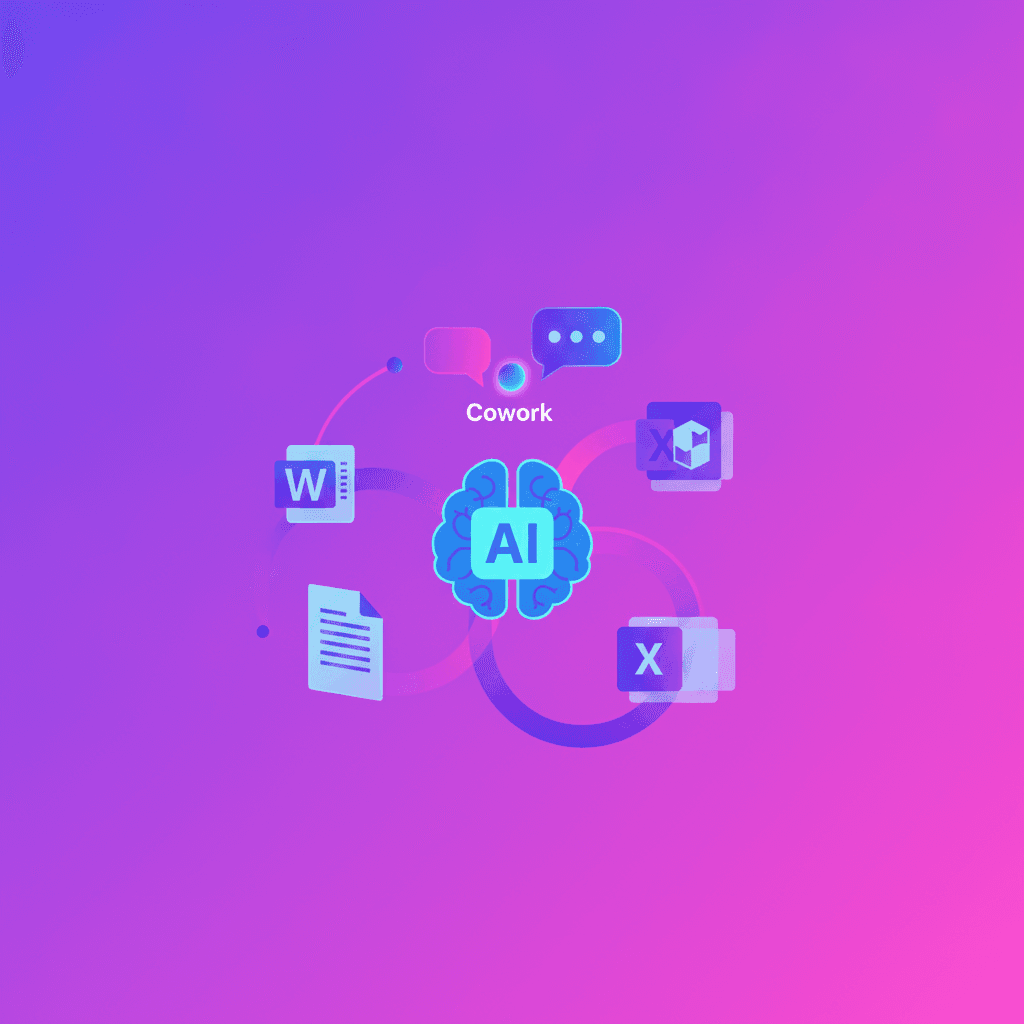
OpenAI announces that GPT-5.6 will be the preferred model in Microsoft 365 Copilot: Word, Excel, PowerPoint, Copilot Chat and Cowork get the latest model version to help you create, analyze and collaborate with less friction and higher quality.
What GPT-5.6 brings to your day-to-day
The core promise is simple: get more useful work done with less effort. GPT-5.6 shows up as the version that delivers more value per token, better performance per dollar, and the ability to handle complex tasks on demand.
So what does that mean for you, someone who uses Word or Excel every day? In practical terms:
- In Word: it helps you draft, edit and polish documents with fewer rounds of prompts. Less manual tweaking, more share-ready copy.
- In Excel: it enables deeper analysis using
tokensmore efficiently, shortening the path from data to actionable insights. - In PowerPoint: it turns rough ideas into more polished, visually coherent slides with fewer manual instructions.
- In Cowork: it eases coordination and cross-team production with less manual management, improving the quality of deliverables.
How does this impact teams and organizations?
Microsoft integrates GPT-5.6 directly into the tools you already use, and will also access the model via the OpenAI API to bring that capability to Microsoft 365 customers. In other words, this isn’t just an isolated feature: it’s a cross-cutting upgrade to your workflow.
Think fewer back-and-forths on a collaborative document, clearer reports without fights over formulas, and presentations that need fewer aesthetic touch-ups. For product managers, analysts and content creators, this means faster, better deliverables; for small teams, a way to compete with less effort.
The partnership between Microsoft and OpenAI aims to put advanced AI into the hands of more people and organizations.
Concrete questions you might be asking
- Does this replace my job? No. The idea is to amplify what you do: more speed and better quality, but human oversight remains essential for context and judgment.
- Is it more expensive for companies? OpenAI talks about better performance per dollar, which suggests greater efficiency. In practice, it depends on your Microsoft 365 plan and how much Copilot is used.
- What about privacy and data? Microsoft will continue to control how models are integrated into its platform. If you work with sensitive data, check your organization’s settings and policies.
Practical tips to get started today
- In Word, try giving a broader instruction and let Copilot suggest a complete version before asking for targeted edits.
- In Excel, ask for an executive summary of findings instead of only formulas; the model can turn analysis into useful narratives.
- In PowerPoint, upload an outline of ideas and ask for a first draft of slides: you save time on design and structure.
What’s worth keeping an eye on
GPT-5.6 promises better performance, but every improvement raises questions: real costs based on usage, limits on specific tasks, and how organizations manage model governance. If you handle critical information, validate results and keep human checks in place.
GPT-5.6 in Microsoft 365 isn’t a one-off novelty: it’s another step toward everyday tools that integrate AI more deeply. If you work with documents, data or presentations, you’ll soon notice less friction and more polished outcomes. Ready to try it and adjust your workflow?
Source
https://openai.com/index/gpt-5-6-preferred-model-microsoft-365-copilot