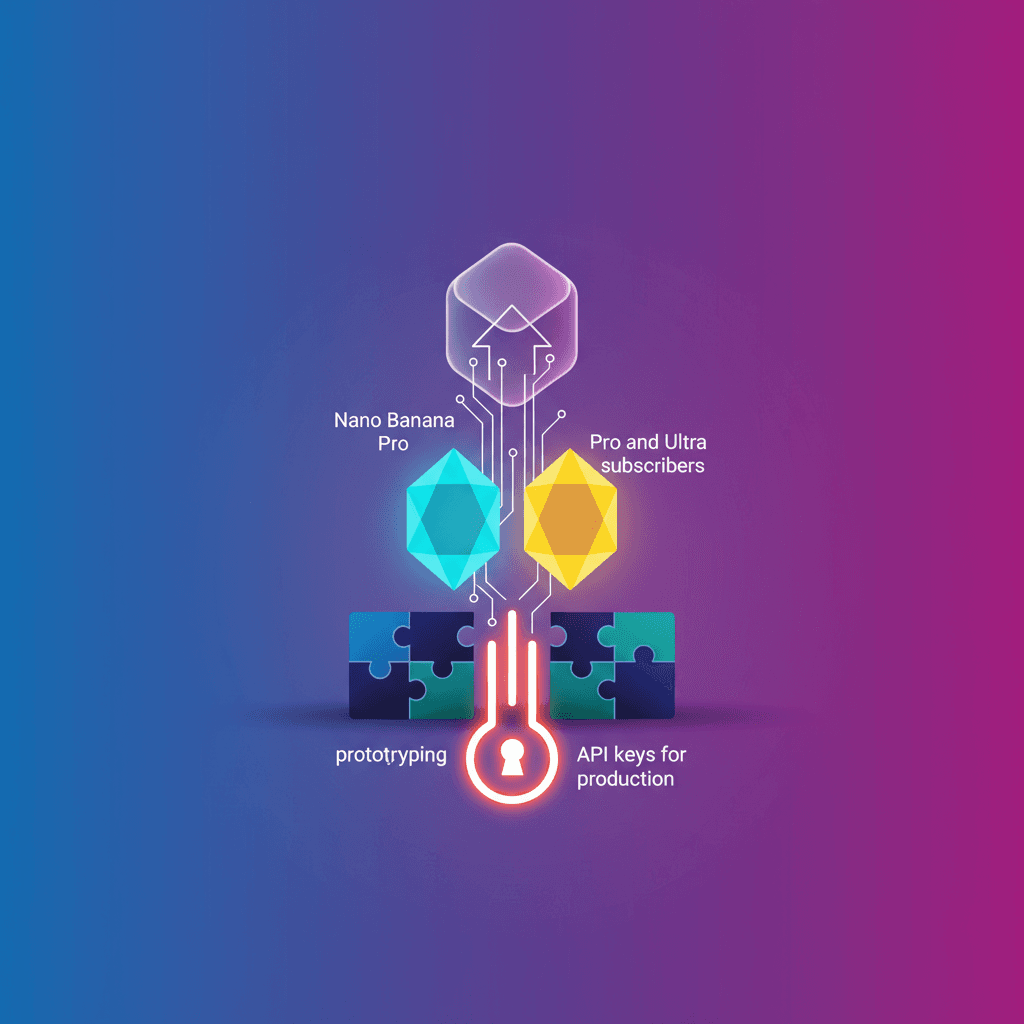
Today Google rolled out a practical update: subscribers of Google AI Pro and Ultra get higher usage limits in Google AI Studio and immediate access to the models Nano Banana Pro and Gemini Pro.
What does that mean for you? Fewer barriers to go from an idea to a working app in minutes, with more predictable costs while you explore and prototype.
What changes today
- Subscribers of AI Pro and Ultra get increased usage limits in Google AI Studio.
- Access to the models
Nano Banana ProandGemini Pro, giving you more versatility from the start. - The Google AI plan now serves as a low-friction billing bridge for people who already exhausted free limits.
In plain terms: if you used to be stopped by the free tier cap or the hassle of setting up billing, you can now keep developing inside AI Studio without immediately switching services.
Why it matters (immediate and practical)
Are you a developer, product designer, or entrepreneur with an AI idea? This makes experimenting easier. You can iterate on prototypes that are more complex without the instant jump to a paid API account.
Who benefits most?
- Quickly test concepts and user flows.
- Validate AI features in internal demos or with customers.
- Teach or learn by integrating more capable models without heavy setup.
When you reach the point of scaling, moving to pay-per-request API keys is still the recommended path for production launches — and it’s manageable from AI Studio.
What are Nano Banana Pro and Gemmini Pro and when to use them?
Nano Banana Pro: designed for lighter tasks, ideal if you need fast responses with controlled costs — for example, assistants in mobile apps or conversational prototypes.Gemini Pro: a more powerful model for complex tasks like advanced text generation, long-context handling, or finer-grained reasoning.
Choosing between them depends on your goal: quick and cheap prototype, or a more advanced prototype that aims for higher-quality results.
How to get started in minutes
- Sign in to Google AI Studio with your account linked to the Pro or Ultra subscription.
- Pick the model you need (
Nano Banana Profor light tests,Gemini Profor more demanding cases). - Build a basic loop: prompt, test, tweak, test again. AI Studio shows costs and usage, so you keep control of the bill.
Practical tip: start from AI Studio’s preconfigured examples and adapt one to your case. In 20–30 minutes you can have a working prototype to show colleagues or clients.
Limitations and recommendations
- This doesn’t replace a production architecture with API keys if your app will scale significantly. Pay-per-request API keys remain the standard route for large-scale launches.
- Use the plan as a prototyping and quick-validation environment. Once you’re ready, prepare the migration to APIs for latency control, security, and usage-based cost management.
Worried about cost? Use the expanded limits to refine the design and measure how your use case behaves before investing in a production setup.
The news is simple and useful: Google lowers friction so more people can experiment and build with AI without diving headfirst into complex billing. If you were the type to postpone a test because of setup fear, now you have a concrete nudge.
Original source
https://blog.google/innovation-and-ai/technology/developers-tools/google-one-ai-studio