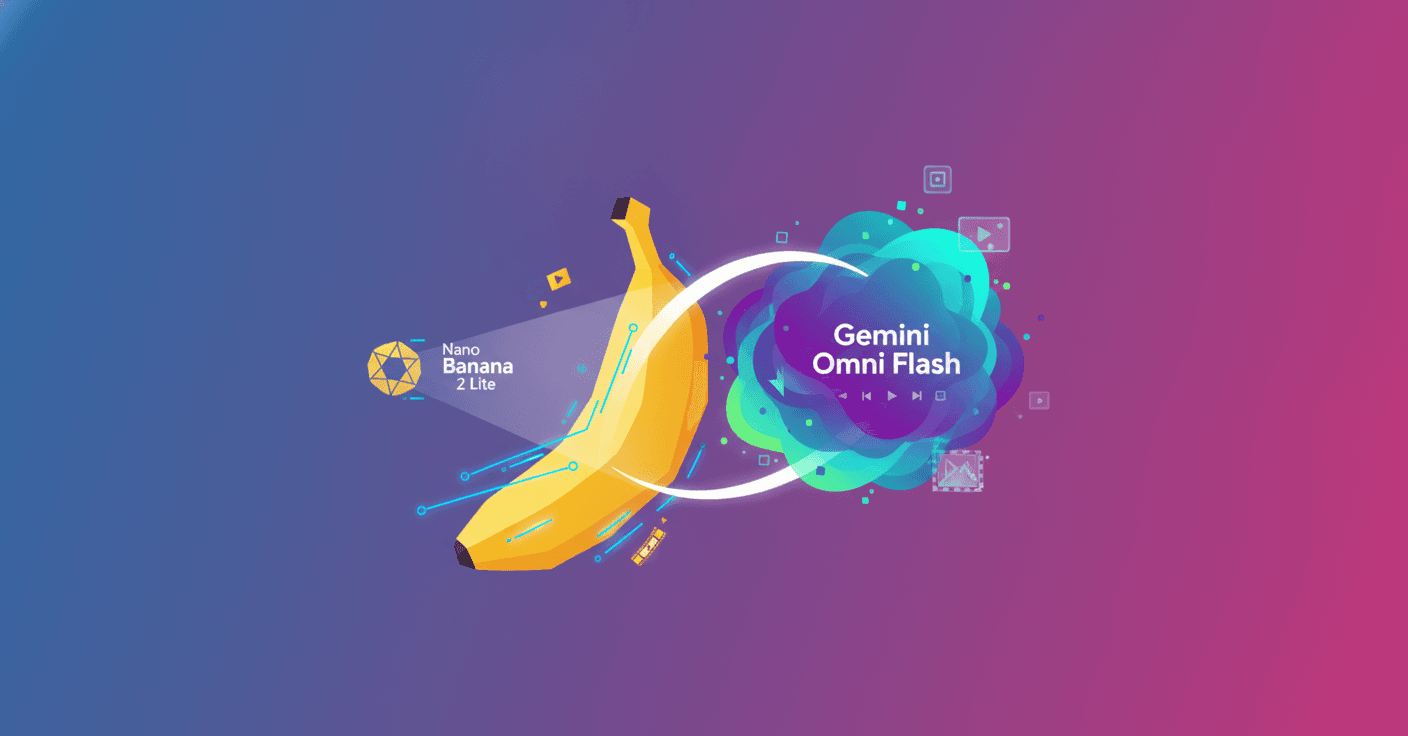
Google has just expanded its platform for creating images and videos with artificial intelligence. Nano Banana 2 Lite arrives as the fastest and most affordable image model in the family, while Gemini Omni Flash adds conversational video generation and editing for developers.
The proposal is quite clear: generate images quickly, turn them into videos, and edit them through written instructions. What does this mean in practice? A team can move from a visual idea to a multimedia prototype without having to connect so many different tools.
Nano Banana 2 Lite prioritizes speed and volume
Nano Banana 2 Lite, technically identified as gemini-3.1-flash-lite-image, is designed for workflows where latency and cost matter especially. Google recommends it as a direct replacement for the original Nano Banana, known in the API as gemini-2.5-flash-image.
The model generates images from text in approximately 4 seconds and has an announced cost of $0.034 per image at 1K resolution. This can be relevant for applications that need to produce many variations, such as product catalogs, design tests, advertising campaigns, or visual prototyping tools.
Despite being optimized for speed, Google says it maintains important capabilities:
- Good adherence to user instructions.
- Reasonable character consistency.
- Legible text within images.
- Suitable performance for fast generation and editing.
The difference compared with a more powerful model comes down to balance. Nano Banana 2 Lite is not trying to be the option with the greatest professional control, but rather the most convenient one when you need to iterate many times while keeping the budget low.
How it compares with the Nano Banana family
Google organizes its image models according to the type of project:
- Nano Banana 2 Lite, or
Gemini 3.1 Flash Lite Image: designed for speed, low latency, and large volumes. - Nano Banana 2, or
Gemini 3.1 Flash Image: a general-purpose alternative that balances quality, speed, and cost. - Nano Banana Pro, or
Gemini 3 Pro Image: aimed at professional work requiring greater control, precision, and reasoning. - Nano Banana, or
Gemini 2.5 Flash Image: the previous version, which Google recommends upgrading.
Nano Banana 2 Lite is available in Google AI Studio, the Gemini API, and the Gemini Enterprise Agent Platform. It is also beginning to be integrated into consumer products such as AI Mode in Search, the Gemini app, NotebookLM, Google Photos, Stitch, Google Flow, and Google Ads.
Gemini Omni Flash brings video editing into the conversation
The second new release is Gemini Omni Flash, identified as gemini-omni-flash-preview. The model combines multimodal reasoning with video generation and editing. It can work with text, images, and videos as inputs.
Its announced price is $0.10 per second of generated video, the same cost Google lists for Veo 3.1 Fast. It is currently available in public preview through Google AI Studio and the Gemini API.
Its main difference is conversational editing. Instead of modifying a video through an interface packed with controls, you can request changes in natural language. For example, you could ask for a scene to have warmer lighting, an additional object to appear, or the camera movement to feel more cinematic.
Its capabilities include:
- Video editing through successive instructions.
- Combined use of text, images, and videos as references.
- Application of real-world knowledge to build scenes with narrative logic.
- Synchronization between text, graphics, and actions within the video.
The combination of multimodal inputs also helps maintain creative control. An image can define the appearance of a product, while a text instruction establishes the movement, setting, or action that should take place.
Current limitations of Omni Flash
Gemini Omni Flash is still in the preview stage. Because of this, Google points out several important restrictions:
- Generations are currently limited to 10-second videos.
- The API does not yet support audio references or scene extension.
- Although the API schema accepts reference videos of up to 3 seconds, the model does not yet process them correctly.
- Character consistency may decrease when changing scenes or performing panning movements.
These limitations matter for any commercial application. A prototype may look impressive, but a production-ready product needs to evaluate consistency, response times, costs, and behavior with different types of instructions.
The most interesting workflow combines both models
Google's central idea is not to use these models in isolation. The recommended workflow consists of generating an image with Nano Banana 2 Lite and then passing it to Gemini Omni Flash to turn it into an animated clip.
A simple example would be creating the visual concept of a room with Nano Banana 2 Lite. Omni Flash could then transform that image into a cinematic walkthrough showing the space from different angles. The same pattern could be applied to products, tourist destinations, characters, or advertising materials.
For experiences involving several rounds of editing, Google proposes using the Interactions API. This interface preserves a session's history and context, allowing the user to chain up to three sequential edits without having to explain everything again at each step.
The advantage is not just generating content, but building an experience where users can create, review, and correct without losing the thread.
Three demonstrations for testing the workflow
Google presented several demonstration applications showing how to work with both models:
- Anywhere takes a selfie or photograph and uses Nano Banana 2 Lite to place the person in different iconic locations. Gemini Omni Flash then turns the selected image into an animated clip.
- Space Lift lets you upload an image of a room, generate interior design proposals, and animate the chosen option with a presentation video.
- Omni Product Studio transforms static product images into commercial videos with a cinematic look.
These demos point to an important trend: generative AI applications are beginning to function like multimedia production pipelines. An image is no longer the final result; it becomes the first step toward creating a video, a campaign, or an interactive experience.
Availability, safety, and resources for developers
Both models can be tested in Google AI Studio. They are also available through the Gemini API, although Omni Flash is offered as a preview and its capabilities may vary depending on the region and the integration being used.
Google says both models run on its secure infrastructure and use SynthID watermarks. The company also allows users to verify AI-generated content through the Gemini app, Gemini in Chrome, and Search.
To get started, developers can consult:
- The Google AI Studio testing environment.
- The Gemini API documentation.
- The Nano Banana prompting guide.
- The Gemini Omni Flash prompting guide.
Google's strategy is aimed at addressing two different needs. Nano Banana 2 Lite reduces the time and cost of visual exploration. Omni Flash adds a layer of motion, editing, and multimodal reasoning. Together, they can accelerate the journey from a simple sketch to a complete multimedia experience, although it is still a good idea to test them with real-world use cases before committing to a production application.