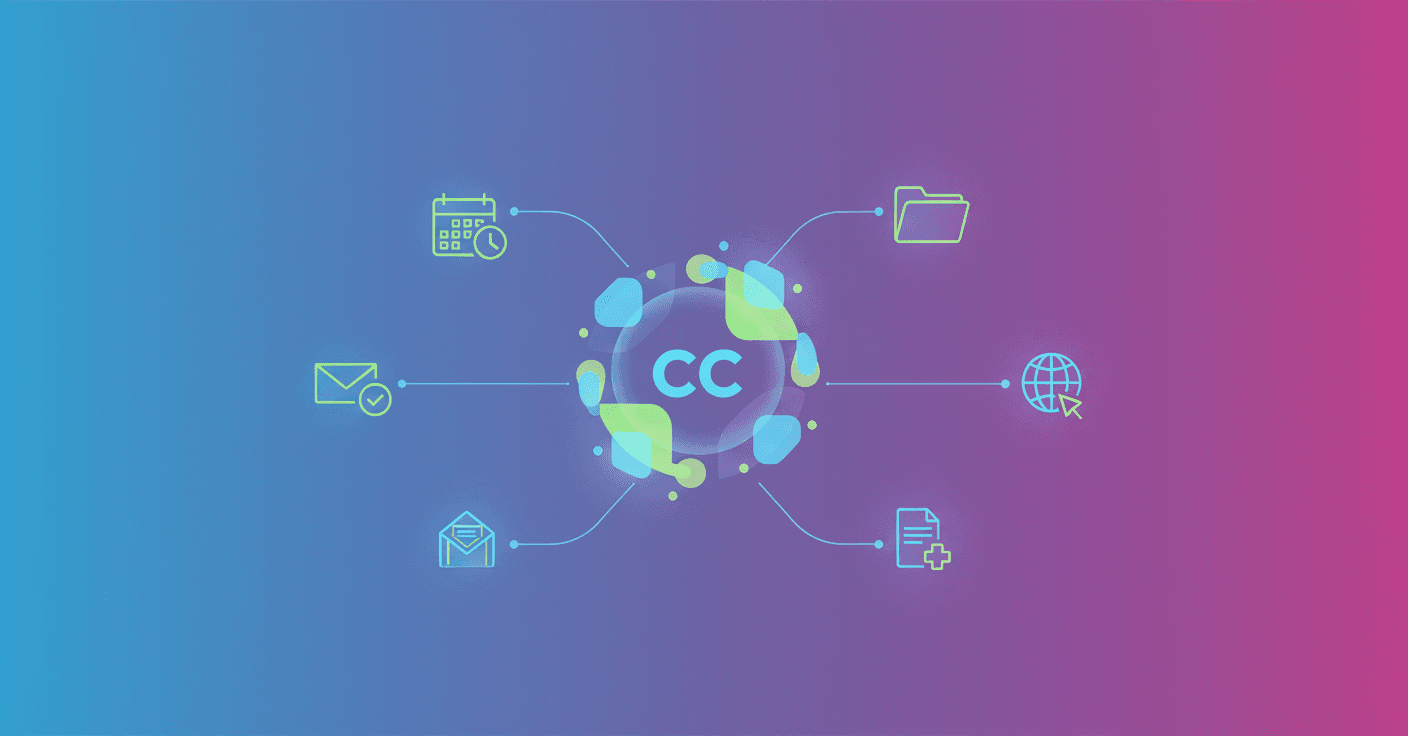
Can you imagine every morning an email arriving with a clear summary of what you need to do and drafts ready to act on? What if that inbox briefing showed priorities and handed you the tools to move fast? That’s the promise of CC, the new experimental productivity agent from Google Labs built on Gemini.
What CC is and what it does
CC is an early-stage productivity assistant in testing that connects your Google account (Gmail, Google Calendar, Google Drive) and the web to understand your day. When you subscribe, it receives information and delivers a morning briefing called Your Day Ahead straight to your inbox.
That briefing synthesizes your schedule, key tasks and updates into one snapshot. Need to pay a bill? Preparing for an appointment? CC highlights the priority and can also draft emails and calendar links so you can act quickly.
You can also interact with CC by email: replying or sending instructions teaches it your preferences, lets you ask it to remember ideas, or to handle specific tasks. It’s a mix of a proactive assistant and a co-pilot that learns as you use it.
How it works under the hood
Technically, CC is built on the Gemini model and uses connectors to Google services plus the web to gather context. It helps to think of a few components:
- An ingestion module that pulls calendar events, relevant emails and files from Drive.
- A reasoning engine (the
Geminimodel) that synthesizes the information and generates the briefing and drafts. - A retrieval-augmented generation style system to add timely data without exposing the model’s entire history.
- Actions on your services (create drafts, generate calendar links) via closed APIs and explicit permissions.
Google describes CC as an early experiment, so expect additional internal safety controls and access limits to avoid automation mistakes.
Privacy, control and risks
Sounds powerful? Yes. And risky if not managed well? Also. Some practical considerations:
- CC requires permissions to read Gmail, Calendar and Drive. That access is opt-in, so you should check exactly what permissions you grant.
- By using the web for context, the agent mixes internal signals (your account) with external sources; that improves recommendations but increases the privacy surface.
- As an experiment, it can make mistakes: incomplete drafts, reminders at the wrong time, or misread priorities.
Recommendation: enable controls and review permissions. Try CC first with low-risk tasks (summaries, drafts) before delegating critical actions.
Practical examples of use
-
Paying a bill: CC spots a billing email, puts it in your briefing as a priority task and leaves a draft email for finance or the payment link.
-
Preparing for a meeting: the morning before, CC pulls together related Drive documents, highlights key outstanding points and suggests questions or materials to bring.
-
Client follow-up: you send a short email to CC saying “remind me to follow up with Luis in 3 days.” CC saves the note and can generate the follow-up email when the time comes.
These flows show why integration with Gmail and Calendar is the differentiator: it’s not just a chatbot, it’s an agent that acts on your tools.
Technical availability and access
CC launches in early access today for consumer Google accounts aged 18 or older in the United States and Canada. The rollout starts with Google AI Ultra subscribers and other paid plans. If you want to try it, join the waitlist from the Google Labs site.
Practical reflection
CC is a clear step toward assistants that not only answer questions but also prepare actions and keep you on top of things. For professionals and founders this can mean less time on repetitive tasks and more focus on strategic decisions.
At the same time, the recommendation is to move cautiously: review permissions, test in non-critical scenarios and consider how your workflow changes when an agent takes an active role in daily tasks.