There’s a magical moment when you tune a prompt and the AI does exactly what you expected. And then what? Often the next step — taking it to production — runs into separate billing and bureaucracy. Google wants to close that gap.
What changes for developers
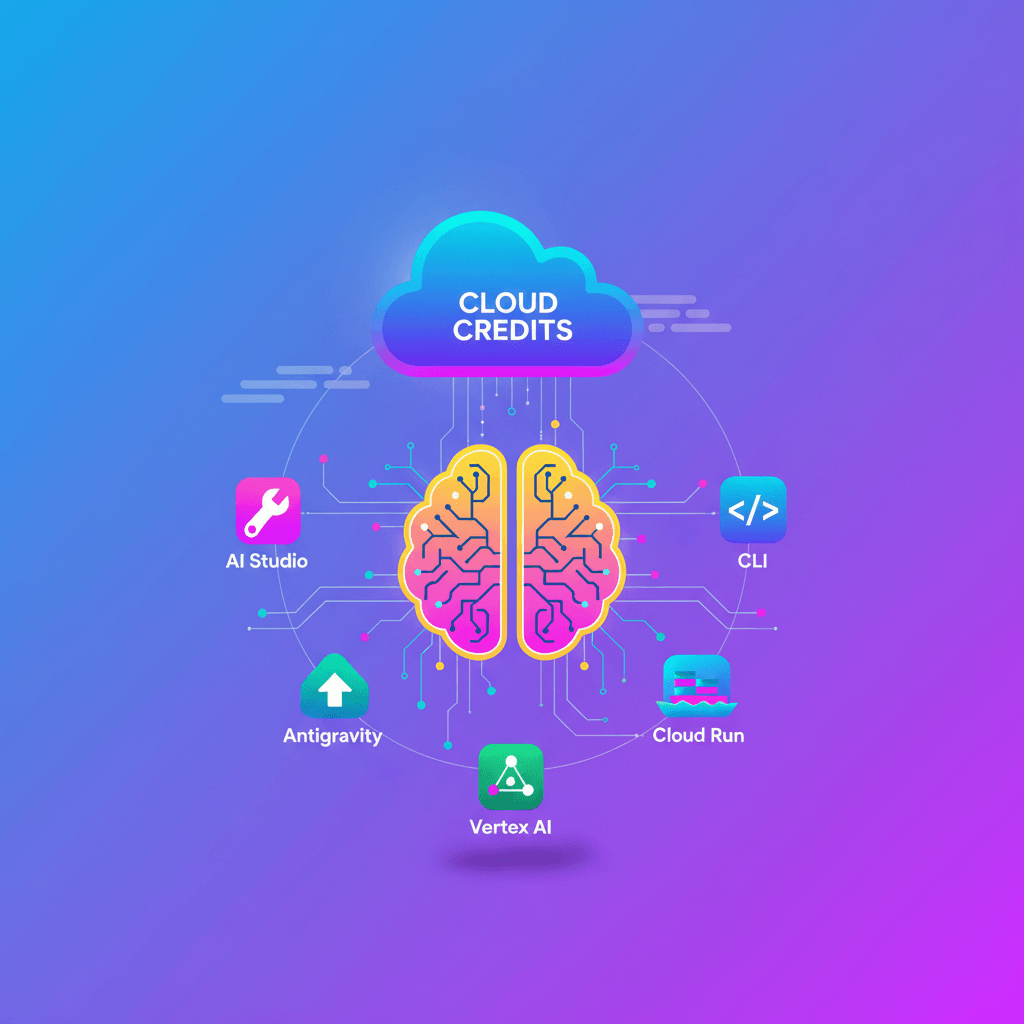
Google has integrated the benefits of the Google Developer Program (GDP) premium directly into Google AI Pro and Google AI Ultra subscriptions at no extra cost. That includes monthly credits on Google Cloud: USD 10 for Google AI Pro and USD 100 for Google AI Ultra.
Previously, GDP premium granted access to advanced models like Gemini 3 Pro for prototyping. Now, by adding Google Cloud credits, you move from experiment to deployment with less friction. In other words: you prototype, test, and push to production without repeating billing setup.
The practical bit: fewer context switches, and a better chance your idea goes live without money being the first blocker.
End-to-end flow: from idea to online service
Think of this as a short, clear pipeline.
-
Prototyping and development
- Tune prompts and conversation flows in Google AI Studio.
- Use the new agentic IDE, Google Antigravity, to build agents that coordinate tasks.
- For terminal work or CI,
Gemini CLIlets you run and debug agents locally and in pipelines.
-
Deployment and scaling
- Use your credits to move code to production with Vertex AI (model serving, pipelines, endpoints) or Cloud Run (serverless containers).
- You can also spend credits on the Gemini API if your app needs frequent model calls or agent-to-agent interaction.
Recommended architectural pattern (quick)
- Prototype in AI Studio and validate prompts.
- Package the agent or service in a container with Cloud Build.
- Deploy to Cloud Run for stateless services or Vertex AI for managed models and endpoints.
- Use Pub/Sub and Cloud Tasks to orchestrate async work and reduce latency during spikes.
Technical tips to go to production (and control costs)
There’s no magic formula, but there are good practices that help you scale without surprises:
-
Cost control
- Set budgets and alerts in Google Cloud Billing.
- Use labels (
labels) by environment and project for granular tracking. - Define quotas and rate limits on Gemini API endpoints.
-
Observability and security
- Enable Cloud Monitoring and Logging from the start.
- Use service accounts with least privilege and rotate keys regularly.
- Implement integration tests that consume credits in staging before production.
-
Performance and architecture
- For intermittent loads, Cloud Run helps with autoscaling; for intensive inference, Vertex AI is often more cost-efficient.
- Consider caching responses when latency and consistency requirements allow it.
Quick use cases you can try today
- A support assistant that responds and scales with Cloud Run, calling Gemini API for generative answers.
- An extraction-and-summary pipeline (ETL + model) orchestrated by Vertex Pipelines with a final deployment to a managed endpoint.
- An agent that automates internal flows (API integrations, ticket creation) developed in Antigravity and tested with Gemini CLI.
How to activate your benefits
If you’re already an active Google AI Pro or Google AI Ultra subscriber, go to the Google Developer Program to activate the new benefits and access content, communities, and forums. Once activated, you’ll see the credits applied to your Google Cloud account and can start using them in Vertex AI, Cloud Run, or the Gemini API.
Think of it this way: it’s no longer just getting a good result in a chat — it’s having the shortest, funded path to turn it into a real app. What are you going to build first?
Original source
https://blog.google/innovation-and-ai/technology/developers-tools/gdp-premium-ai-pro-ultra