Google Flow adds new creative controls to make editing videos with artificial intelligence more precise and practical. The update, powered by Gemini Omni 1.1 Flash, helps maintain character consistency, test ideas quickly, and prepare assets with enough quality for different production workflows.
More control over every scene
One of the main new features lets you define starting and ending frames for a clip. Instead of leaving the entire transition to the AI, you can tell it which image to begin with and which one to end on.
The result? More control over visual continuity. This feature helps preserve characters’ appearance and build a more consistent narrative from one scene to the next—especially useful when you’re creating stories, ads, or videos for social media.
Google Flow had already added video editing capabilities with Gemini Omni Flash, introduced during Google I/O. With Gemini Omni 1.1 Flash, the platform expands those tools to move toward a more polished and less experimental editing process.
From a quick draft to a video ready for editing
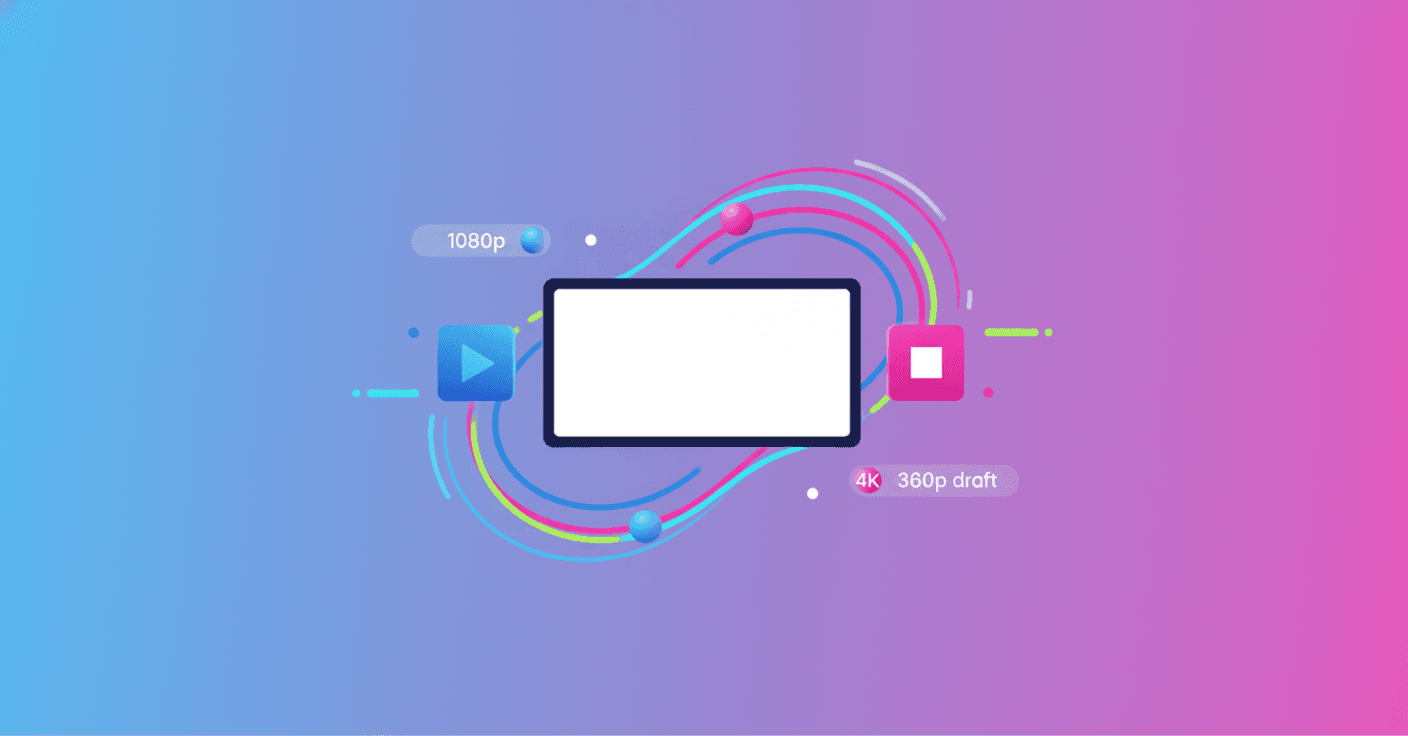
Flow also improves its export options. You can now generate videos in 1080p or 4K, resolutions designed for digital projects, social content, and television or audiovisual production workflows.
This doesn’t mean AI replaces the entire creative process. Instead, it helps an initial idea reach a stage where you can more easily adjust pacing, sound, color, and other details in your usual editor.
AI can help you move from a rough composition to a piece that’s closer to the final result, without forcing you to render every test at the highest quality.
Test ideas in 360p before investing more resources
Another feature is designed to help you experiment faster. You can create drafts in 360p, a lower resolution that uses fewer credits and lets you quickly evaluate concepts, framing, and compositions.
Once you find a version that works, you can download it in 720p or continue to a higher-quality export, depending on the project’s needs. This system helps you avoid spending resources on full renders that may ultimately be discarded.
The option could be especially useful in the Google Flow mobile app. For example, you can test a sequence from your phone while you’re on the move, compare several versions, and improve the one you like best later.
A tool closer to real creative work
With these updates, Google Flow aims to address one of the most common challenges in AI video generation: eye-catching results aren’t always enough. You also need to control continuity, review many alternatives, and export material in a useful quality.
The new controls don’t eliminate the need for human judgment, but they do reduce some of the repetitive work. For independent creators, marketing teams, and audiovisual professionals, that can mean more time to make creative decisions and less time waiting for results that don’t fit.
Google reports that all these capabilities are already available in Flow as of August 27, 2026. The tool continues to show how generative AI is gradually becoming part of specific production tasks—not as a futuristic promise, but as a more flexible way to work today.