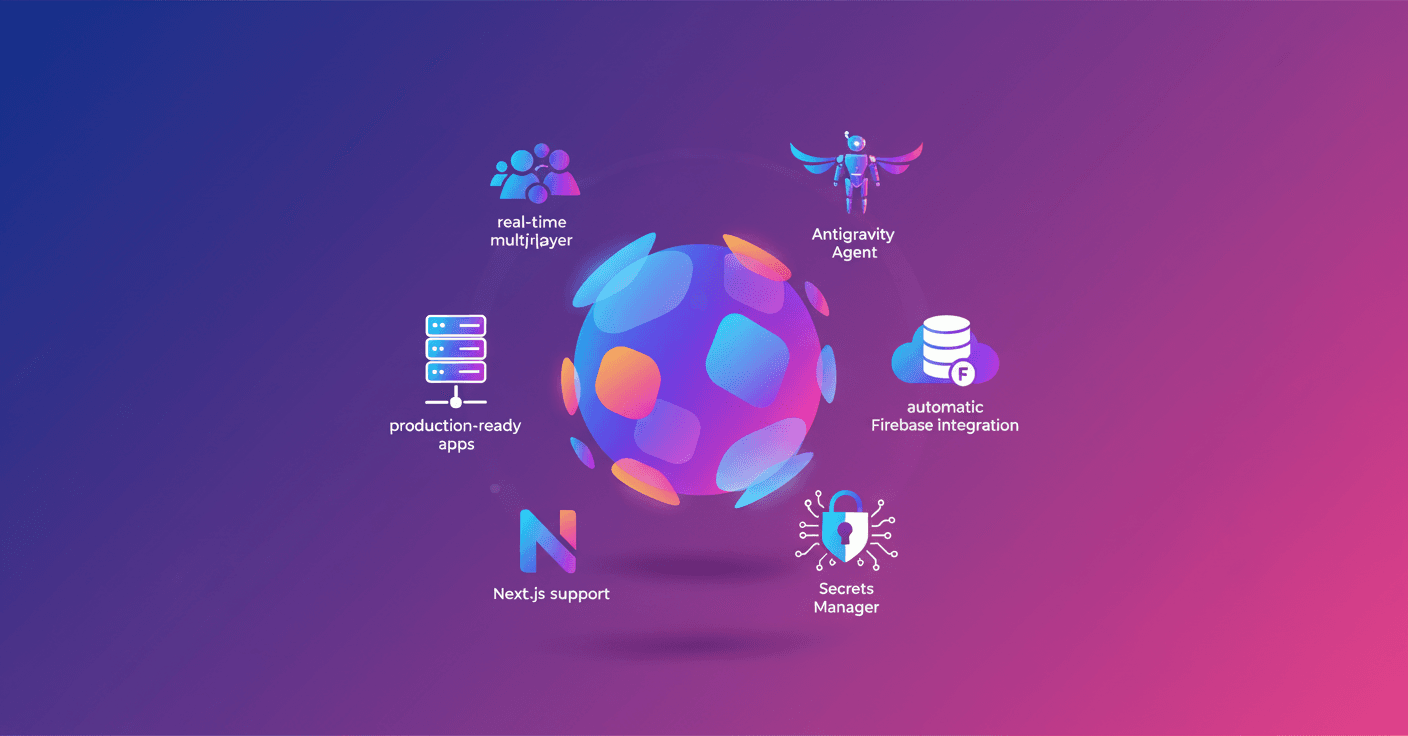
Google updates AI Studio with a "vibe" experience that turns your prompts into production-ready apps. Now you can create multiplayer games, integrate databases and secure authentication, install modern libraries and pick up your project on any device without leaving the editor.
What the new 'vibe' experience in Google AI Studio brings
Google is betting on speeding the path from idea to product with changes designed so you can build functional apps right from the same creation environment. Here are the key updates:
-
Real-time multiplayer: create games with instant sync, collaborative spaces and shared tools without wiring up the infrastructure yourself. Want a game or a shared whiteboard? The agent prepares it for you.
-
Automatic databases and authentication: the agent detects when your app needs storage or login. With your approval, it integrates
Firebaseand provisionsCloud FirestoreandFirebase Authenticationfor secure Google sign-in. -
Modern web ecosystem: if you need smooth animations or professional icons, the agent installs the right libraries (for example
Framer Motionorshadcn) so the result looks polished. -
Connection to real services and key handling: you can bring your credentials to integrate third-party APIs, payments or services like Maps. Keys are stored in the new
Secrets Managerinside settings. -
Pick up where you left off on any device: close the tab and return exactly to the spot you were. Great for prototyping on your phone and finishing on desktop.
-
A more powerful agent: the new agent, called
Antigravity, keeps deeper project context and chat history, making complex multi-step edits easier with simple prompts. -
Next.js support: in addition to React and Angular, you can now create apps with
Next.jsdirectly from the configuration.
Ready-to-try examples
Google shows several demos that highlight the range of possibilities. These aren’t just demos: they’re templates with real app structure.
-
Neon Arena: a massive multiplayer laser-tag style game. Create matches, scores and bots with a prompt.
-
Cosmic Flow: a 3D collaborative space where each cursor spawns flowing particles; the agent sets up
Three.jsand real-time sync. -
Neon Claw: complex physical interactions, timers and leaderboards for claw-machine-style games.
-
GeoSeeker: apps that query Google Maps live and store data in a secure database.
-
Heirloom Recipes: generate, organize and share recipes with Gemini’s help and team collaboration.
How this changes the path from idea to app
Sound like magic? It’s more like practical automation. The flow cuts down repetitive tasks: the agent scaffolds structure, installs dependencies and suggests integrations when it detects a need. For startups and indie creators, that means functional prototypes in less time.
There are also things to keep in mind. When you connect real services you must manage permissions and security: storing keys and configuring authentication remain the developer’s responsibility. The tool makes it easier, but it doesn’t replace good practices.
Google says it was already used internally to create hundreds of thousands of apps in recent months and that more integrations are coming—like connecting Drive and Sheets and exporting your app to Antigravity with one click.
Who is this for? Developers who want to iterate fast, product teams that need working prototypes, educators looking for hands-on environments, and non-technical creators who want to turn ideas into real apps.
To get started
If you want to try it, go to Google AI Studio and explore Build mode. Start with a simple prompt and let the agent propose the structure; then add your APIs, tweak the design and test in real time. It’s a good moment to experiment and learn which parts you automate and which you prefer to control by hand.
The invitation is clear: the barrier between idea and app is shrinking. Will you let someone else cross it first?