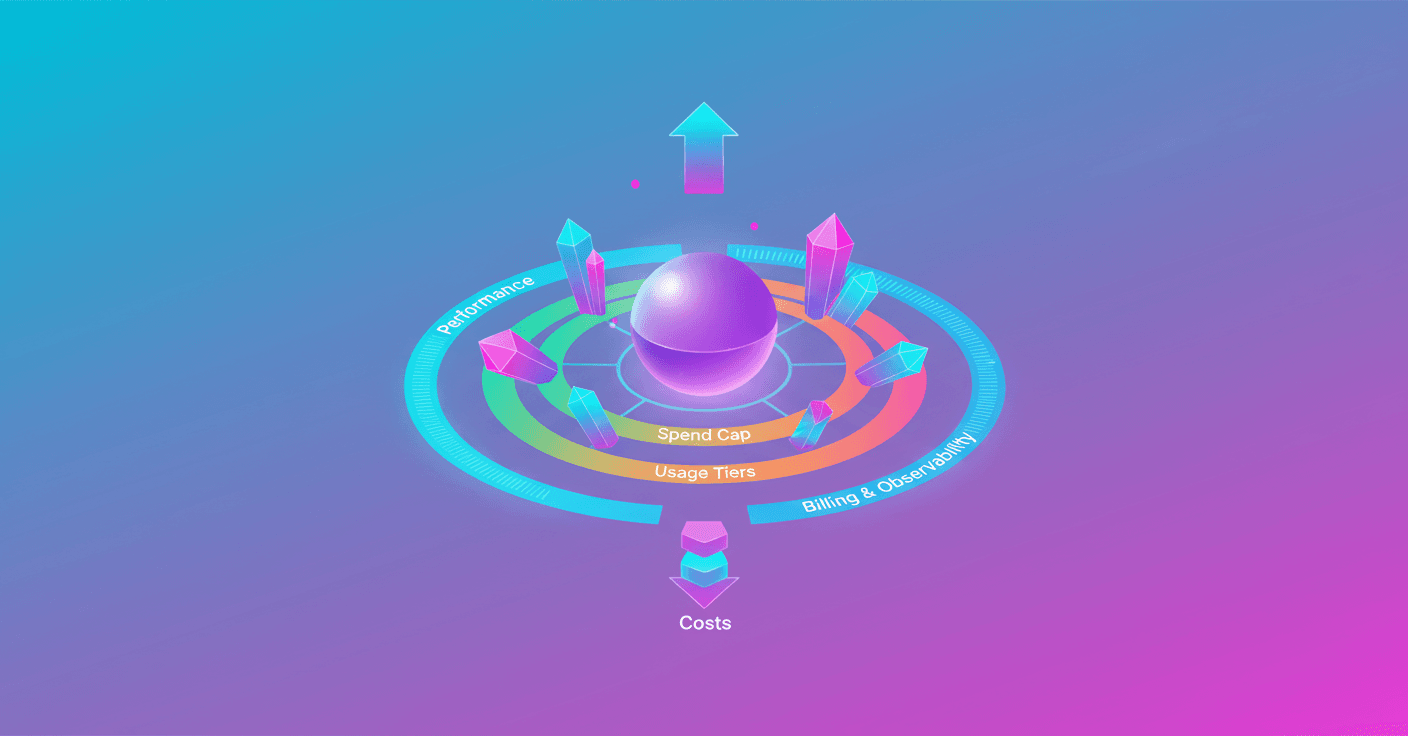
If you work with the Gemini API, this news matters to you: Google announced Project Spend Caps and a revamp of the Usage Tiers inside Google AI Studio so you have more control over what you spend and how you scale your projects. Tired of surprise bills or setting limits blindly? This aims to bring order and visibility.
Project Spend Caps: granular control for your budget
Now you can set a monthly dollar limit per project inside Google AI Studio. You configure it from the Spend tab, under Monthly spend cap, and that cap stays active until you change or disable it.
This is useful if you manage several applications or environments (production, staging, testing) and want to prevent one project from eating the budget for the others. One practical detail to keep in mind: Project Spend Caps have an approximate 10-minute delay and users are responsible for any overages generated during that window.
Quick example: if your startup runs a bot and an analytics tool, you can put a small cap on the testing project so a bug doesn't blow up the bill, while giving more room to the production project.
Important: the control is per project, not per model. Check the settings in AI Studio for every project you manage.
Usage Tiers: less friction and more transparency to scale
Google redesigned the Usage Tiers so you can increase capacity faster and with less paperwork. What changes?
- Lower spend qualifications: it's easier to access higher tiers if you have a good payment history.
- Faster, automatic upgrades: the system moves you to the next tier when your usage grows and your payment history supports it. You don't have to request it manually.
- Billing-account limit: each tier will have a monthly spending maximum applied to the entire billing account. That cap increases automatically as you move tiers and works independently from your
Project Spend Caps.
You can see the limits and criteria for each tier in Google's documentation and directly inside AI Studio to understand how they affect your rates and quotas.
Improvements in billing, observability and dashboards
Google added several tools in AI Studio so you can not only control spending, but also understand what causes it:
- Billing setup inside AI Studio: you no longer need to jump between multiple windows to link profiles and projects.
- Rate limit dashboard: clear tracking per project of
Requests Per Minute (RPM),Tokens Per Minute (TPM)andRequests Per Day (RPD). You can filter and spot traffic spikes. - Cost dashboard: a Daily Cost Breakdown chart to see how much each project spends over periods from 7 days up to the full month, and filter by model.
- Usage dashboard: an expanded view with error metrics, token usage and generation statistics. It includes dedicated charts for Image and Veo requests, and Grounding tools with Google Search and Maps.
In practice this helps you quickly detect an unexpected spike, identify whether it came from a specific model, and adjust limits or code before the bill explodes.
What you can do today
- Go to AI Studio and set a
Monthly spend capfor critical projects. - Check the new cost dashboard daily during the first week after launching a major change.
- Verify your billing profile in AI Studio to make sure everything is correctly linked.
- Watch how you progress through the Usage Tiers and take advantage of automatic upgrades if your application grows.
Small monitoring habits save you headaches and unexpected expenses.
These improvements don't remove the need for good governance, but they lower the friction to manage it. If you build with the Gemini API, you now have clearer tools to decide how much you want to risk per project and how to scale without losing visibility.
Original source
https://blog.google/innovation-and-ai/technology/developers-tools/more-control-over-gemini-api-costs