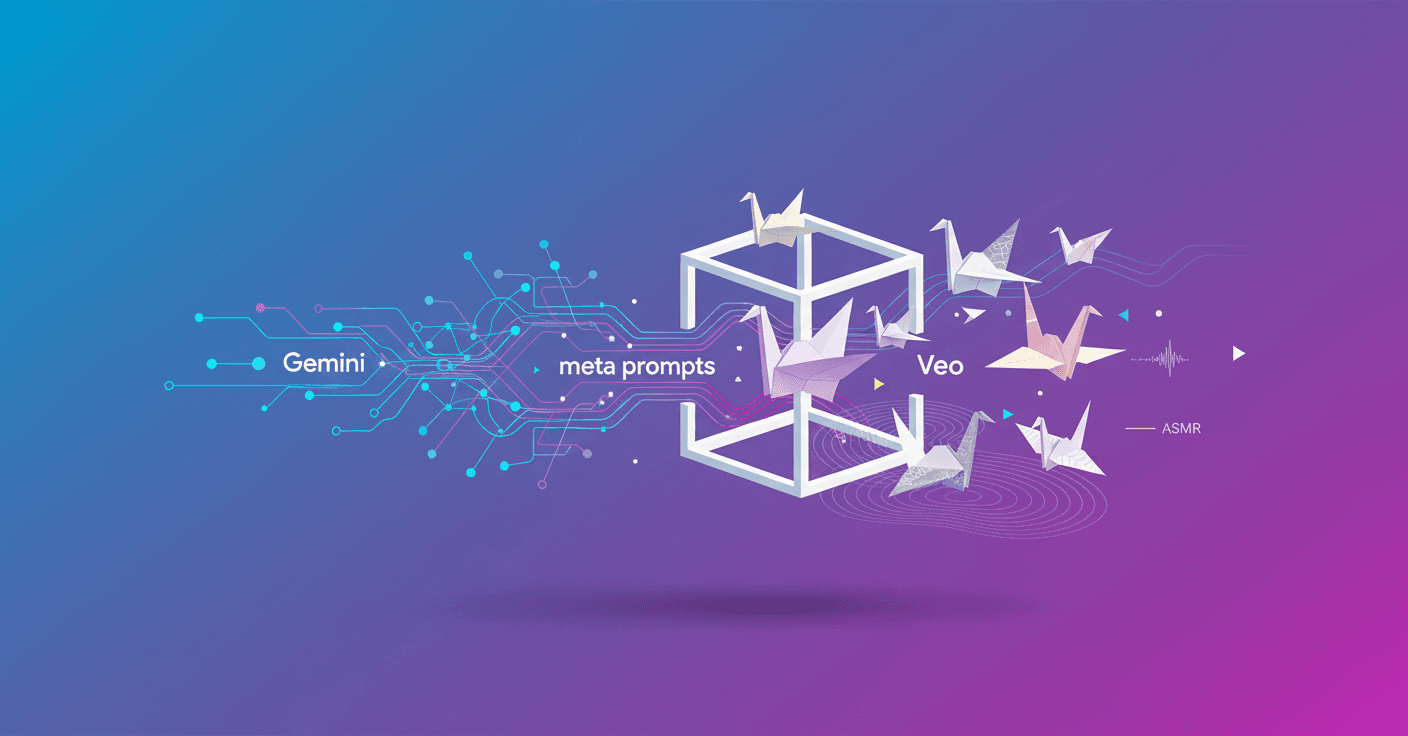
Anna Bortsova, a UX engineer with an artist's eye, has turned Google's internal AI tests into little pieces that hook you: paper ferns that slowly unfold, a pink flamingo fluttering with a delicious sound, and skewers of paper that crunch on camera. The trick? Not writing the final prompt, but asking Gemini to write the prompts for her. That's called meta prompting, and it's what powers her videos made with Veo 3.
What meta prompting is and why it works
Does it sound like playing on a team with the AI? Exactly. Instead of dictating scene by scene, Anna asks Gemini to generate very detailed prompts for multiple scenes (sometimes 5 to 10 at a time). Then she uses those prompts in Veo or in the Gemini app and gets visual and sound results that feel handcrafted.
The main advantage is depth: the prompts Gemini produces can be very long and specific, even filling pages. That gives the video generation tool a much richer guide than a typical brief prompt.
"Define a very specific task: 'write a detailed prompt that an LLM will understand'," Anna says. "Be clear about format and style, and set concrete constraints."
How Anna structures her meta prompts (step by step)
-
Define the exact task: for example, an 8-second stop-motion video of scenes made from paper.
-
Specify format and style: stop-motion, fixed or slow camera, close-up, warm lighting, etc.
-
Add concrete constraints: instead of saying "paper" say "metallic paper" or "shiny paper" to control texture and reflection.
-
Ask for sensory details: sounds (crinkle, whisper, whoosh), pacing (slow, rhythmic), and emotional feel (satisfying, relaxing).
-
Generate several variants: request 5 to 10 different prompts for the same idea and pick or combine the best.
It's a collaborative cycle: Gemini writes, you test in Veo, then you tweak. You change sound descriptors, animation speed, or even the target emotion.
Concrete examples you can replicate
-
Paper plant that unfolds: ask for "slow, hypnotic animation, each leaf opening in a rhythmic sequence." You'll see how detail in the instruction reveals very natural movement.
-
Miniature cooking ASMR: specify material textures (crumpled paper, waxed paper), sound types (soft whisper, sharp crunch) and pacing (short pauses between actions).
-
Aesthetic variations: request artistic styles (Flemish, surrealist) so the AI recombines visual and color references.
Practical tips to try it now
-
Start with something you like: choosing a theme you care about speeds up learning.
-
Ask for long, formatted prompts: indicate number of scenes, duration in seconds, and sensory descriptors.
-
Be specific about materials and textures: "foil paper" or "shiny paper" work better than "paper."
-
Control the emotion: add phrases like "scenes that feel satisfying to watch" so the AI describes atmospheres, not just objects.
-
Iterate: try variants, save the prompts that work, and build a small personal library.
What Veo 3 brings and why the combination works
Veo 3 delivers high-quality video and robust sound. In Anna's examples, the audio detail (the rustle of paper) is as important as the image. When the prompt instructs about sound textures, Veo reproduces them faithfully.
That turns a simple idea into a compact sensory experience ideal for social media, marketing, or personal creative projects.
Limitations and best practices
-
It doesn't always come out perfect the first time: iteration is part of the creative flow.
-
Avoid copying real identities or protected content without permission.
-
Save your best prompts and document changes; Anna even made a deck to share her method.
Anna doesn't see this as her main job but as a creative hobby she practices in spare time. That curiosity and experimentation is exactly the recipe she recommends: pick something you love and start experimenting. You don't have to be an engineer to make memorable AI videos— you just need to know how to ask for them well.
Original source
https://blog.google/products/gemini/meta-prompting-veo-gemini-tips