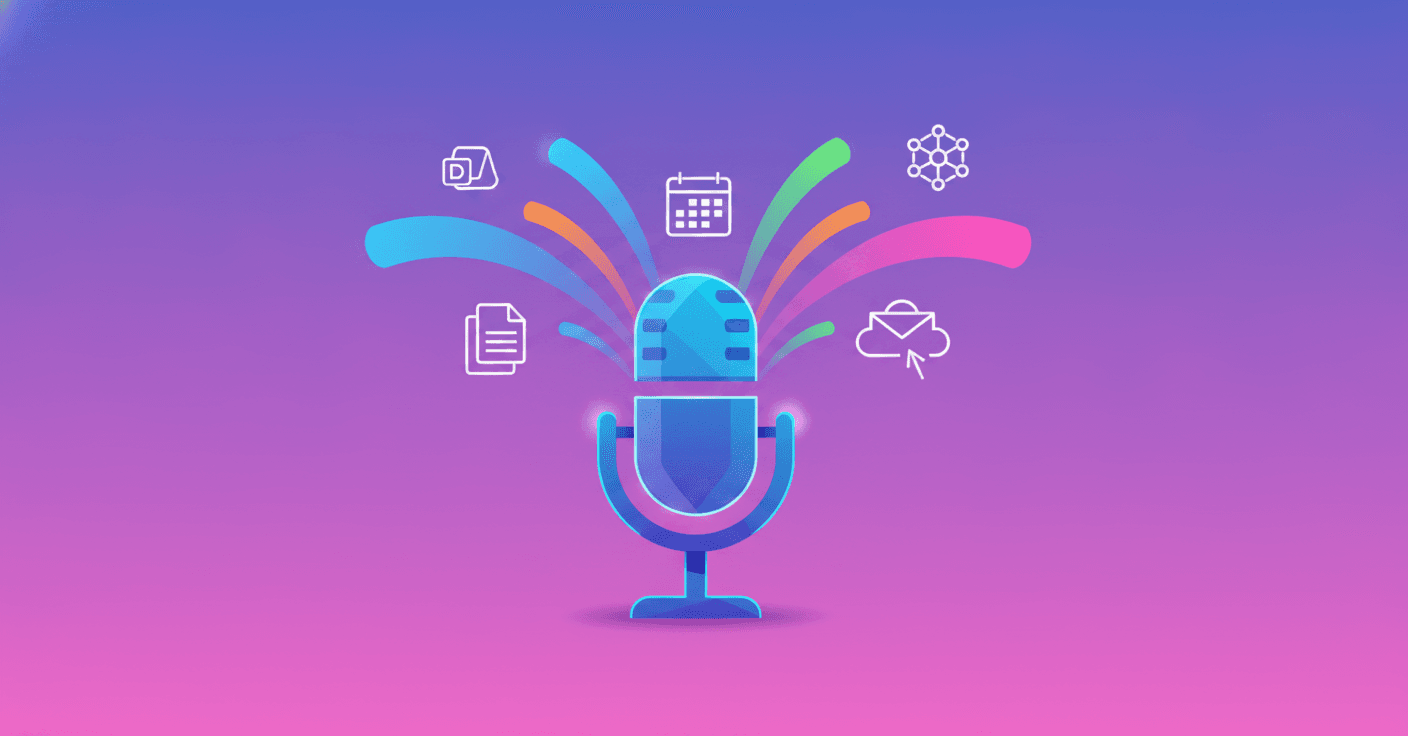
Talking to an AI assistant is no longer limited to asking questions. Google is expanding Gemini Live so you can turn a conversation into concrete actions: organize ideas, review emails, check your calendar and assign tasks that continue running even after you close the app.
According to Google, 63% of users speak to Gemini out loud. The new update is based on a simple idea: if talking is often faster than typing, why not use your voice to actually move work and everyday life forward?
From a Conversation to a Complete Task
Gemini Live adds agent capabilities through Spark, a tool that can execute multi-step processes in Google Docs, Sheets, Drive and on the web. Instead of responding with a single instruction, Gemini can understand a goal and take care of moving toward it.
For example, you could tell it a jumbled idea out loud while walking or driving. Spark can identify the main topics, organize your thoughts and turn them into a structured outline in Google Docs for when you sit down to work.
You can also ask it to maintain a weekly meal plan for your family. Gemini could prepare a high-protein vegetarian menu and generate a shopping list based on recipes saved in your documents.
The difference is that you don’t need to make a perfect request. You can talk as you would with another person, explain the context and let Gemini turn that exchange into a series of actions.
A Summary of Your Day Without Looking at the Screen
Gemini Live also lets you check the Daily Brief, a spoken summary of your most important tasks and updates. You just have to ask: “What’s my daily summary?”
Gemini combines relevant information from Gmail and Google Calendar to give you a quick view of what deserves your attention. That way, you can review your morning while making coffee, commuting or doing any activity that doesn’t require looking at your phone.
The feature aims to answer an everyday question: what should I keep in mind today? Instead of checking several apps separately, you get a conversational summary.
Control Gmail Using Only Your Voice
The update also turns Gemini Live into a kind of partner for organizing your email. You can ask, “Do I have any new emails?” or “Is there an urgent message from the kids’ school?”
From there, Gemini can search for and summarize messages, highlight them, archive them or delete them using voice commands. This is especially useful when your hands are busy or you want to quickly clean up your inbox without navigating through several screens.
That said, as with any tool that takes action on your email, it’s a good idea to carefully review permissions and confirm important actions before fully automating them.
Gemini Remembers the Context of Your Conversations
Gemini Live can now retrieve information from previous conversations and connect it with Google apps through Personal Intelligence. The idea is that you don’t have to start from scratch every time you return to a topic.
You could ask, for example, “What was the name of the restaurant we visited in New York last summer?” or “Can you find the recipe we talked about yesterday?” Gemini can draw on your chat history and connected services such as Gmail, Google Photos, Google Search and YouTube.
This kind of memory can make the assistant much more useful, but it also makes it more important to understand which apps are connected and what information they can access. Personalization is valuable when it comes with control.
One Conversation to Organize Your Day
One of the most interesting aspects is that you don’t need to decide which tool to use. Gemini Live tries to detect whether your request requires a summary, a quick Gmail search or a more complex task for Spark.
Imagine asking while preparing breakfast: “What does my day look like?” Gemini could summarize your calendar and mention school newsletters or sports schedules received by email. Then you could say: “Find those invitations, create family events in the calendar and include travel times.”
At that point, Gemini can hand the task over to Spark to process in the background while you continue with your routine. The promise isn’t just to talk with AI, but to maintain a chain of actions without forcing you to constantly switch between apps.
Gemini Live’s value isn’t only in responding quickly. It’s in remembering the goal, connecting different sources and turning a spoken instruction into completed work.
How to Start Using These Features
To try the experience, Google says you first need to connect your apps from the Personal Intelligence settings in Gemini. Then, open the app, tap the Live icon and start talking.
The update shows where AI assistants are headed: fewer isolated questions and more contextual help for completing tasks. Voice becomes the entry point, while the real transformation happens when Gemini can work with your documents, calendar, email and other services.
The question now isn’t whether AI can understand what you say. It’s how much of your routine you’re willing to delegate and what controls you need to do it with confidence.
Original Source
https://blog.google/innovation-and-ai/products/gemini-app/productivity-features-gemini-live