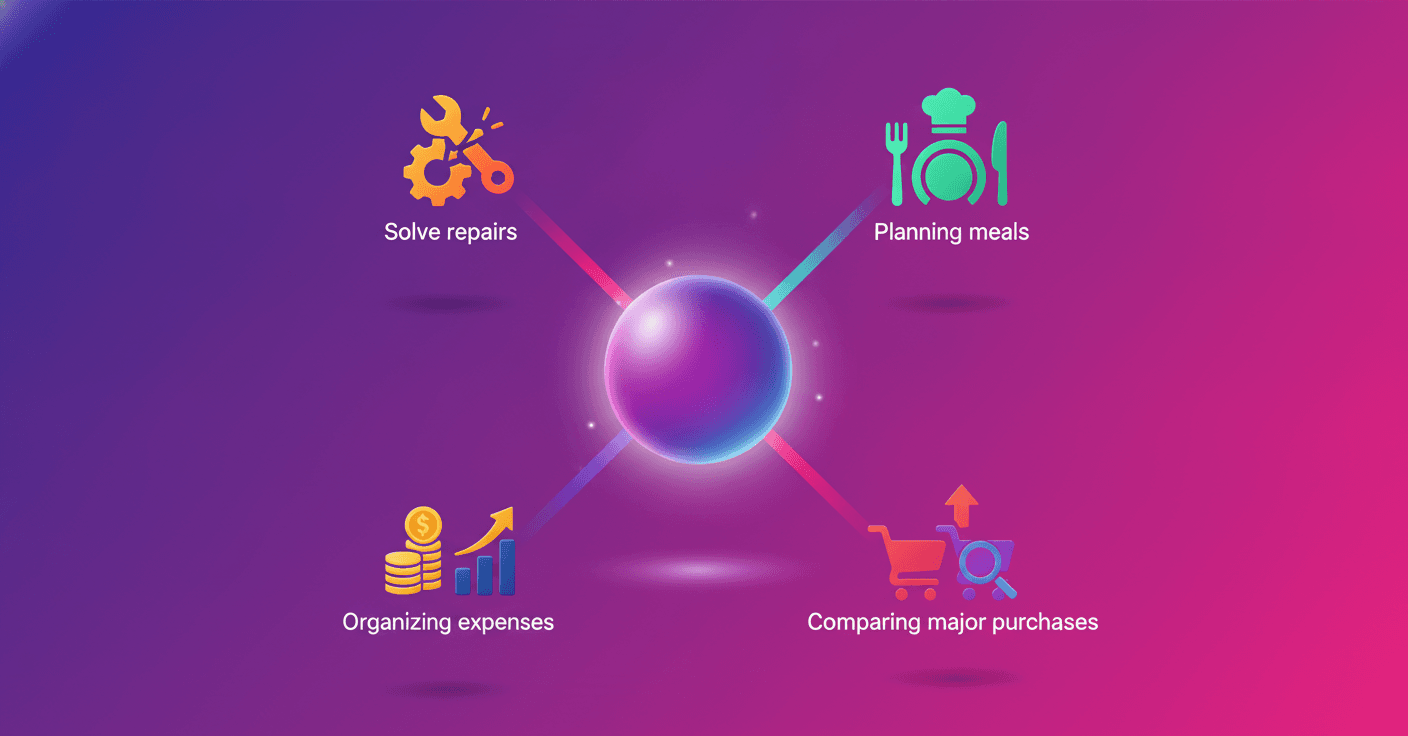
Household chores do not end when the workday does. There are bills to organize, groceries to plan, repairs to understand, and important decisions to make. Google suggests using Gemini to reduce some of that mental load and reclaim time in everyday activities.
According to the AI & Economy ATLAS v1.0 study, prepared by Google using 15 million anonymized interactions, more than 86% of conversations with AI tools take place outside formal work. What does that mean? Artificial intelligence is also becoming a tool for managing everyday life.
Four ways to use Gemini at home
1. Solve repairs and maintenance tasks
When an appliance makes a strange noise or a connection fails, Gemini can help you understand what is happening and what steps to take. The idea is not to replace a technician, but to offer clear initial guidance.
For example, you can use the camera in Gemini Live to show your modem and ask: What does this blinking light mean? You can also ask for instructions on assembling a toy, taking care of your car, or checking a household appliance.
That said, when it comes to electrical installations, gas leaks, or potentially dangerous repairs, the responsible choice is to consult a professional. AI can offer guidance, but it does not eliminate physical risks.
2. Plan meals and grocery shopping
Do you have dietary restrictions, children with very specific tastes, or a refrigerator full of leftovers you do not know how to use? Gemini can create meal plans and grocery lists tailored to your needs.
With Gemini Live, you can also show the shelves in your refrigerator and ask: What can I prepare with these ingredients? The tool can identify the visible foods and suggest recipes, a feature that could help reduce waste.
Google also points out that connecting with Instacart lets you add ingredients to your cart and complete the purchase in just a few steps, although availability may vary depending on the country and service.
3. Organize household expenses
Keeping a budget often turns into a repetitive task: reviewing receipts, copying figures, and categorizing every expense. Gemini can simplify part of that process by extracting information from photos of receipts.
After a family trip, for example, you could upload the bills and ask: Summarize my expenses in Mexico in U.S. dollars. The tool can help you group and understand the data without requiring you to enter every amount manually.
It is a good idea to review the results before adding them to your budget. Receipts may be blurry, use different currencies, or include charges that AI interprets incorrectly. Also, avoid sharing sensitive information when it is not necessary.
4. Compare major purchases
Choosing a family car, washing machine, or refrigerator can involve hours of research and comparisons. Gemini can prepare a table showing differences between models, prices, features, and available ratings.
A prompt such as compare the highest-rated hybrid SUVs for a family of four can be a useful starting point. You can even ask for ideas on negotiating at a dealership.
The key is to use the response as support, not as the final decision. Before buying, verify current prices, warranties, maintenance costs, local availability, and reviews from independent sources.
The value of getting time back
These small forms of assistance rarely appear in traditional productivity statistics. However, they can have a real impact on people’s lives. Google estimates that saving an average of 30 minutes per week per household through AI tools could represent around $100 billion in annual economic value for the United States.
Beyond the figure, the everyday point is what matters: AI is not only useful for writing reports or programming. It can also help you understand a malfunction, make better use of your food, organize your expenses, or make a more informed purchasing decision.
The question is no longer whether artificial intelligence will reach the home. In many cases, it is already there. The real decision is learning to use it thoughtfully, checking its answers, and protecting your data while getting a little time back for yourself.
Original source
https://blog.google/innovation-and-ai/products/gemini-app/household-chores-tips