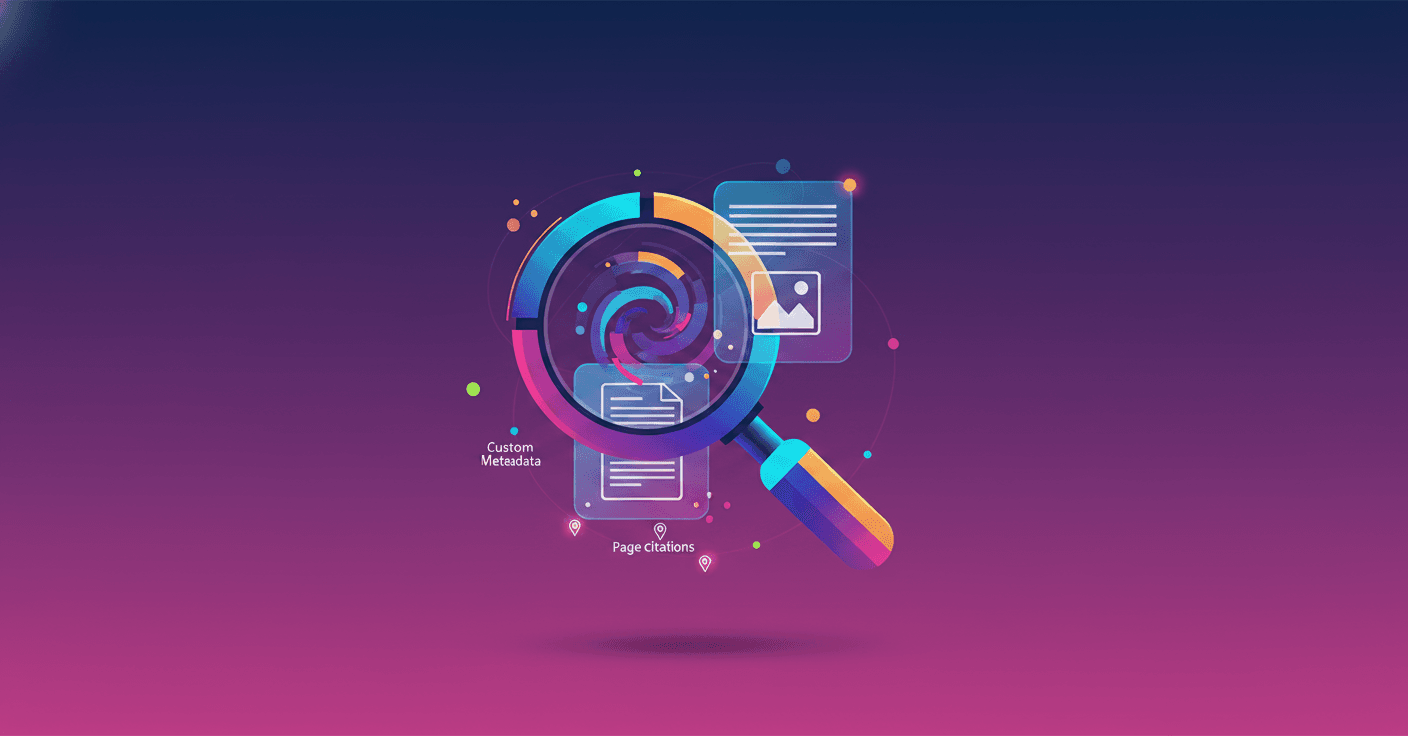
Google expands the File Search tool in the Gemini API so it’s no longer just text: it now processes images and text together, lets you add custom tags, and includes page citations so you can check exactly where each answer came from. The result? More useful, faster and verifiable RAG systems, both for prototypes and production.
What changes
The main novelty is that File Search becomes multimodal. That means, besides indexing text, it understands visual data thanks to the Gemini Embedding 2 model. Your app can search inside files by combining natural language descriptions with visual content.
You can also attach custom metadata to each file as key-value pairs. Think tags like department: Legal or status: Final. By filtering on those tags you cut down noise and make searches more precise and faster.
And to leave no doubt, File Search now includes page citations. When an answer comes from a large PDF, the system stores the page number so you can point the user exactly to the source of the information.
Practical examples
-
A creative agency: instead of searching by filename, the team describes the visual tone they need and the app finds images that match that aesthetic feeling.
-
Legal or compliance: you filter documents by
department: Legalandstatus: Finalso results only come from the set that matters, reducing risks and review time. -
Technical support or research: when the model cites a conclusion, you can take the user to the exact page of the manual or study so they can verify the source.
Why this matters for RAG
Retrieval-Augmented Generation systems depend on two things: finding the right information and being able to show why that information is trustworthy. Multimodality expands the range of data you can use. Metadata reduces false positives and speeds up responses. And page citations give traceability, which is key for trust and auditability.
In practice, this means fewer vague answers, less manual searching and more transparency when the system provides evidence.
How to get started
Google says File Search handles the heavy infrastructure so you can focus on the product. If you already use the Gemini API, you can integrate File Search to index your files, add metadata and start using filters and citations. For prototyping, it’s a quick way to try multimodal RAG; for scaling, it promises more efficient data organization.
Final thoughts
This isn’t just a technical upgrade: it’s a response to real problems teams face across creative, legal and data workflows. The ability to search by visual content, filter precisely and show the exact page changes how you build trust with users and clients. Ready for your apps to remember accurately and show the evidence?