Google launched the Gemini app for Windows, a desktop version designed to offer artificial intelligence assistance without forcing you to leave what you are doing. The tool works alongside your usual applications and is now available globally for Windows 10 and 11.
Need to summarize a document, check a fact, or find a title for a presentation? You can now ask Gemini for help directly from your PC and return to your work in just a few seconds.
Gemini appears with a keyboard shortcut
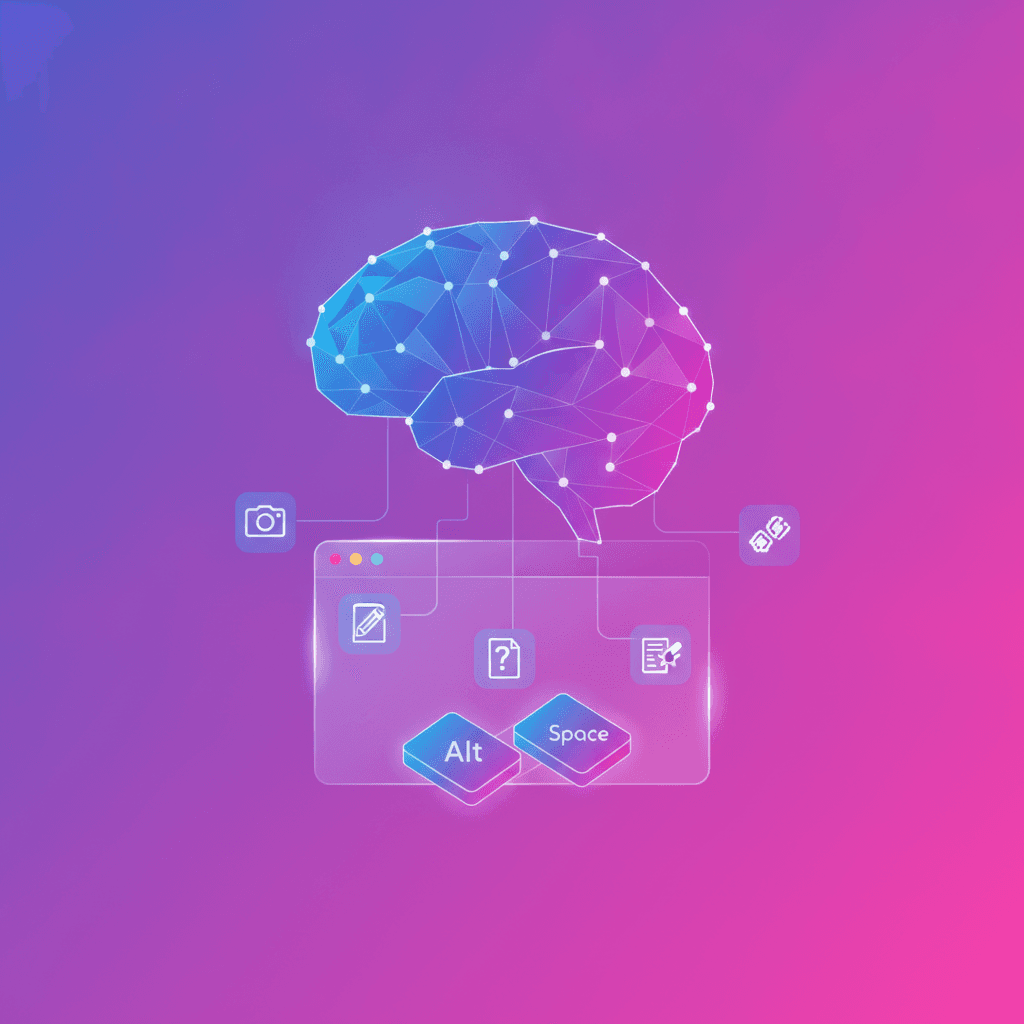
The new app includes quick access with the Alt + Space combination. Press it, and Gemini appears over the active window, without requiring you to open the browser or switch applications.
This shortcut can be useful for small but frequent tasks: reviewing an idea, generating several title options, explaining a concept, or making a quick query while you work on a document.
The idea is simple: use AI when you need it without breaking your workflow.
A space for more complete tasks
The app also offers a dedicated space for using the Gemini features you already know. From there, you can request multistep tasks through Gemini Spark, described by Google as a personal AI agent available throughout the day.
In addition, Gemini can prepare project summaries using information from Google apps such as Gmail and Google Drive. This can save you time when you need to bring together data spread across emails, files, and documents.
As always, it is worth reviewing the result before sharing it. AI can organize information quickly, but it can still misinterpret a message or overlook an important detail.
Images and videos from the desktop
The app also brings together creative tools for generating content. You can create customized images with Nano Banana and produce videos with Gemini Omni, directly from your computer.
For someone preparing a presentation, campaign, or business proposal, this means having idea generation, visual creation, and writing assistance in one place. It does not replace creative judgment, but it can speed up many stages of the process.
Available for Windows 10 and 11
Google says the app was designed to be lightweight and run without slowing down your computer. The company also anticipates adding more native desktop capabilities over time.
The Gemini app for Windows can already be downloaded globally from gemini.google/desktop. Its arrival reflects an important shift: AI is no longer just a tool you visit in a browser tab; it is beginning to behave like an assistant integrated into the environment where you work every day.
Original source
https://blog.google/innovation-and-ai/products/gemini-app/gemini-app-now-on-windows