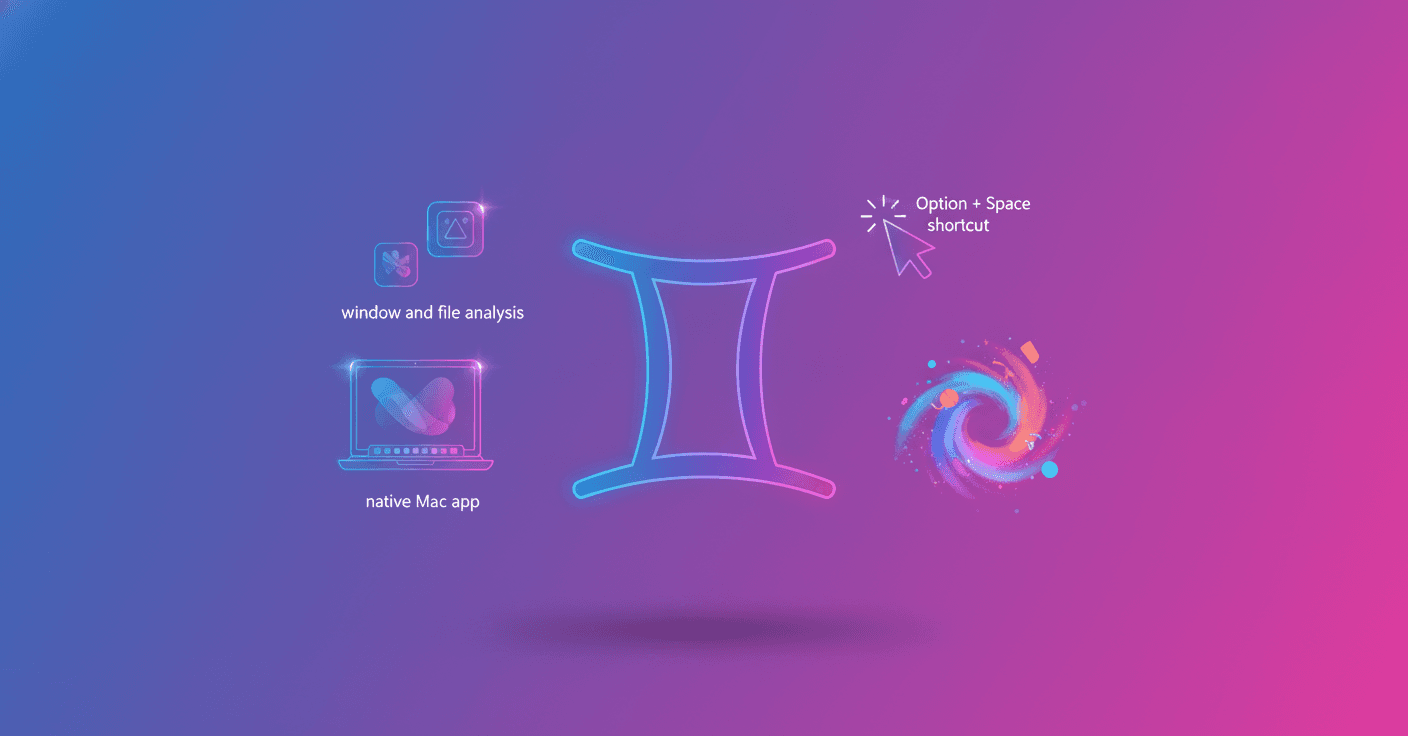
Google is bringing Gemini directly to the Mac desktop with a native application designed to help you without forcing you to jump between windows, tabs, and tools. The idea is simple: have AI assistance available right where you are working, with a keyboard shortcut and context taken from your screen.
Gemini understands what you see on your Mac
The new application lets you share a window or visible elements on your screen with Gemini, including files stored locally. This means you can ask for help with the content in front of you instead of explaining everything from scratch.
Are you reviewing a complex chart? You can share it and ask for its three main takeaways. You could also show a document, presentation, or spreadsheet and request a summary, an explanation, or suggestions for improving it.
This feature can be especially useful when you work with visual information. Gemini does not just receive an isolated question; it also gets the context of what you are analyzing at that moment.
A shortcut to help you stay in the flow
The application can be activated from anywhere on your Mac with the Option + Space shortcut. The goal is to reduce the constant switching between windows and help you stay focused on the main task.
For example, while writing a market report, you can ask Gemini to verify a date. If you are preparing a budget in a spreadsheet, you can request the right formula and return to the document without opening another tab or interrupting your workflow too much.
For people working in creative fields, Gemini also provides access to image-generation tools with Nano Banana and video-generation tools with Veo. This lets you turn a quick idea into an image or clip without leaving your work environment.
The difference is not just having another window with AI, but bringing assistance closer to where your work is already happening.
Availability and requirements
Google says the native Gemini application for macOS has been available since April 15, 2026, at no cost to Gemini users worldwide. It requires macOS 15 or later.
You can download it directly from gemini.google/mac. Once installed, you will have access to the assistant through the keyboard shortcut and can share windows or files whenever you need additional context.
Google describes this launch as the first step toward a more personal, proactive, and powerful desktop assistant. For now, its usefulness will depend on something very concrete: how well Gemini fits into your daily tasks and how much value you find in getting help without leaving your workspace.
AI on the desktop is no longer being presented as a distant technology. In this case, it becomes a tool available with a key combination, ready to summarize a chart, solve a formula, or help develop an idea while you keep working.
Original source
https://blog.google/innovation-and-ai/products/gemini-app/gemini-app-now-on-mac-os