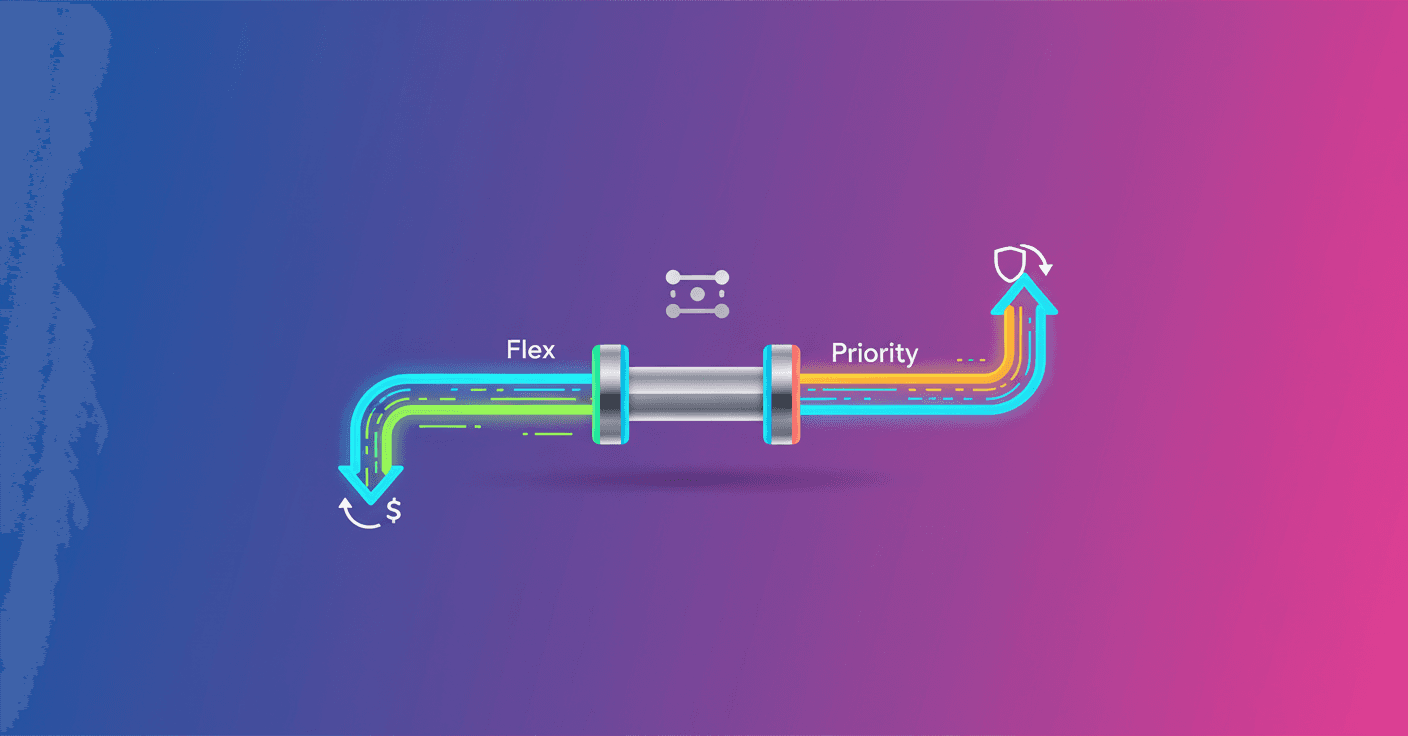
Google introduced two new options in the Gemini API designed so you can choose better between cost and reliability: Flex and Priority. Do you want to spend less on tasks that don't need immediate responses, or make sure critical work won't be interrupted during traffic spikes? Now you can do both from the same synchronous interface.
What Flex and Priority offer
Flex and Priority are two service tiers you set per request and they work with the same endpoints you already know. The idea is simple: separate the logic by how critical a task is without breaking your architecture.
-
Flex is meant for latency-tolerant workloads, where you can accept lower priority in exchange for savings.
-
Priority is meant for critical traffic that cannot be preempted, with additional guarantees and overflow handling.
Doesn't that sound like the perfect balance between price and availability? That's exactly what they're aiming for.
Flex Inference: save on background tasks
Flex is the economical option. Google says it can offer up to 50% savings versus the Standard tier by marking the request as less critical and accepting higher latency.
- Cost savings: roughly 50% less compared to Standard.
- Synchronous and simple: you don't need the Batch API or to manage files or polling; you use the same synchronous endpoints.
- Ideal cases: batch CRM updates, large-scale simulations, agents that "think" or browse in the background.
To enable it you just set the service_tier parameter in your request, for example {'service_tier': 'flex'}. Flex is available for paid projects and for the GenerateContent and Interactions routes.
Priority Inference: protect the critical
Priority is the option for when reliability is the top priority. It's designed so your most important requests won't be interrupted even during usage spikes.
- Higher criticality: a greater chance your request will be served preferentially.
- Graceful downgrade: if you exceed Priority limits, the overflow is served on Standard instead of failing, keeping your service running.
- Transparency: the API response indicates which tier handled the request, so you have visibility into performance and billing.
- Ideal cases: real-time support bots, live moderation pipelines, latency-sensitive requests.
Priority is enabled the same way, by adjusting service_tier, and it's available for paid projects on Tier 2 and 3 for GenerateContent and Interactions.
How to integrate it without breaking your system
The most practical approach is to map each type of work internally to a service_tier:
- Background tasks and batch processing ->
flex. - Real-time user interactions ->
priority.
What if you don't want to rewrite your entire async queue? Good news: because both are synchronous, Flex and Priority let you send interactive and background jobs to the same endpoints you already use, avoiding the complexity of managing a separate Batch flow.
It's also worth monitoring the API response so you know when requests were served at each tier and can evaluate costs. The documentation and the cookbook provide ready-to-run examples that save you time during testing.
Brief reflection
With Flex and Priority, Google simplifies a classic dilemma: optimize costs without sacrificing reliability where it matters. If you're scaling agents, copilots, or data pipelines, this gives you a finer palette to decide where to spend and where to save. Ready to try which one fits your case best?