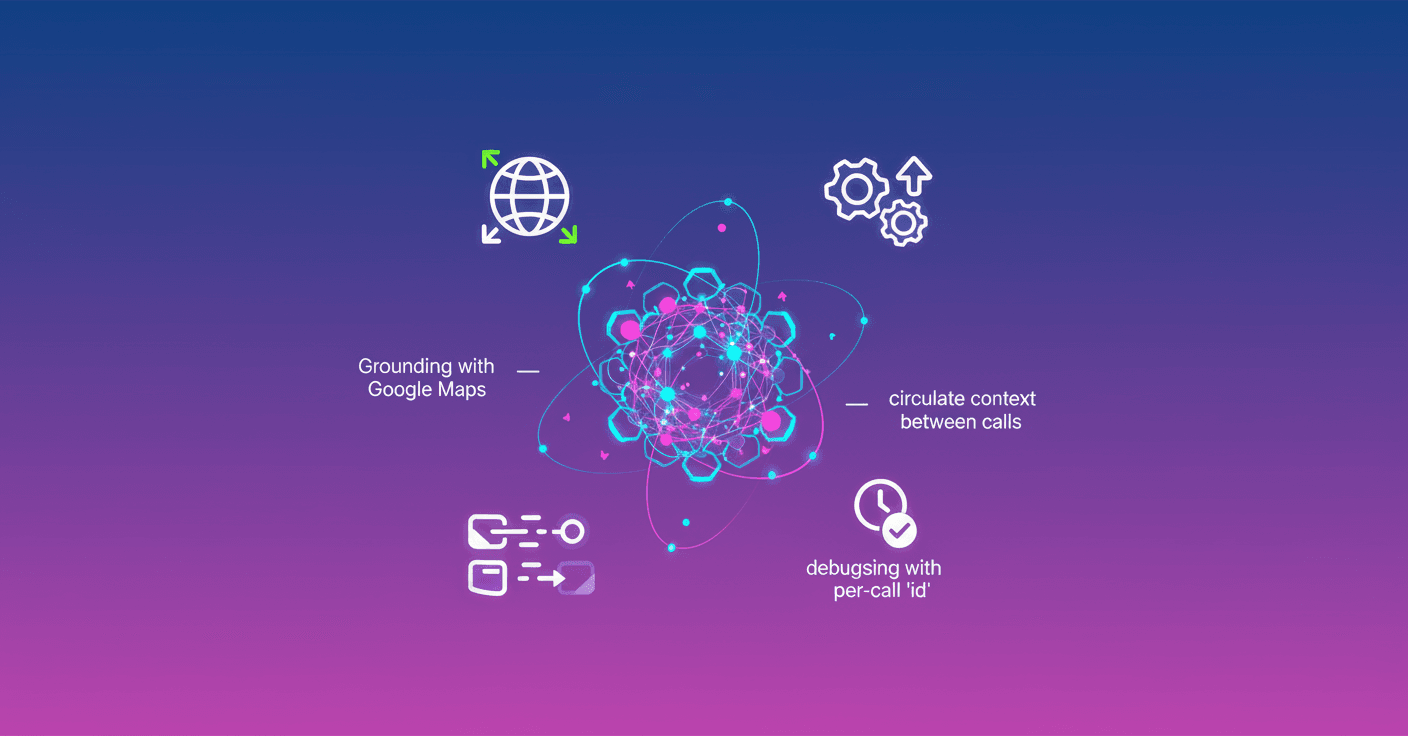
Google expands the Gemini API so conversational agents can be more fluid and practical. Now you can combine built-in tools like Google Search and Google Maps with your custom functions in a single request, let context flow between tool calls, and take advantage of Grounding with Google Maps for the Gemini 3 family.
What changes and why it matters
Before, you had to orchestrate manually when to call a built-in tool and when to invoke your own function. That made agents more complex and increased latency. With this update you can pass both built-in and custom tools in the same interaction, letting Gemini pivot without extra steps: for example, search public info and then call your backend in a single flow.
What do you get from that? Less architectural complexity, lower end-to-end latency, and a more direct path to building agents that actually solve real tasks.
Context that flows between tools
In multi-step flows, the output of one tool is often the input of another. The new context circulation preserves each tool call and its response inside the model’s context, so later steps can reason about that information.
Imagine this: the model checks the weather with a built-in tool and then uses those data in a custom function that books an outdoor spot or looks for indoor alternatives. Before, you’d have to pass that data manually; now the model can do it naturally.
Response IDs for clear debugging
To handle asynchronous executions and parallel calls, Google introduces unique call identifiers (id) for every tool execution. These ids let you map a client response precisely to the invocation the model made, which makes debugging and traceability much easier.
Think of it like this: when several functions run at once, knowing which response belongs to which call is key to not losing the thread of reasoning.
Grounding with Google Maps for Gemini 3
The most tangible news for many developers is Grounding support with Google Maps in the Gemini 3 family. That means you can enable Maps as a tool to access updated spatial data, local business info, travel times, and place details, and combine them with your internal logic.
Recommendation: for these flows use the new Interactions API. It offers server-side state handling and unified reasoning traces, which simplifies complex flows that mix grounding with internal APIs.
Practical cases (so you can imagine the difference)
-
Travel assistant: Gemini checks traffic and travel times with Maps, looks up hotel availability with your API, and books everything in one dialogue.
-
Omnichannel store: the agent checks internal inventory, locates the nearest branch with Maps, and schedules a pickup without you orchestrating every call.
-
Event organizer: use an integrated weather tool, pass that context to a booking function, and suggest alternative venues if rain is likely.
How to start and best practices
-
Try simple combinations: mix Search or Maps with a function that checks your inventory. Watch latency drop and keep traceability with
id. -
Use the Interactions API for stateful flows and when you need reproducible reasoning traces.
-
Mind privacy, permissions, and quota limits when using Maps or Search data together with private data.
-
Start small and expand: build a prototype that combines two tools and one function, test error cases, then scale to parallel flows.
Does this sound useful? These updates aren’t futuristic: they put practical capabilities in developers’ hands to solve real problems today.
Original source
https://blog.google/innovation-and-ai/technology/developers-tools/gemini-api-tooling-updates