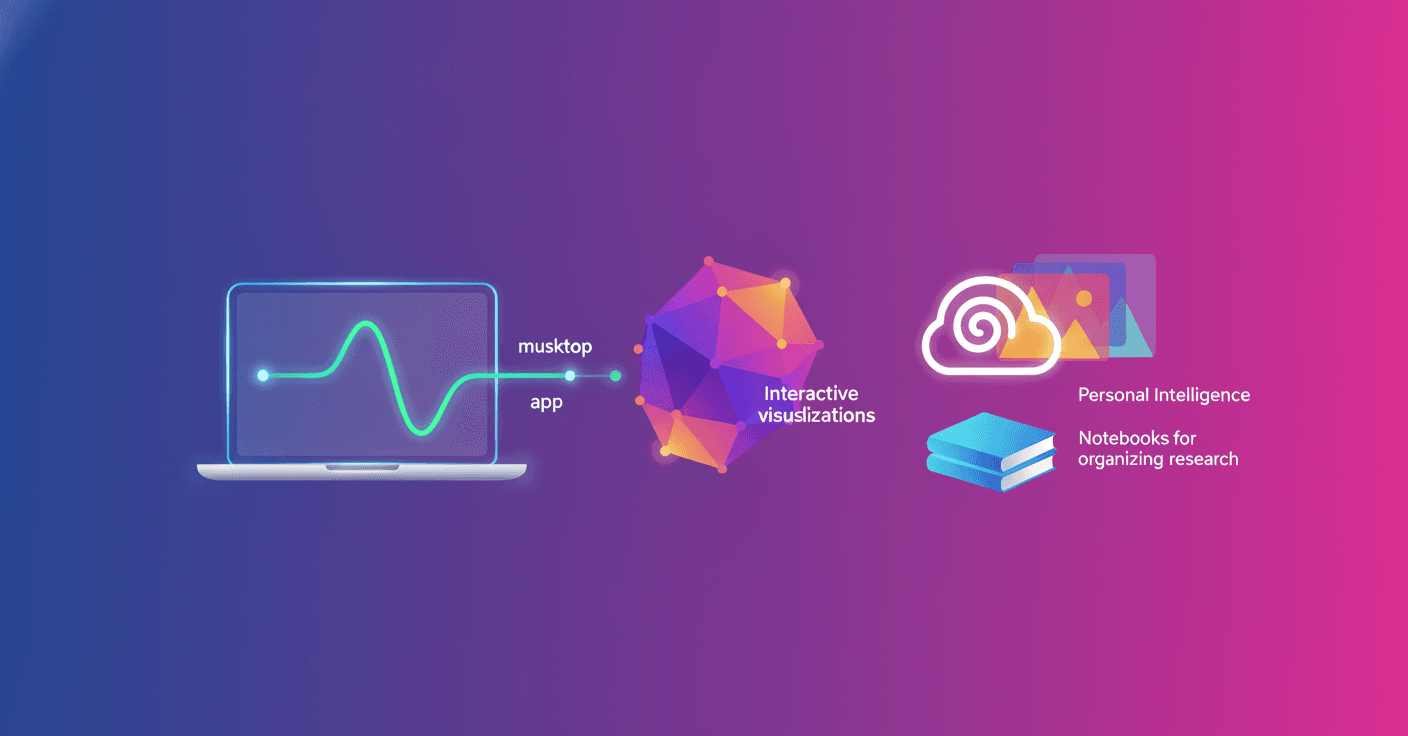
Google presented the tenth edition of Gemini Drops, its monthly roundup of new features for the Gemini app. In April, the company is adding tools to personalize images, organize projects, create music, and use the assistant directly from a Mac.
The idea is simple: Gemini should be more than just a chatbot you ask questions. It should be an assistant that is more connected to your files, interests, and daily activities. So, what exactly changes for users?
More personal images with Gemini
The app makes it easier to create images adapted to your life, tastes, and style. Google is combining its Personal Intelligence feature with Nano Banana to generate more personalized results.
This could be useful, for example, for creating an illustration based on your interests, designing an image for a personal project, or experimenting with different visual styles without starting from scratch.
The company also emphasizes that users remain in control of the result. Instead of receiving a generic image, you can guide the creation more precisely so it reflects your preferences.
Personal Intelligence reaches more countries
Personal Intelligence is also beginning its international expansion. This feature allows some Google apps to connect with Gemini so you can receive more relevant answers based on your information and context.
In practice, the assistant can offer more specific help when it has access to certain details from your connected services. Google is not just aiming to answer questions, but to adapt its suggestions to the way you work and organize your information.
As with any feature of this kind, it is a good idea to review which apps you connect and which permissions you grant. Personalization can be useful, but it should come with control over your data.
Notebooks organizes chats and research
Gemini is adding Notebooks, a tool for bringing conversations, notes, and research together in one place. The feature is integrated with NotebookLM, Google’s product designed to work with information provided by users.
This could be practical for students, researchers, and professionals who often have several conversations about the same topic. Instead of searching through scattered chats, you can organize the material around a project.
Are you preparing a presentation, studying for an exam, or researching a business idea? Notebooks aims to turn those conversations into a more organized workspace.
Gemini arrives natively on Mac
The Gemini app is now available for macOS. Google promises a faster, more native experience, with access to the assistant directly from the desktop.
The change may seem small, but it means you do not have to rely on the browser all the time. For people who use Gemini during their workday or studies, having the tool one click away can make consulting, summarizing, or generating content more convenient.
The desktop app also reinforces Google’s intention to turn Gemini into an assistant integrated into your devices, rather than limiting it to a web page.
Music of up to three minutes with Lyria 3 Pro
Users can now create tracks of up to three minutes at no cost using Lyria 3 Pro. The tool allows them to mix and customize high-fidelity sound in new ways.
This opens up possibilities for creating a musical backing track, experimenting with genres, or producing a piece for a video or creative project. It does not necessarily replace a music producer, but it lowers the barrier for people who want to experiment without mastering specialized software.
AI music creation continues to move toward more accessible experiences. The question is no longer just whether someone knows how to play an instrument, but what idea they want to turn into sound.
Complex questions turned into interactive images
Gemini can also transform difficult concepts into interactive visualizations within the chat. The feature is designed to help users understand topics that may feel abstract or complicated when explained only through text.
For example, someone could ask for a visual representation of a scientific process, a mathematical concept, or a complex structure. Seeing information organized graphically can speed up understanding and make learning easier.
That does not mean every visual explanation is automatically correct or sufficient. Even so, it can be a useful starting point for exploring a topic and asking better questions.
A Gemini more integrated into daily life
The April updates show a clear direction: Google wants Gemini to accompany more activities, from creating a song and organizing research to using the assistant from the desktop.
Artificial intelligence is no longer being presented as a distant technology and is starting to compete for a place in everyday tasks. Its real value will depend on something very concrete: whether these features are easy to use, respect privacy, and genuinely save time.
You can find all the details and future updates in the official Gemini Drops hub.
Original source
https://blog.google/innovation-and-ai/products/gemini-app/gemini-drop-april-2026