Flow lands in the precision zone: since its launch in May more than 500 million videos have already been created and the demand is clear — you want more control over images and clips. What happened? Google Labs answered with new refinement and editing tools so you can tweak without redoing everything.
4 ways to refine and edit your content in Flow
Flow adds controls that let you move from loose ideas to more professional results without losing creative speed.
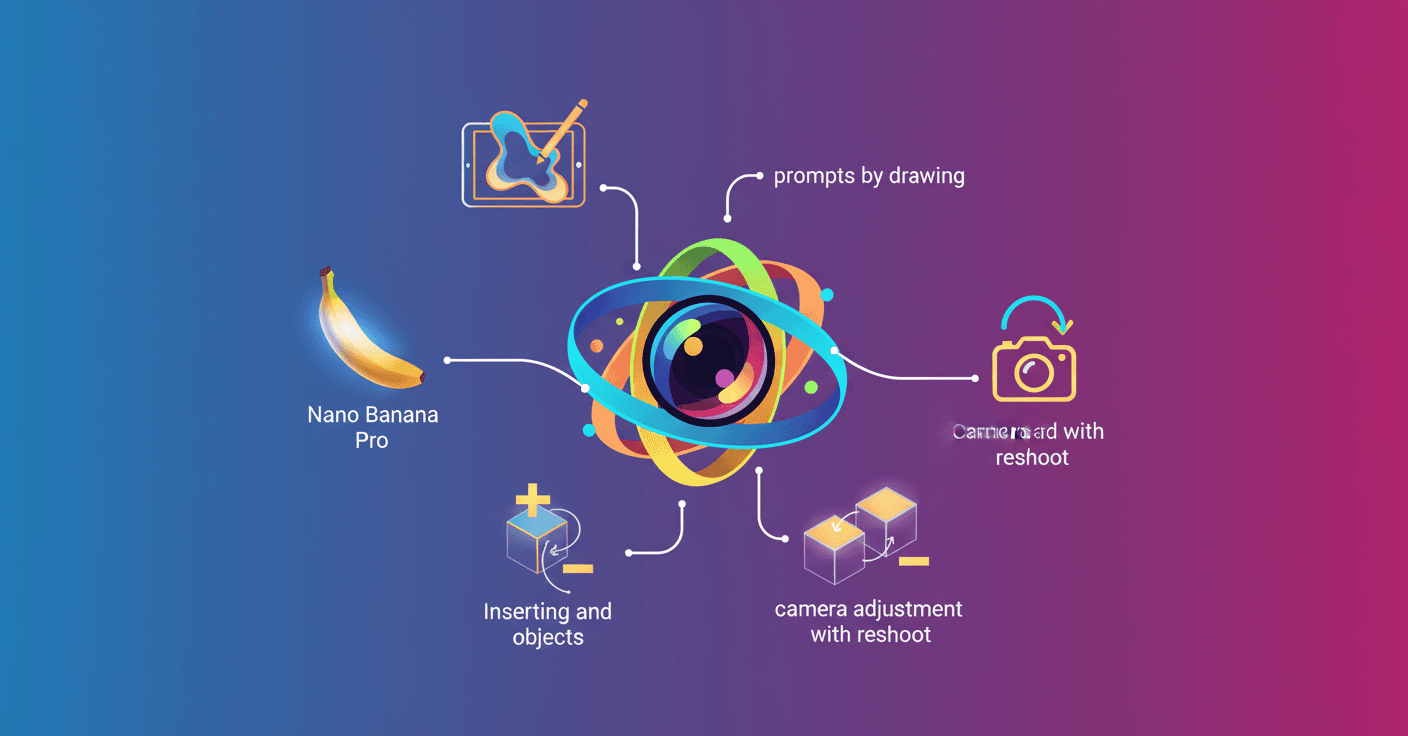
1. Generate and edit images with Nano Banana Pro
Flow now has an images tab where you can create and fine-tune frames to use as characters or starting points. Free users get Imagen and Nano Banana, but subscribers receive access to Nano Banana Pro, a state-of-the-art image model.
What does Nano Banana Pro bring? Professional controls for depth of field, lighting, and color grading, which make adjustments like changing a character's outfit or moving the camera easier without having to regenerate the whole scene. You can also mix elements from several reference images to keep the critical details of your visual ingredients.
2. Prompts by drawing: draw what you want
Not getting the perfect prompt with words? Draw it. Flow interprets your sketches and annotations over an image and incorporates them into the final result. It's a quick flow: you don't need to leave for another editing app or turn ideas into precise sentences.
This speeds up creative iterations: a scribble of a pose or an arrow showing where you want light can be enough for the model to understand.
3. Insert and remove objects directly in clips
If your clip is almost perfect except for one element, you can now tap the pencil icon on any clip to insert objects or remove things you don't like. Object removal will arrive next month in experimental mode.
Technically, this avoids re-generating the entire video and allows localized edits that preserve the rest of the frame and timing. Ideal for targeted fixes or to try variants without breaking continuity.
4. Adjust camera movement with reshoot
Was the camera not where you imagined it? The new Camera Adjustment feature lets you reposition the camera, orbit, or move the dolly in generated videos. It works especially well on clips that originally don't include camera movement, and lets you explore different perspectives without remaking the whole scene.
This opens creative possibilities: try tighter framings, camera-path transitions, or simply change the spatial feel of a clip.
What this means for creators and technical teams
- More creative control without sacrificing speed: you iterate more and return to zero less often.
- For technical teams: models like
Nano Banana Prooffer parameters that make fine lighting and color tweaks easier, which can be integrated into postproduction pipelines. - Limitations to consider: object removal will be experimental and some transformations work better in clips without complex camera motion.
Sound familiar? I've spent afternoons adjusting a framing by a single pixel. Flow now lets you skip that frustration and focus on the visual narrative.
Original source
https://blog.google/technology/google-labs/flow-refine-videos