FLUX.2 arrives as the next generation of image models from Black Forest Labs, and Diffusers integrates it with support for inference and fine-tuning. What changes compared to Flux.1 and why should it matter if you work with multimodal generation? I'll walk you through it step by step, with practical examples you can run on real hardware.
What is FLUX.2
FLUX.2 is a new family of image-generation models trained from scratch with a different architecture than Flux.1. It's multimodal: it works as text-to-image and image-to-image, and it also accepts up to 10 reference images per prompt, letting you combine references by index or by natural language.
In practical terms, this means you can ask the model to blend two different photos and describe which elements to take from each. Useful, right? But watch out: every extra image increases VRAM usage.
Key architectural changes
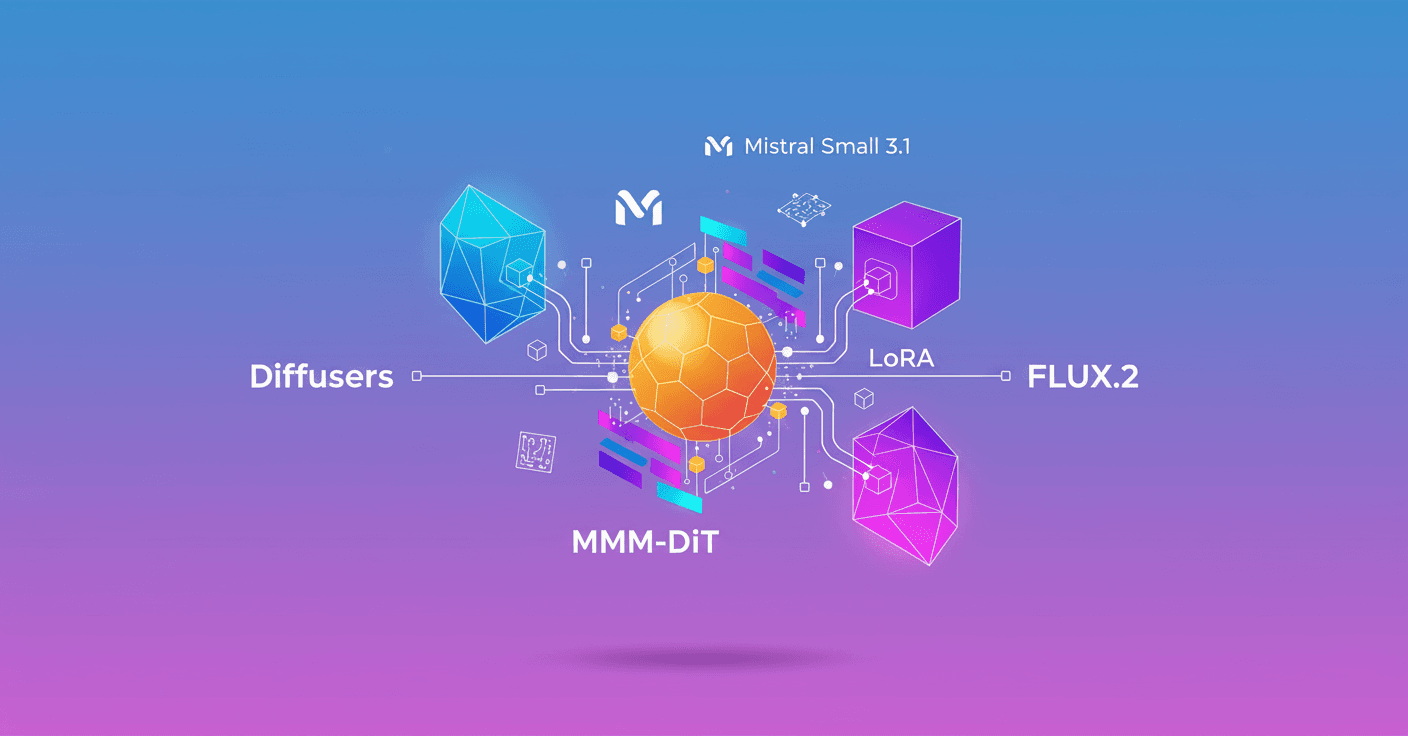
FLUX.2 keeps the general idea of a multimodal diffusion transformer (MM-DiT) and DiT blocks in parallel, but introduces several optimizations and important design choices.
-
It uses a single text encoder:
Mistral Small 3.1. That simplifies embedding computation and allows amax_sequence_lengthof 512. -
The MM-DiT blocks keep the initial separation between image latents and text (double-stream) and then process them together in single-stream blocks. This follows Flux.1's philosophy but with different balances between both block types.
-
Time and guidance information (like parameters of AdaLayerNorm-Zero) are shared across all double-stream and single-stream blocks, instead of per-block modulation parameters. Less redundant parameters and more coherent diffusion dynamics.
-
There are no bias parameters in the model layers: neither in attention nor in feedforward blocks. That's a design decision that affects numerical stability and checkpoint size.
-
Single-stream blocks fuse projections: beyond merging attention output projection with the FF output, they now fuse attention QKV projections with the FF input projection, creating a more parallel transformer block.
-
FLUX.2 uses SwiGLU activation in the MLP instead of GELU.
-
Much more weight is placed on single-stream blocks than on double-stream: for example, a comparative configuration shows 8 double-stream blocks vs 48 single-stream in FLUX.2, and the parameter proportion in double-stream drops from ~54% (Flux.1) to ~24% (FLUX.2[dev]-32B).
-
There's a new autoencoder and better handling of timestep schedules that depend on resolution.
In short: same multimodal principles, but redesigned for parallelism, less redundancy, and better compute/memory trade-offs.
Practical inference with Diffusers
The combined model (large DiT + Mistral3 Small) can exceed 80 GB of VRAM if you load it without optimizations. Luckily, Diffusers and several engineering techniques let you run FLUX.2 on more modest hardware.
Basic CPU offloading example
This flow was tested on an H100. Enabling offloading is almost mandatory so it fits:
from diffusers import Flux2Pipeline
import torch
repo_id = "black-forest-labs/FLUX.2-dev"
pipe = Flux2Pipeline.from_pretrained(repo_id, torch_dtype=torch.bfloat16)
pipe.enable_model_cpu_offload()
image = pipe(
    prompt="dog dancing near the sun",
    num_inference_steps=50,
    guidance_scale=2.5,
    height=1024,
    width=1024,
).images[0]
With CPU offload on, that setup takes around 62 GB on an H100. Don't have an H100? Keep reading.
Flash Attention 3 for Hopper GPUs
If you have a Hopper GPU (for example H100 or equivalent) you can accelerate attention with Flash Attention 3:
pipe.transformer.set_attention_backend("_flash_3_hub")
pipe.enable_model_cpu_offload()
Diffusers exposes several attention backends; look for the one that best uses your hardware.
Load models in 4-bit with bitsandbytes (NF4)
With bitsandbytes you can load the transformer and text encoder in 4-bit to run FLUX.2 on ~24 GB GPUs or even 20 GB with optimizations.
from diffusers import Flux2Pipeline, Flux2Transformer2DModel
from transformers import Mistral3ForConditionalGeneration
import torch
repo_id = "diffusers/FLUX.2-dev-bnb-4bit"
# Load transformer and text encoder in 4-bit and use CPU offload
The blog example shows how to generate realistic images with a long prompt and save the result.
Local + remote: outsource the text encoder
Because the design is modular, you can deploy the text encoder to a remote endpoint and keep the DiT and VAE locally. This greatly reduces local VRAM usage.
-
Idea: the local pipeline receives
prompt_embedscoming from a remote service. Ideal if you have 1 GPU with 18–20 GB of VRAM. -
Another option is
group_offloading, which lets you run on GPUs with 8 GB of free VRAM, at the cost of system RAM (they recommend 32 GB RAM, or uselow_cpu_mem_usage=Trueto lower to 10 GB RAM but slower).
Quantizations and backends
-
NF4 (via bitsandbytes) is recommended for 4-bit inference.
-
Diffusers documents several quantization backends and techniques to test how they affect quality; they provide a Space to experiment interactively.
-
If you want to compare visual results, try the quantization playground that accompanies the release.
Fine-tuning LoRA: how to do it on limited GPUs
FLUX.2 is excellent for LoRA fine-tuning (text-to-image and image-to-image). But training requires the same memory care as inference.
Techniques used in the post that you can combine:
-
Remote Text Encoder during training: pass
--remote_text_encoderto save local text VRAM. -
CPU offloading:
--offloadto move VAE and text encoder to CPU and only load them when needed. -
Latent caching: pre-encode images with the VAE and remove the VAE during active training with
--cache_latents. -
QLoRA / NF4 with bitsandbytes: define a
config.jsonwithload_in_4bitandbnb_4bit_quant_type: nf4and pass it with--bnb_quantization_config_path. -
FP8 training with accelerators that support FP8 (requires compute capability >= 8.9) to use FP8 cores and reduce memory.
-
Gradient checkpointing and gradient accumulation: reduce memory at the cost of time. Use
--gradient_checkpointingand adjust--gradient_accumulation_steps. -
8-bit optimizers:
--use_8bit_adamwith bitsandbytes to reduce optimizer memory. -
Alternative tools: SimpleTuner or Ostris AI Toolkit if your GPU is older or you want lighter trainers.
Example launch with FP8 and LoRA from the blog:
accelerate launch train_dreambooth_lora_flux2.py \
  --pretrained_model_name_or_path="black-forest-labs/FLUX.2-dev" \
  --mixed_precision="bf16" \
  --gradient_checkpointing \
  --remote_text_encoder \
  --cache_latents \
  --do_fp8_training \
  --dataset_name="multimodalart/1920-raider-waite-tarot-public-domain" \
  --output_dir="tarot_card_Flux2_LoRA" \
  --train_batch_size=2 \
  --use_8bit_adam \
  --max_train_steps=1000 \
  --push_to_hub
If your hardware doesn't support FP8, use QLoRA with bitsandbytes and the JSON config for 4-bit NF4.
Best practices and quick tips
-
Start with moderate prompts and resolutions (512 or 768) to iterate fast and measure consumption.
-
Test
num_inference_stepsbetween 28 and 50; 28 is often a good quality/speed trade-off. -
In production, outsourcing the text encoder is an effective way to scale and reduce GPU instance costs.
-
Combine quantization + offloading + group offload according to your GPU/CPU memory; some techniques are mutually exclusive, so read the docs before mixing everything.
Final thoughts
FLUX.2 is an interesting leap: it keeps Flux.1's multimodal idea, but rebalances the architecture toward more parallel blocks and less redundancy. For the community it means more creative power and more deployment options thanks to offloading and quantization techniques. Got 24 GB of GPU or less? It's not an absolute barrier: with bitsandbytes, remote encoders and group offload you can experiment and fine-tune models with accessible resources.
If you're interested, we can review a concrete pipeline for your hardware and use case: commercial imaging, generative art or a specific dataset. Which one do you want to optimize first?