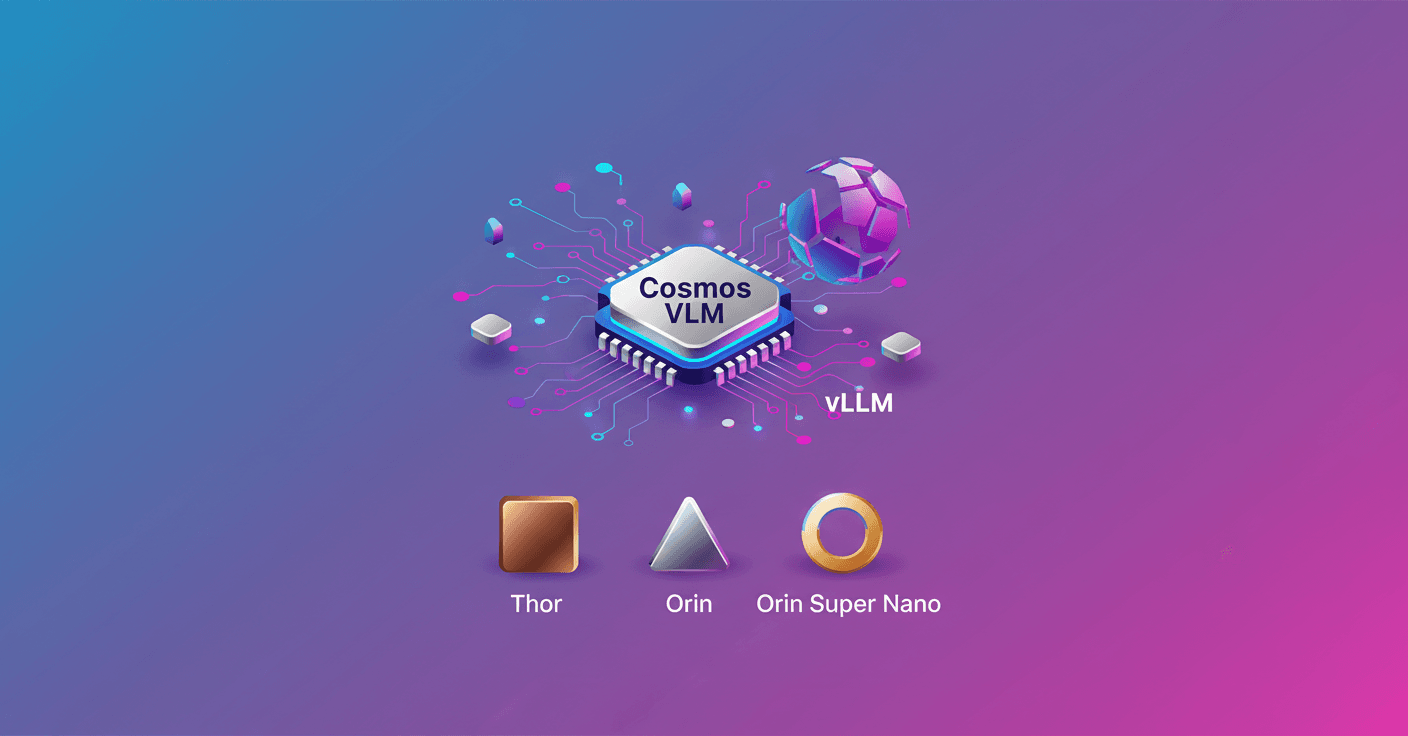
Vision-Language Models (VLMs) combine visual perception with natural language reasoning. Why does this matter at the edge? Because now you can have an AI that looks, interprets and reasons in real time right next to your robots or embedded devices, without depending on the cloud.
What you'll find in this tutorial
I show you how to deploy the NVIDIA Cosmos Reasoning 2B (FP8) model on the Jetson family using the vLLM runtime. We'll cover hardware and software requirements, the commands to download the model, how to launch the container, and how to connect the Live VLM WebUI for real-time webcam analysis.
Devices and minimum requirements
-
Supported devices:
- Jetson AGX Thor
- Jetson AGX Orin (64GB / 32GB)
- Jetson Orin Super Nano
-
JetPack:
- JetPack 6 (L4T r36.x) for Orin
- JetPack 7 (L4T r38.x) for Thor
-
NVMe SSD storage recommended:
- ~5 GB for FP8 weights
- ~8 GB for the
vLLMcontainer image
-
Account: create a free NVIDIA NGC account to download the model and container.
Preparation: download the NGC CLI and the FP8 model
Create a working directory and download the NGC CLI for ARM64. Quick example:
mkdir -p ~/Projects/CosmosReasoning
cd ~/Projects/CosmosReasoning
# Download the ARM64 installer (adjust the URL if the version changes)
wget -O ngccli_arm64.zip https://api.ngc.nvidia.com/v2/resources/nvidia/ngc-apps/ngc_cli/versions/4.13.0/files/ngccli_arm64.zip
unzip ngccli_arm64.zip
chmod u+x ngc-cli/ngc
export PATH="$PATH:$(pwd)/ngc-cli"
ngc config set
During ngc config set you'll be asked for your API Key (generate one from the NGC portal). Then download the FP8-quantized checkpoint:
cd ~/Projects/CosmosReasoning
ngc registry model download-version "nim/nvidia/cosmos-reason2-2b:1208-fp8-static-kv8"
This creates a folder like cosmos-reason2-2b_v1208-fp8-static-kv8/. Save the full path — you'll mount it into the container.
vLLM containers by device
- Jetson AGX Thor:
- Image:
ghcr.io/nvidia-ai-iot/vllm:r36.4-tegra-aarch64-cu126-22.04(Thor uses the image optimized for its environment)
- Image:
- Jetson AGX Orin and Orin Super Nano:
- Image:
nvcr.io/nvidia/vllm:26.01-py3
- Image:
General flow:
- Download the FP8 checkpoint from NGC
- Pull the appropriate vLLM container
- Launch the container mounting the model folder
- Start
vllm serveand validate the API
Launching vLLM on Jetson AGX Thor (example)
Mount the model and launch the container (Thor has plenty of memory, so we use a long context):
MODEL_PATH="$HOME/Projects/CosmosReasoning/cosmos-reason2-2b_v1208-fp8-static-kv8"
sudo sysctl -w vm.drop_caches=3

docker run --rm -it \
  --runtime nvidia \
  --network host \
  --ipc host \
  -v "$MODEL_PATH:/models/cosmos-reason2-2b:ro" \
  -e NVIDIA_VISIBLE_DEVICES=all \
  -e NVIDIA_DRIVER_CAPABILITIES=compute,utility \
  ghcr.io/nvidia-ai-iot/vllm:r36.4-tegra-aarch64-cu126-22.04 \
  bash
Inside the container:
vllm serve /models/cosmos-reason2-2b \
  --max-model-len 8192 \
  --media-io-kwargs '{"video": {"num_frames": -1}}' \
  --reasoning-parser qwen3 \
  --gpu-memory-utilization 0.8
--reasoning-parser qwen3 enables chain-of-thought extraction; --media-io-kwargs configures video handling.
Launching vLLM on Jetson AGX Orin
Orin has enough memory for similar parameters to Thor. Run commands (outside and inside the container) are similar:
# outside the container
MODEL_PATH="$HOME/Projects/CosmosReasoning/cosmos-reason2-2b_v1208-fp8-static-kv8"
sudo sysctl -w vm.drop_caches=3

docker run --rm -it \
  --runtime nvidia \
  --network host \
  -v "$MODEL_PATH:/models/cosmos-reason2-2b:ro" \
  -e NVIDIA_VISIBLE_DEVICES=all \
  -e NVIDIA_DRIVER_CAPABILITIES=compute,utility \
  nvcr.io/nvidia/vllm:26.01-py3 \
  bash

# inside the container
cd /opt/
source venv/bin/activate
vllm serve /models/cosmos-reason2-2b \
  --max-model-len 8192 \
  --media-io-kwargs '{"video": {"num_frames": -1}}' \
  --reasoning-parser qwen3 \
  --gpu-memory-utilization 0.8
Wait for the line INFO: Uvicorn running on http://0.0.0.0:8000 before continuing.
Launching vLLM on Orin Super Nano (limited memory)
Here you need to optimize aggressively. Recommended parameters:
MODEL_PATH="$HOME/Projects/CosmosReasoning/cosmos-reason2-2b_v1208-fp8-static-kv8"
sudo sysctl -w vm.drop_caches=3

docker run --rm -it \
  --runtime nvidia \
  --network host \
  -v "$MODEL_PATH:/models/cosmos-reason2-2b:ro" \
  -e NVIDIA_VISIBLE_DEVICES=all \
  -e NVIDIA_DRIVER_CAPABILITIES=compute,utility \
  nvcr.io/nvidia/vllm:26.01-py3 \
  bash

# inside the container
cd /opt/
source venv/bin/activate
vllm serve /models/cosmos-reason2-2b \
  --host 0.0.0.0 \
  --port 8000 \
  --trust-remote-code \
  --enforce-eager \
  --max-model-len 256 \
  --max-num-batched-tokens 256 \
  --gpu-memory-utilization 0.65 \
  --max-num-seqs 1 \
  --enable-chunked-prefill \
  --limit-mm-per-prompt '{"image":1,"video":1}' \
  --mm-processor-kwargs '{"num_frames":2,"max_pixels":150528}'
These flags help reduce memory usage and process multimedia with low latency. Note that context is limited to 256 tokens per prompt.
Quick explanation of key flags (Orin Super Nano)
--enforce-eager: turns off CUDA graphs to save memory.--max-model-len: limits context length so it fits in RAM.--gpu-memory-utilization: percentage of GPU memory the process will try to use; lower if you get OOM.--max-num-seqs 1: limits to a single concurrent request to reduce peak memory.--enable-chunked-prefill: does the prefill in chunks, which is memory-efficient.--limit-mm-per-prompt: limits images and videos per prompt to avoid memory spikes.--mm-processor-kwargs: reduces frames and resolution for video.
Verification and connection with Live VLM WebUI
- On the Jetson, validate that the model is exposed:
curl http://localhost:8000/v1/models
- Test a simple query:
curl -s http://localhost:8000/v1/chat/completions \
  -H "Content-Type: application/json" \
  -d '{"model": "/models/cosmos-reason2-2b","messages": [{"role": "user","content": "What capabilities do you have?"}],"max_tokens": 128}' | python3 -m json.tool
- Install and run Live VLM WebUI to stream from a webcam. Option with
uv/pip:
curl -LsSf https://astral.sh/uv/install.sh | sh
source $HOME/.local/bin/env
cd ~/Projects/CosmosReasoning
uv venv .live-vlm --python 3.12
source .live-vlm/bin/activate
uv pip install live-vlm-webui
live-vlm-webui
Or use the official Live VLM WebUI container:
git clone https://github.com/nvidia-ai-iot/live-vlm-webui.git
cd live-vlm-webui
./scripts/start_container.sh
Open https://localhost:8090 in your browser and accept the certificate. In the VLM API Config section put http://localhost:8000/v1 and refresh to detect the model.
Useful WebUI settings for Orin:
Max Tokens: 100-150 for quick answersFrame Processing Interval: 60+ to give time between frames
Common issues and fixes
-
vLLM fails with OOM:
- Run
sudo sysctl -w vm.drop_caches=3before starting. - Lower
--gpu-memory-utilizationto 0.55 or 0.50. - Reduce
--max-model-lento 128 or less. - Make sure there are no other GPU-heavy processes running.
- Run
-
Model doesn't show up in WebUI:
- Check
curl http://localhost:8000/v1/models. - Make sure you use
http://and nothttps://for the base URL. - If WebUI and vLLM are in different containers, use
http://<jetson-ip>:8000/v1.
- Check
-
Very slow responses:
- This is expected on memory-constrained setups; prioritize stability over speed.
- Reduce
max_tokensand increase the frame interval.
-
Model path not found:
- Verify the NGC download completed and the folder exists.
- Check the
-vin thedocker runcommand and ensure the in-container path matches what you pass tovllm serve.
What is this useful for in practice?
Think of robots that describe what they see and justify decisions, industrial cameras that detect anomalies and explain why, or visual-assistant prototypes that reason about complex scenes. With Cosmos Reasoning 2B in FP8 and vLLM on Jetson you can bring reasoning prototypes to the edge, with local privacy and low latency.
The key is balancing context and memory: Thor and Orin allow long contexts; the Orin Super Nano needs tweaks to fit, but is still useful for tests and demos.