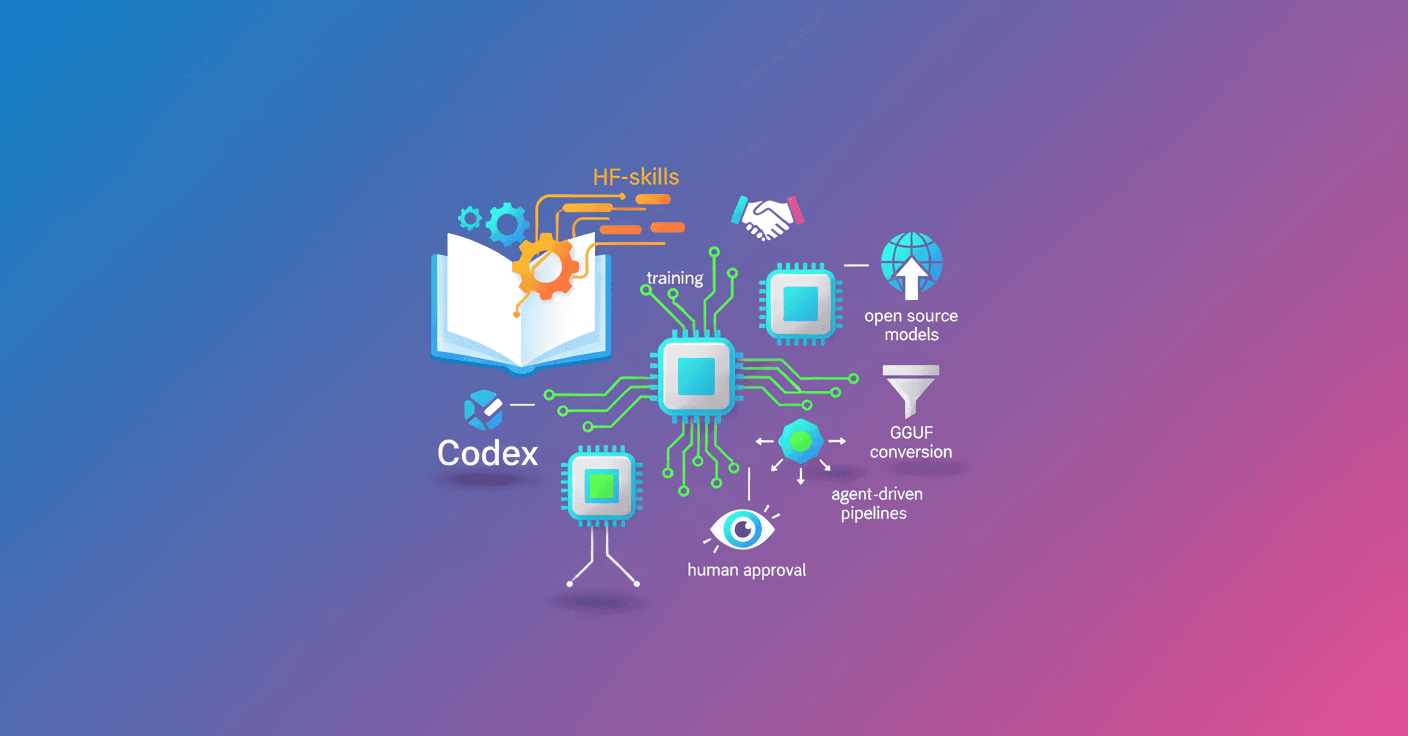
Codex can now run cutting-edge model training experiments using Hugging Face's HF-skills repository. Can you imagine delegating data validation, hardware selection, monitoring and publishing to the Hub to an agent? That's exactly what this integration proposes: a reproducible end-to-end workflow compatible with agents like Codex, Claude Code or Gemini CLI.
What the HF-skills + Codex integration offers
With HF-skills, a code agent can handle complex tasks across the ML lifecycle without you typing every step. What can this do for you in practice?
- Fine-tuning and alignment via RL for language models.
- Reviewing and acting on live training metrics with Trackio.
- Automatic evaluation of checkpoints and decisions based on results.
- Generating and maintaining experiment reports.
- Exporting and quantizing models to GGUF for local deployment.
- Automatically publishing models to the Hugging Face Hub.
Result? Less manual work, fewer human errors, and reproducible pipelines you can audit.
How it works: AGENTS.md, MCP and authentication
HF-skills includes instructions and AGENTS.md that Codex detects automatically. The compatibility between the "skills" format and key agents lets you use the same base with Claude Code or Codex.
Basic setup steps:
- Clone the skills repository:
git clone https://github.com/huggingface/skills.git && cd skills
- Verify Codex loads the instructions:
codex --ask-for-approval never 'Summarize the current instructions.'
- Authenticate with Hugging Face (you need a token with write permissions):
hf auth login
- Configure an MCP (Model Context Protocol) server to improve integration with the Hub. In
~/.codex/config.tomladd:
[mcp_servers.huggingface]
command = "npx"
args = ["-y", "mcp-remote", "https://huggingface.co/mcp?login"]
This allows Codex to orchestrate Jobs, model access and other Hub features.
Practical example: automatic fine-tune to solve code
Imagine you want to improve a model's ability to solve programming problems. You ask Codex:
Start a new fine-tuning experiment to improve code solving abilities on using SFT.
And you point it to the dataset open-r1/codeforces-cots and the benchmark openai_humaneval.
Codex will automatically do the following:
- Validate dataset format (avoid failures from misnamed columns).
- Pick appropriate hardware (for example
t4-smallfor 0.6B). - Generate or update a training script with Trackio for monitoring.
- Submit the job to Hugging Face Jobs and report the ID and estimated cost.
- Keep and update a report in
training_reports/<model>-<dataset>-<method>.md.
Before submitting it will ask for confirmation with a summary of cost, time and outputs. Want to change something? You can.
Reports and monitoring (example template)
Codex creates a report that fills in as the experiment progresses. A typical summary includes parameters, run status, links to logs and evaluations. For example, the report will contain:
- Base model and Dataset (with links).
- Training configuration: method (SFT/TRL), batch, lr, precision (
bf16), checkpointing, etc. - Status and links to
jobsandTrackio. - Comparative evaluation table (HumanEval pass@1, links to logs and models).
This makes automatic decisions easier: if the metric improves, trigger additional evaluation; if not, retry with a different lr or hardware.
Dataset validation and preprocessing
The most common failure comes from misformatted datasets. Codex can:
- Run a quick CPU inspection and flag compatibilities (SFT, DPO, etc.).
- Preprocess columns (for example transform
messagesor generatechosen/rejected). - Suggest a TRL configuration or a preprocessing script before submitting the job.
This cuts time lost to trivial errors and speeds up iterations.
Evaluation, conversion and local deployment
Typical flow after training:
- Run
lightevalagainst benchmarks like HumanEval to compare with the base. - Trigger evaluation with HF Jobs commands, for example:
hf jobs uv run --flavor a10g-large --timeout 1h --secrets HF_TOKEN -e MODEL_ID=username/model -d /tmp/lighteval_humaneval.py
- Convert and quantize to GGUF (for example
Q4_K_M) using the tools included in the skills. - Publish the GGUF artifact to the Hub and run locally with:
llama-server -hf username/model:Q4_K_M
If you used LoRA, Codex can merge the adapter into the base before conversion.
Supported methodologies and technical limits
This integration is not a demo: it supports methods used in production.
- SFT (Supervised Fine-Tuning)
- DPO (Direct Preference Optimization)
- GRPO (Reinforcement Learning with verifiable rewards)
Practical hardware ranges and estimated costs:
- < 1B parameters:
t4-small, fast experiments, $1-2 for short runs. - 1-3B:
t4-mediumora10g-small, $5-15 depending on duration. - 3-7B:
a10g-largeora100-largewith LoRA, $15-40 for serious pipelines. -
7B: currently not the primary target of these skills.
Codex makes automatic recommendations, but understanding the trade-offs helps you optimize budget and latency.
Practical recommendations to get started today
- Requirements: Hugging Face account with Pro/Team/Enterprise for Jobs, a write token and Codex configured.
- Clone
https://github.com/huggingface/skillsand authenticate withhf auth login. - Try first with a short run (100 examples) to validate pipeline and metrics.
- Use Trackio to visualize curves and let Codex update the report automatically.
- If your goal is local deployment, add the GGUF conversion to the pipeline.
Final reflection
This integration makes tangible what many call "automating ML": it's not just scripting, it's orchestrating decisions. What does a team gain? Faster iterations, less friction in reproducibility, and the ability to delegate routine experiments to an agent that documents everything. What do you lose? Absolute control if you don't review the reports and parameters the agent proposes. The good news: Codex asks for approval before spending budget.