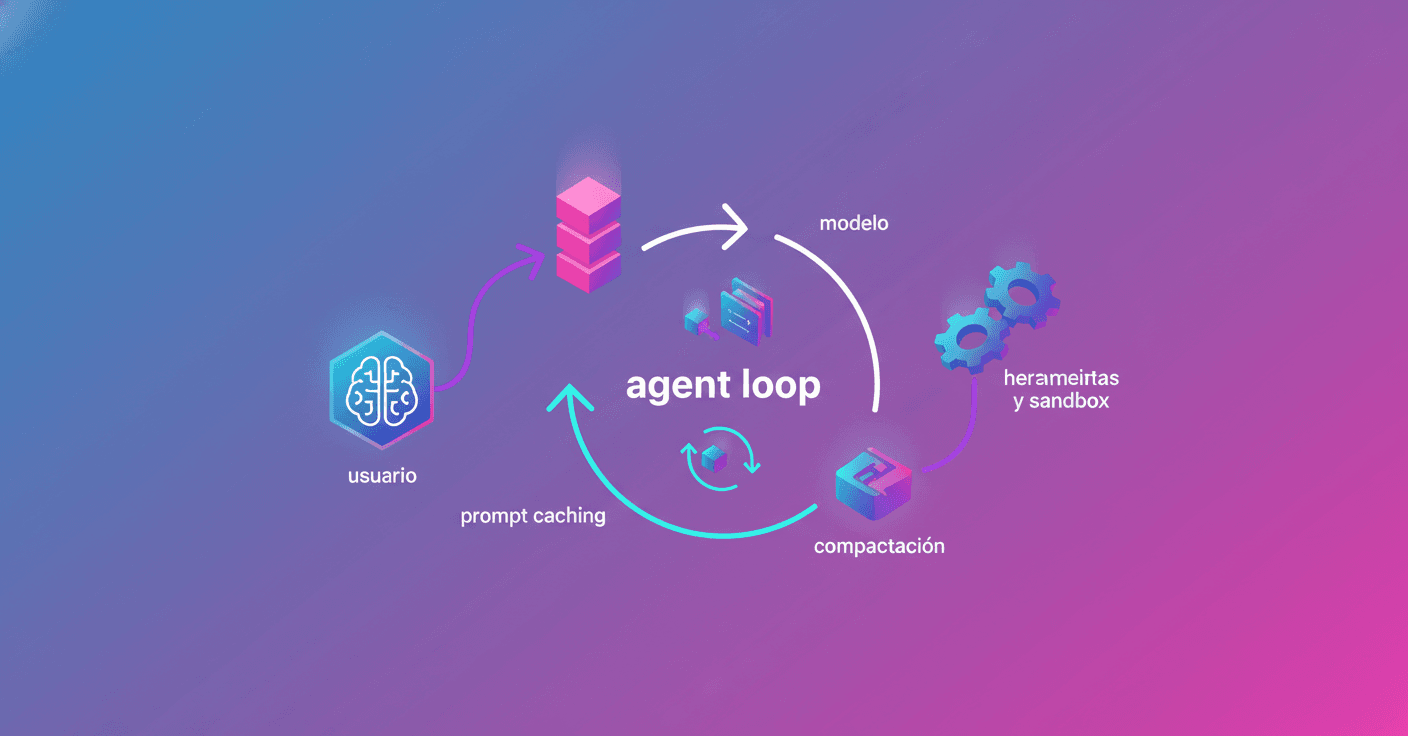
Codex CLI is a software agent that runs on your machine and was designed to produce code changes reliably and safely. What sits at the heart of that agent? The so‑called agent loop, the logic that orchestrates the conversation between you, the model, and the tools the model invokes to do real work in your environment.
What is Codex's "agent loop"
Think of the agent loop as a conversation with memory and skills: you give an instruction, Codex prepares a prompt for the model, the model replies and sometimes asks to run a tool (for example, "run ls and show me the result").
If the model requests a tool, the agent runs it, adds the output to the prompt, and asks the model again. This repeats until the model emits an assistant message that usually signals the task is done, for example "I added the file architecture.md you asked for." That message marks the end of a turn and hands control back to you.
How the prompt is built and why it matters
When Codex calls the Responses API you don't send a single block of text, but a list of items (input) with roles: system, developer, user, assistant. The order and content influence how the model prioritizes information.
Before your message, Codex inserts several important items: development instructions, environment context (working directory, shell), and notes about the shell tool's sandbox. It can also read files like AGENTS.md or local instructions to adapt behavior.
Why does this matter? Because the prompt grows each time the conversation continues. More context means more tokens used, and that affects costs and technical limits.
Tools, sandboxing and security
Codex can call local or remote tools (MCP servers). The shell tool included with Codex runs in a sandbox described in the prompt. Other tools must manage their own guards.
This lets the agent do more than reply with text: it can edit files, run commands, and change your local environment. That's why clarity about permissions and sandboxing is crucial: Codex inserts messages with controlled formatting to indicate boundaries and allowed actions.
How Codex interacts with the Responses API
The CLI sends a POST to the Responses API and receives events via Server-Sent Events (SSE). As response.output_text.delta arrive the client can stream them in the UI. When events like response.output_item.added or response.output_item.done show up, those results are reincorporated into the next call's input.
One important design decision: Codex doesn't use previous_response_id by default so requests remain stateless and support Zero Data Retention (ZDR) setups. That simplifies privacy, but forces you to resend the whole history on each request.
Performance: prompt caching and context window
Worried that sending the whole history will get slow or expensive? Most of the cost is still sampling the model, but a growing prompt can make things inefficient. Two key mechanisms help here:
-
Prompt caching: if the new
promptis exactly a prefix of the previous one, the server can reuse prior work and avoid reprocessing all the static parts. That's why it's smart to put static content (instructions, examples) at the start and variable content (user input, tool outputs) at the end. -
Context window: every model has a token limit. If a conversation grows too big, you can run out of context. To avoid that, Codex detects when a threshold is exceeded and compacts the conversation.
Some actions break the cache: changing available tools, switching the model, or altering settings like the sandbox or working directory. Even accidentally reordering the tool list can cause a cache miss, and the Codex team has run into that before.
Compaction: summarizing to keep going
There used to be a manual /compact command. Today the Responses API offers a responses/compact endpoint that returns a reduced version of the input, including a compaction item with encrypted content that preserves the model's latent understanding.
Codex uses this automatically when it exceeds auto_compact_limit, allowing the conversation to continue without losing relevant "memory" or consuming the entire context window.
What you should take away from this
If you use or plan to use local agents like Codex CLI, here are three practical lessons:
- Put static instructions at the start of the
promptand variable parts at the end to take advantage of caching. - Pay attention to the tools you enable: changes in the tool list can affect performance.
- Trust automatic compaction for long conversations, but double‑check permissions and sandboxing if your agent modifies files on your machine.
Codex isn't just an interface to ask the model for things: it's an engine that manages prompts, tools, privacy, and performance while working in your local environment. Want to know more? Upcoming posts promise to detail the CLI architecture, tool implementation, and the sandboxing model.