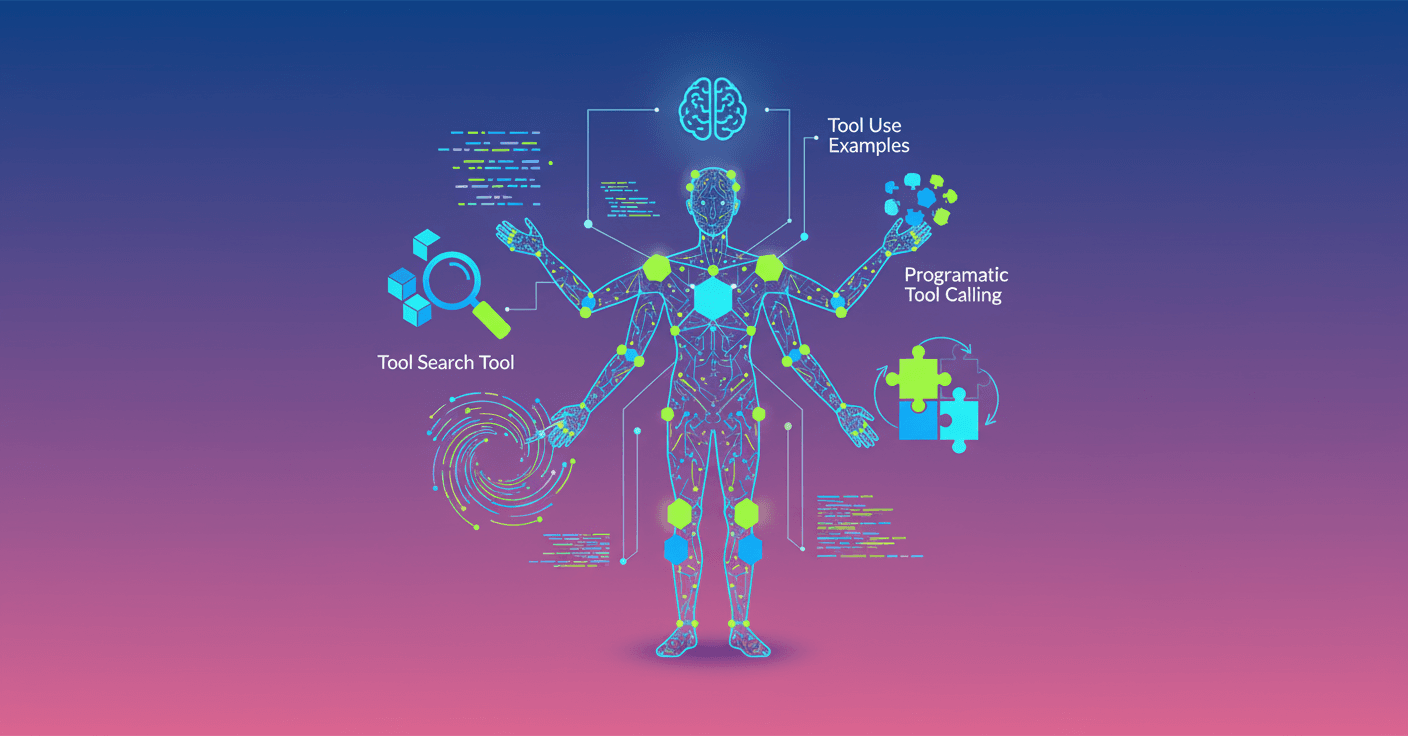
Anthropic introduces three features that change how agents handle large tool libraries: on-demand discovery, programmatic execution via code, and usage examples to teach conventions. Can you imagine an IDE assistant that operates Git, runs tests and deploys without filling the context window with thousands of definitions? That’s exactly what they're trying to solve.
Qué anuncian y por qué importa
The core idea is simple but powerful: agents should be able to access hundreds or thousands of tools without loading all their definitions into every session. Loading everything upfront can consume tens or hundreds of thousands of tokens before the agent even reads the user's request. The result? Little room for instructions, mistakes picking the right tool, and badly formed parameters.
Anthropic launches three technical features to solve this on the Claude Developer Platform:
- Tool Search Tool: discovers tools on demand and avoids bloating the context window.
- Programmatic Tool Calling: lets Claude write code to orchestrate tools in a runtime, preventing intermediate results from cluttering the conversation.
- Tool Use Examples: concrete examples in the tool definition to teach usage patterns, not just the JSON schema.
These three pieces together let you build agents that scale in number of tools, data volume, and workflow complexity.
Tool Search Tool: discover, don’t load everything
The problem is familiar: if you hook up several MCP servers, tool definitions add up tokens very fast. An example with five servers can consume ~55K tokens just in definitions, and Anthropic reports up to 134K tokens in some deployments.
With the Tool Search Tool you mark most tools with defer_loading: true. Claude only receives the search tool and the few tools you keep always loaded. When it needs a specific capability, it searches by name or description and only the relevant definitions are loaded.
Reported measurable benefits:
- Context usage dropped from ~77K tokens to ~8.7K tokens in one example, preserving 95% of the window.
- About an 85% reduction in tokens used by definitions.
- Improved accuracy in MCP evaluations: Opus 4 from 49% to 74%, Opus 4.5 from 79.5% to 88.1%.
How to use it in practice
- Mark tools as deferred with
defer_loading: true. - Keep 3 to 5 frequently used tools with
defer_loading: false. - The platform includes regex and BM25 searches; you can also use embeddings or a custom searcher.
When it makes sense
- Useful when definitions use more than 10K tokens, when there are tool-selection problems, or in MCP systems with multiple servers.
- Not ideal for very small libraries (<10 tools) or when every tool is used in every session.
Programmatic Tool Calling: orchestration by code
Why cram everything into the context window when you only need seven final values? The paradigm shift is to let Claude generate code (for example, Python) that calls tools from a sandboxed runtime. Intermediate results are processed in that runtime and don't pollute the model session.
Key advantages:
- Fewer tokens in context: Anthropic shows average reductions from 43,588 to 27,297 tokens in complex tasks (37% less).
- Fewer model inferences: instead of N round-trips for N calls, the code makes the calls and only returns the final result to the model.
- More accuracy: internal benchmarks show improvements in retrieval and reasoning when orchestration is expressed in code.
Practical example (checking team budgets)
With traditional calls the flow puts thousands of lines of expenses in context. With Programmatic Tool Calling, Claude generates a script that makes parallel requests to get_team_members, get_expenses and get_budget_by_level, computes totals and returns only the list of people who exceeded their budget.
Code example Claude may generate:
team = await get_team_members('engineering')
levels = list(set(m['level'] for m in team))
budget_results = await asyncio.gather(*[get_budget_by_level(level) for level in levels])
budgets = {level: budget for level, budget in zip(levels, budget_results)}
expenses = await asyncio.gather(*[get_expenses(m['id'], 'Q3') for m in team])
exceeded = []
for member, exp in zip(team, expenses):
    budget = budgets[member['level']]
    total = sum(e['amount'] for e in exp)
    if total > budget['travel_limit']:
        exceeded.append({'name': member['name'], 'spent': total, 'limit': budget['travel_limit']})
print(json.dumps(exceeded))
The model only sees the final stdout with the people who exceeded budget, while the 2,000+ lines of expenses never flood the context window.
How it works technically
- You mark the code-execution tool and opt certain tools to be callable from code (
allowed_callers). - Claude generates a
server_tool_useblock with the code. - Each call to a tool inside the code produces requests with a
callerfield that identifies the code execution. - Results are delivered to the runtime and only the final result returns to the model.
When to use Programmatic Tool Calling
- Processing large volumes where only aggregates or summaries matter.
- Multi-stage flows with 3+ dependent calls.
- Parallelizable or idempotent operations.
- Less suitable for simple queries or when you want the model to see every intermediate result.
Tool Use Examples: teach patterns, not just types
A JSON input_schema validates shape, but it doesn't teach when to include optional parameters, what ID formats look like, or how fields correlate. Tool Use Examples are concrete examples that accompany the tool definition to show real conventions.
Practical impact:
- Teach that dates use YYYY-MM-DD, that IDs follow a prefix like USR-12345, or that critical bugs must include contact and escalation info.
- In internal testing, examples improved parameter-handling accuracy from 72% to 90% in complex calls.
Best practices for examples:
- Use realistic, varied data, from minimal to fully specified examples.
- 1 to 5 examples per tool are usually enough.
- Prioritize examples where the schema leaves semantic ambiguity.
Cómo combinarlas y mejores prácticas
You don't need to enable all three features for everything. Start at your bottleneck:
- Inflated context from definitions → Tool Search Tool.
- Intermediate results contaminating the conversation → Programmatic Tool Calling.
- Parameter and API convention errors → Tool Use Examples.
Concrete suggestions:
- Keep 3 to 5 tools always loaded for frequent operations.
- Document return formats when you allow programmatic execution; that helps Claude generate correct parsing.
- Use clear names and descriptions to improve search: prefer
search_customer_ordersoverquery_db_orders.
Integración y disponibilidad
These features are available in beta. To enable them you must add the beta header and declare the tools that use defer_loading, allowed_callers and input_examples in the message-creation request. Anthropic provides documentation and cookbooks for each feature.
Qué significa para desarrolladores y empresas
If you build IDE assistants, ops coordinators, or agents that talk to dozens of services, these pieces let you scale without sacrificing accuracy or speed. The combination of on-demand search, programmatic execution and usage examples transforms agents from simple function callers to intelligent orchestrators.
And what about you? If you work with complex pipelines or large data volumes, this cuts token costs, latency and production errors. If you're a curious developer, it's time to experiment with orchestration by code and see how much you can simplify what the model actually receives.