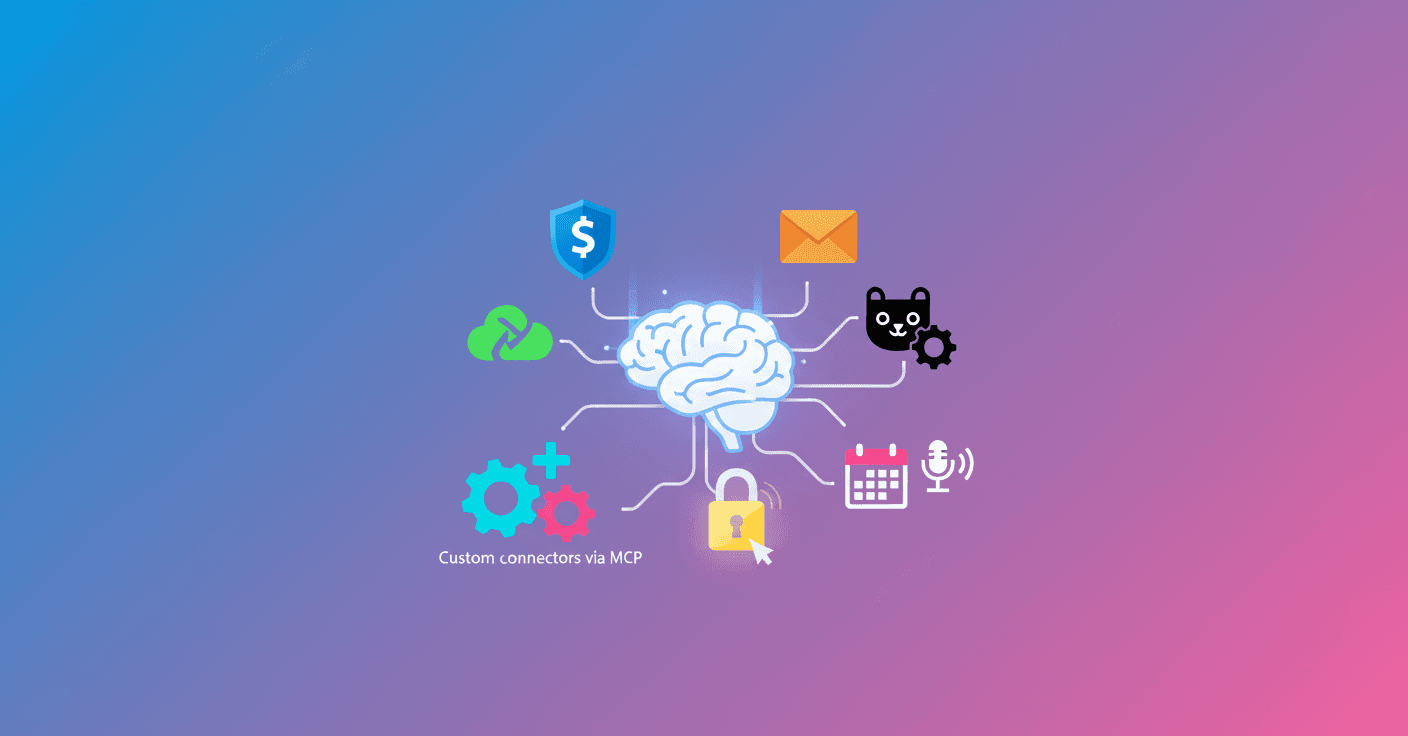
OpenAI introduced an update for ChatGPT that lets you connect the tool directly to your company's information: files, emails, calendars and the services you already use for work. Can you imagine asking ChatGPT to find the right contract instead of digging through folders? That’s now possible with the new connectors. (help.openai.com)
What's new exactly
OpenAI's bet is called connectors: integrations that allow ChatGPT to search and use the context from business tools in real time. Among the announced connections are SharePoint, Outlook (mail and calendar), Teams, Google Drive, Gmail, Google Calendar, Dropbox, Box, HubSpot, GitHub and Linear, among others. This works both for quick searches in a chat and for deeper analysis with the deep research feature. (help.openai.com)
Who it's for and how it's activated
The connectors are in beta and availability depends on your plan. They are accessible in ChatGPT and in deep research for Team, Enterprise and Edu plans. Pro and Plus users have access to connectors only within deep research. For Enterprise and Edu plans, connectors are turned off by default during the beta and must be enabled by workspace administrators. (help.openai.com)
Privacy and permissions: the part everyone worries about
OpenAI emphasizes that the system respects the existing user permissions in each service: ChatGPT queries data following the access rules already defined in your company, rather than creating parallel access routes. The company also says information stays private within the scope of the team or organization according to the configuration. It’s not magic; it’s using the same security you already have in those apps. (salesforcereader.com)
If you work with sensitive files, it’s normal to ask your IT administrator before enabling connectors. The tool can help a lot, but control stays in your hands.
Technical customization: MCP and custom connectors
For organizations that need to connect to internal systems or sources not listed, OpenAI offers the option to create custom connectors via an MCP server. This lets you index and query your own sources while keeping more control over flows and security. In practice, it’s the door to integrating internal CRMs, databases or closed repositories. (help.openai.com)
Additional features that came with the announcement
The presentation also mentioned complementary tools like a recording mode to transcribe and summarize meetings and voice notes, SSO to manage access in Team, and flexible credit options so administrators can add capacity for users who need more usage. These features aim to make ChatGPT more than a text assistant: it wants to be part of the daily workflow. (ma.linkedin.com)
Concrete examples to make it clear
-
A sales rep can ask: 'Find me the latest version of the contract with client X and a summary of the deadline clauses.' ChatGPT would search Drive, Box or SharePoint depending on where the file is.
-
A developer can ask ChatGPT for the relevant
PRon GitHub and get context from associated discussions without opening multiple tabs. -
HR can use the connector to find internal policies and answer onboarding questions instantly.
These scenarios were already in testing when OpenAI began trialing integrations with Google Drive and Slack and then expanded support to other platforms. (techcrunch.com)
What you should ask yourself before enabling it
Who will manage permissions? What data should not be indexed? Are there clear retention and audit policies in your company? These are simple but necessary questions. The upside is big: less time searching and more time making decisions. Responsibility also increases.
Final take
This doesn't turn ChatGPT into a replacement for human work, but it does make a tool that reduces friction and repetitive errors. If your team already uses services like Drive, Outlook or GitHub, connectors can save hours per week. Practical tip? Test with a small group, validate permissions, then scale. And if you want the technical details and the full list of connectors, check OpenAI's official documentation. (help.openai.com)