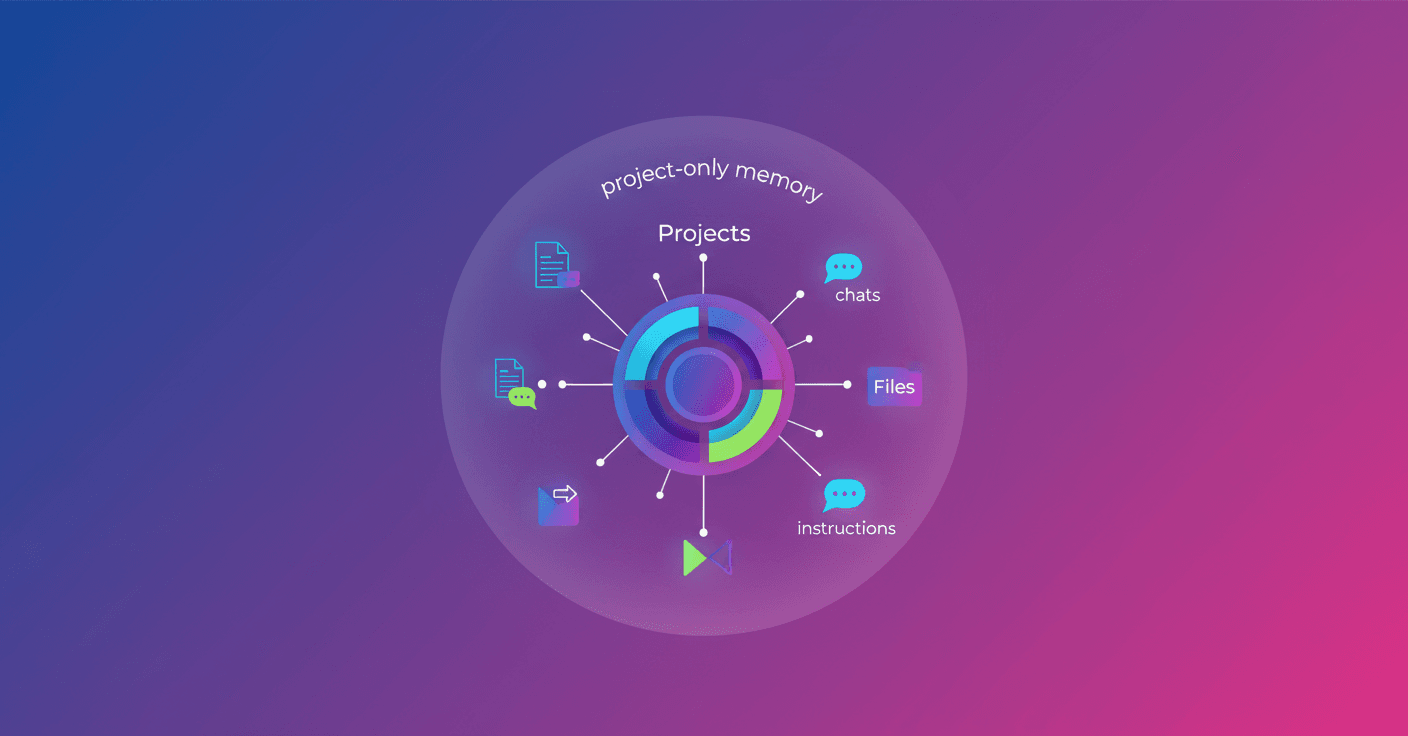
ChatGPT introduces Projects, dedicated spaces where you can group chats, files, instructions, and related context around a single goal. Have you ever had to explain the same thing again and again? Projects are meant to avoid that and keep everything in one place.
What Projects in ChatGPT Are
A project is a workspace designed for tasks that stretch over time. Instead of scattering materials across separate chats, you keep the history, files, and relevant instructions inside the project. That means fewer repetitions and more continuity when you come back to the same work.
Projects let you:
- Keep related chats and files tidy.
- Use instructions specific to that context.
- Invite collaborators on plans that include sharing.
Are you working on drafts that evolve or research that needs follow-up? Then this is useful for you.
How to use it: quick steps
- Open Projects from the left menu.
- Create a new project and give it a descriptive name.
- Add files, set the project's instructions, or move existing chats into the project.
- If your plan allows it, invite collaborators to work with you.
These steps make returning to a topic — like continuing research or polishing an article — much simpler.
When to choose a project and when a normal chat
If your task is quick and self-contained, a normal chat is fine. But do you expect to return to the topic, iterate, or share it? Use a project.
As a practical rule:
- Use a project for work with persistent context.
- Use a chat for one-off questions or tasks that resolve in a single session.
This reduces the time you lose hunting for files or re-explaining context.
Concrete use cases
- Ongoing research: notes, sources, and chats grouped so you can build on previous findings.
- Writing and editing: drafts, references, and instructions together so revisions stay connected.
- Planning: plans, ideas, and documents organized around a goal.
- Learning a topic: questions, summaries, and study materials in one place.
- Personal organization: trips, job searches, or budgets that require tracking.
- Collaboration: teams share files and history when sharing is available.
Imagine: you're fine-tuning a startup pitch with a cofounder. Instead of emailing versions back and forth, you both work in the same project with the same context and everything updates in real time.
Sharing and controls for companies
In ChatGPT Enterprise, admins can manage shared projects at the workspace level. You can also control availability by groups using role-based access controls. In short: collaboration is managed with permissions so there's no confusion about who sees or edits what.
Project-only memory
On compatible plans you can enable project-only memory. This keeps the project self-contained: chats inside can reference conversations from the same project, but they can't access conversations outside it. Why is this useful? If you want clear boundaries between initiatives or to avoid mixing context across projects, this option helps.
Final reflection
Projects aren't just a new feature; they're a way to reduce friction when you work with AI on tasks that last days, weeks, or longer. If you like keeping everything organized and returning to what you left without losing context, it's worth trying. Wouldn't it be nicer to keep producing instead of repeating the context over and over?